Close Menu
    Facebook X (Twitter) Instagram
    Facebook X (Twitter) Instagram Pinterest
    NoMusica.com
    • AI
    • Tech
      • Electronics & Gadgets
      • Apps & Updates
      • Smartphones
    • Films & Shows
    • Music
    • Gaming
    • Streaming
    • Music Production
    NoMusica.com
    Home Android XR Brings Back 3-Button Gesture Navigation System
    Entertainment

    Android XR Brings Back 3-Button Gesture Navigation System

    2 Mins Read
    Share Facebook Twitter Pinterest Telegram WhatsApp Copy Link

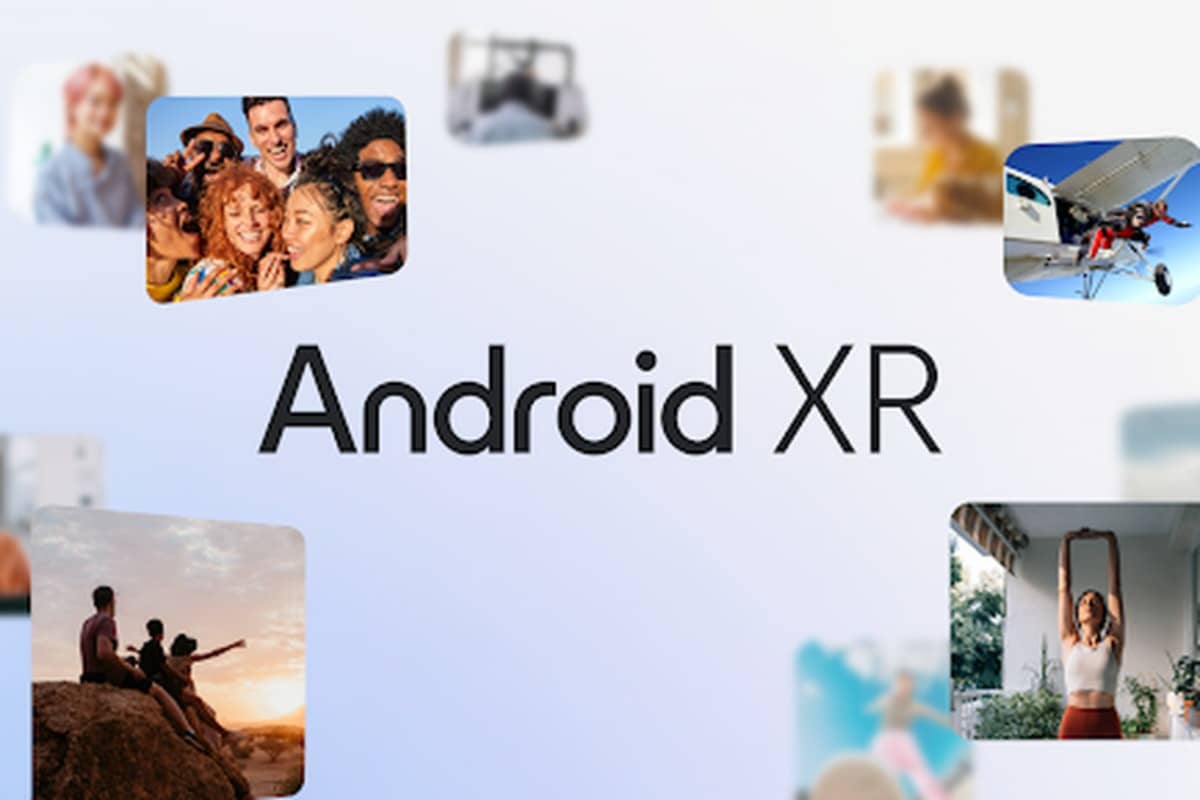
    Google’s Android XR is expanding its input methods by introducing a “Gesture navigation” system that incorporates the classic 3-button layout familiar to Android users.

    When users raise their hand, a floating diamond container with a circular interface appears. A pinch gesture (thumb and forefinger) reveals a pill-shaped interface featuring the “Back” triangle, “Launcher” circle, and “Recents” square. Users can slide to the desired button and release to execute the action.

    While this system mimics traditional 3-button navigation, it offers a more efficient alternative to physical button presses on headsets.

    Expanded Input and App Experiences

    Android XR supports Hand Tracking, Eye Tracking, keyboard, mouse, and controller inputs, and voice commands with Gemini. An Auto Detect feature enables seamless switching between input methods.

    Apps in Android XR can operate in two modes:

    • Home Space: Allows multitasking with a flat 2D UI where apps coexist.
    • Full Space: Focuses on a single app or feature, such as 3D model viewing or immersive Google TV experiences.

    Developers can create custom environments like a virtual home theatre and integrate spatial elevations for components, offering enhanced interaction. Navigation and action bars can also be separated into floating “orbiters” for more space-efficient designs.

    Optimized User Interface

    To prevent user fatigue, Android XR centers primary content within a 41-degree horizontal field of view and automatically adjusts UI size based on proximity. This ensures elements remain easy to interact with, regardless of their position.

    Android XR’s combination of familiar gestures and innovative features aims to redefine navigation and multitasking in extended reality.


    Android Android XR
    Share. Facebook Twitter Pinterest Telegram WhatsApp Copy Link
    Sazid Kabir
    • Website
    • X (Twitter)
    • Pinterest
    • Instagram
    • LinkedIn

    Founder & Chief Editor, NoMusica.com. Sazid Kabir is a tech writer and music producer covering music, tech, and music production with both analytical and practical experience.

    Related Posts

    Top 10 lies Being Said About Sean “Diddy” Combs Trial & Who’s Pushing the Narrative

    Travis Scott Drops Cactus Jack Nike Phantom 6 For 2026 World Cup

    Netflix Corruption: Michael Jackson Film is False & Slander, Here’s the Documented Facts

    Cassie Ventura Fled U.S. with Diddy’s $30M,  Her Innocence Now in Question

    50 Cent Says Daphne Joy’s OnlyFans Up 85% After Diddy Tape, Hints Model Leaked Her Own Tape

    50 Cent Reacts Coldly to Controversial Diddy and Daphne Joy Tape Amid Rumors

    Add A Comment
    Leave A Reply Cancel Reply

    Latest Posts

    Top 10 lies Being Said About Sean “Diddy” Combs Trial & Who’s Pushing the Narrative

    June 9, 2026

    Travis Scott Drops Cactus Jack Nike Phantom 6 For 2026 World Cup

    June 7, 2026

    Netflix Corruption: Michael Jackson Film is False & Slander, Here’s the Documented Facts

    June 7, 2026

    Cassie Ventura Fled U.S. with Diddy’s $30M,  Her Innocence Now in Question

    June 5, 2026

    50 Cent Says Daphne Joy’s OnlyFans Up 85% After Diddy Tape, Hints Model Leaked Her Own Tape

    June 5, 2026
    Facebook X (Twitter) Instagram Pinterest
    © 2026 A WowPress Initiative

    Type above and press Enter to search. Press Esc to cancel.