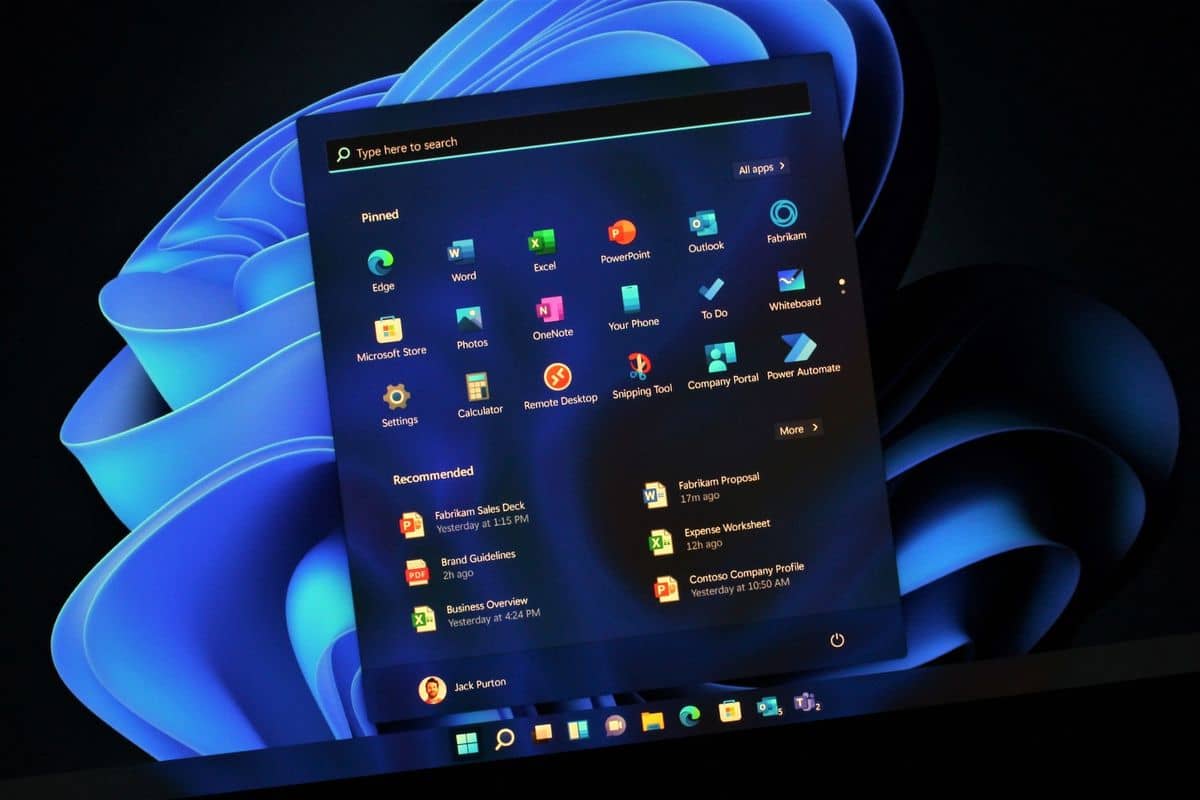
If you love testing new features and uncovering bugs, you might be tempted to join the Windows Insider Program.
However, as someone who initially joined with excitement, I quickly discovered that the drawbacks far outweigh the benefits.
Here are six reasons why you should think twice before signing up for the Insider builds.
1. Too Many Updates
Windows Insider builds come with frequent updates that can take forever to install. While updates are necessary to fix bugs, they often introduce new issues.
The time spent on these updates can be frustrating, especially if your computer is left unusable for long periods. For users in regions with frequent power outages, like India, this could also lead to issues like incomplete updates and even system failures.
2. Sharing Usage Statistics with Microsoft
By participating in the Insider Program, you’re allowing Microsoft to collect diagnostics data from your system. This may include details about your activities when an issue occurs, which some users may find concerning from a privacy standpoint.
While you can opt out of sending certain data, the program still requires you to contribute feedback, adding extra time and effort to your routine.
3. Possibility of Data Loss
Running an Insider build on your primary machine can lead to data loss. System crashes, blue screens of death (BSODs), and corrupted files are common risks.
While I didn’t experience this firsthand, numerous users have reported issues where their systems wouldn’t boot, leading to potential data loss. It’s recommended not to store critical files on a PC running Insider builds, and always back up your data.
4. Throttled Performance
Windows Insider builds are often unoptimized, leading to sluggish performance, especially during processor- or graphics-intensive tasks like gaming and video editing.
While gaming might seem fine initially, you may notice frame drops or performance inconsistencies over time. I experienced lag while editing videos in Premiere Pro, which wasn’t an issue with stable builds.
5. Random Reboots
One of the more annoying issues with Insider builds is the occurrence of random reboots. This can be disastrous if you’re working on important documents or projects.
While some applications, like Chrome, can recover tabs after a reboot, other offline programs don’t have autosave features, leaving you at risk of losing unsaved work.
6. Unstable UI
The user interface (UI) in Insider builds can be unstable, with occasional freezes, lags, and scaling issues, especially on multi-monitor setups. These issues can disrupt your workflow, making it difficult to complete tasks efficiently.
While some may tolerate these bugs as part of beta testing, they can be a serious annoyance if you’re trying to get work done.
Ultimately, while the Windows Insider Program may offer the chance to try new features early, the stability issues, privacy concerns, and frequent updates make it unsuitable for most users.
If you value reliability and peace of mind, it might be better to wait for the stable release of Windows 11.