Close Menu
    Facebook X (Twitter) Instagram
    Facebook X (Twitter) Instagram Pinterest
    NoMusica.com
    • AI
    • Tech
      • Electronics & Gadgets
      • Apps & Updates
      • Smartphones
    • Films & Shows
    • Music
    • Gaming
    • Streaming
    • Music Production
    NoMusica.com
    Tutorials

    TikTok Not on App Stores? Try These Tricks to Download It

    2 Mins Read
    Share Facebook Twitter Pinterest Telegram WhatsApp Copy Link

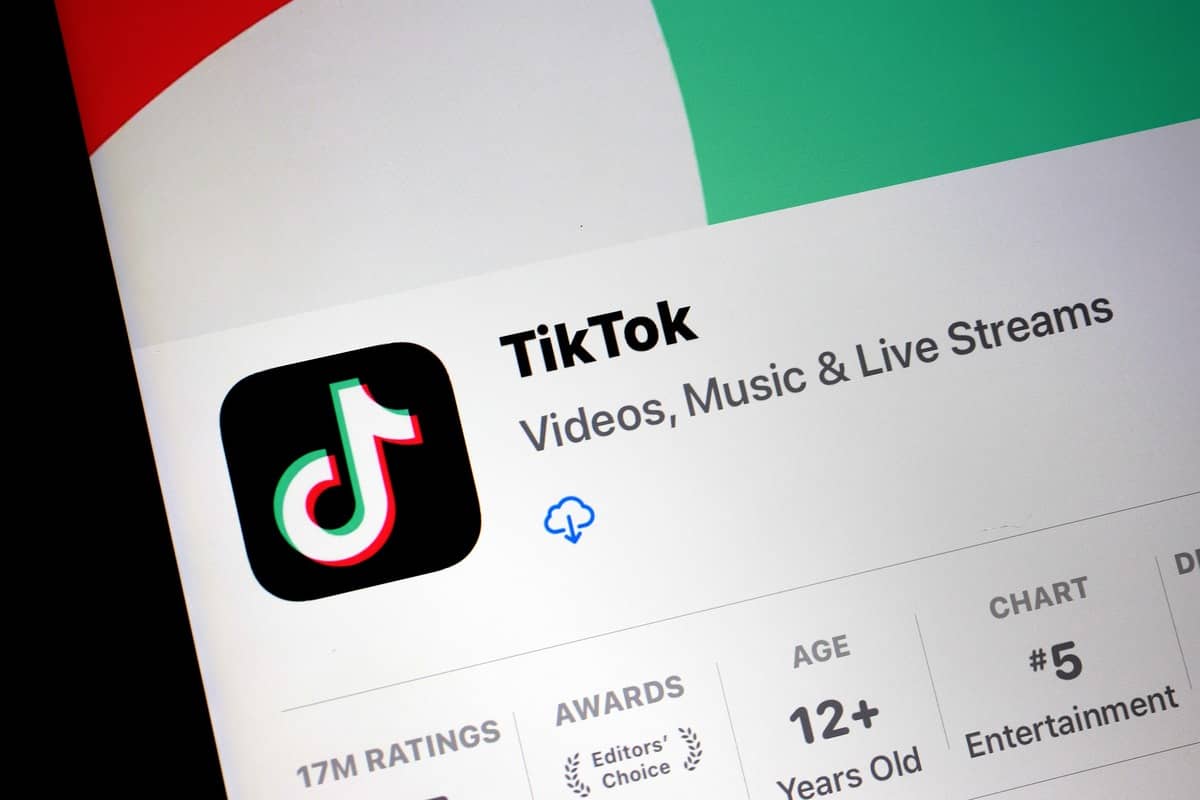
    TikTok is currently unavailable on the App Store and Play Store in the U.S. If you uninstalled the app, don’t worry—there are ways to download it again. Follow these steps carefully for iOS and Android devices.

    For iOS (Apple Devices)

    Method 1: Change App Store Region

    1. Install a VPN and connect to a country where TikTok is available (e.g., Canada or Singapore).
    2. Go to Settings > tap your name > Media and Purchases > View Account.
    3. Tap Country/Region and select a supported country.
    4. Provide a billing address (use any valid address).
    5. Open the App Store and download TikTok.

    Note: A VPN alone won’t let you access TikTok—you must change your region.

    Method 2: Create a New Apple ID

    1. Use a VPN to connect to a TikTok-supported country.
    2. Sign out of your current Apple ID: Settings > tap your name > Sign Out.
    3. Tap Sign in to your iPhone > Create a Free Apple ID.
    4. During setup, select the VPN region as your country.
    5. Log in with the new Apple ID, open the App Store, and download TikTok.

    For Android Devices

    Method 1: Change Play Store Region

    1. Connect to a VPN server in a TikTok-supported country.
    2. Open the Play Store > profile icon > Settings > Account and device preferences.
    3. Select Country and profiles, then choose a supported country.
    4. Download TikTok from the Play Store.

    Note: You can change your region only once a year, so plan carefully.

    Method 2: Create a New Google Account

    1. Connect to a VPN server in a supported region.
    2. Log out of your current Google account.
    3. Create a new account and select the VPN region as your location.
    4. Sign in with the new account and download TikTok.

    Using a Browser (For Both iOS and Android)

    1. Connect to a VPN in a supported country.
    2. Open a browser and visit TikTok.com.
    3. Log in to your account and enjoy TikTok.

    When Will TikTok Return to App Stores?

    There is no official update on TikTok’s return to app stores. Users who still have the app can continue using it, while those who uninstalled it can follow the methods above to regain access.

    For additional tips, check out guides on downloading TikTok videos, managing privacy, or hiding liked videos.

    Apple App Store Google Play Store TikTok
    Share. Facebook Twitter Pinterest Telegram WhatsApp Copy Link
    Sazid Kabir
    • Website
    • X (Twitter)
    • Pinterest
    • Instagram
    • LinkedIn

    Founder & Chief Editor, NoMusica.com. Sazid Kabir is a tech writer and music producer covering music, tech, and music production with both analytical and practical experience.

    Related Posts

    This GitHub Trick Unlocks Claude Opus 4.6 for Free

    Google Blocked 1.75 Million Dangerous Apps From Play Store to Protect Android Users

    Google Reinstates UpScrolled App After Sudden Play Store Suspension

    TikTok Fixes Data Center Outage After Users Allege Political Censorship

    How to Nearly Double Your iPhone Battery Life

    Users Quit TikTok Over “Terrifying” New Terms of Service

    Add A Comment
    Leave A Reply Cancel Reply

    Latest Posts

    Cardi B calls Karmelo Anthony verdict “disgusting” in Texas teen murder case

    June 13, 2026

    Nipsey Hussle Estate Releases Unseen Footage of Nipsey and Lauren London in New Rap Video “Sacrifices”

    June 13, 2026

    Top 10 lies Being Said About Sean “Diddy” Combs Trial & Who’s Pushing the Narrative

    June 13, 2026

    Travis Scott Drops Cactus Jack Nike Phantom 6 For 2026 World Cup

    June 7, 2026

    Netflix Corruption: Michael Jackson Film is False & Slander, Here’s the Documented Facts

    June 7, 2026
    Facebook X (Twitter) Instagram Pinterest
    © 2026 A WowPress Initiative

    Type above and press Enter to search. Press Esc to cancel.