



Close Menu
    Facebook X (Twitter) Instagram
    Facebook X (Twitter) Instagram Pinterest
    NoMusica.com
    • AI
    • Tech
      • Electronics & Gadgets
      • Apps & Updates
      • Smartphones
    • Films & Shows
    • Music
    • Gaming
    • Streaming
    • Music Production
    NoMusica.com
    Home Samsung One UI 7.0 ― Widgets Get a Major Upgrade
    Tech & Science

    Samsung One UI 7.0 ― Widgets Get a Major Upgrade

    2 Mins Read
    Share Facebook Twitter Pinterest Telegram WhatsApp Copy Link

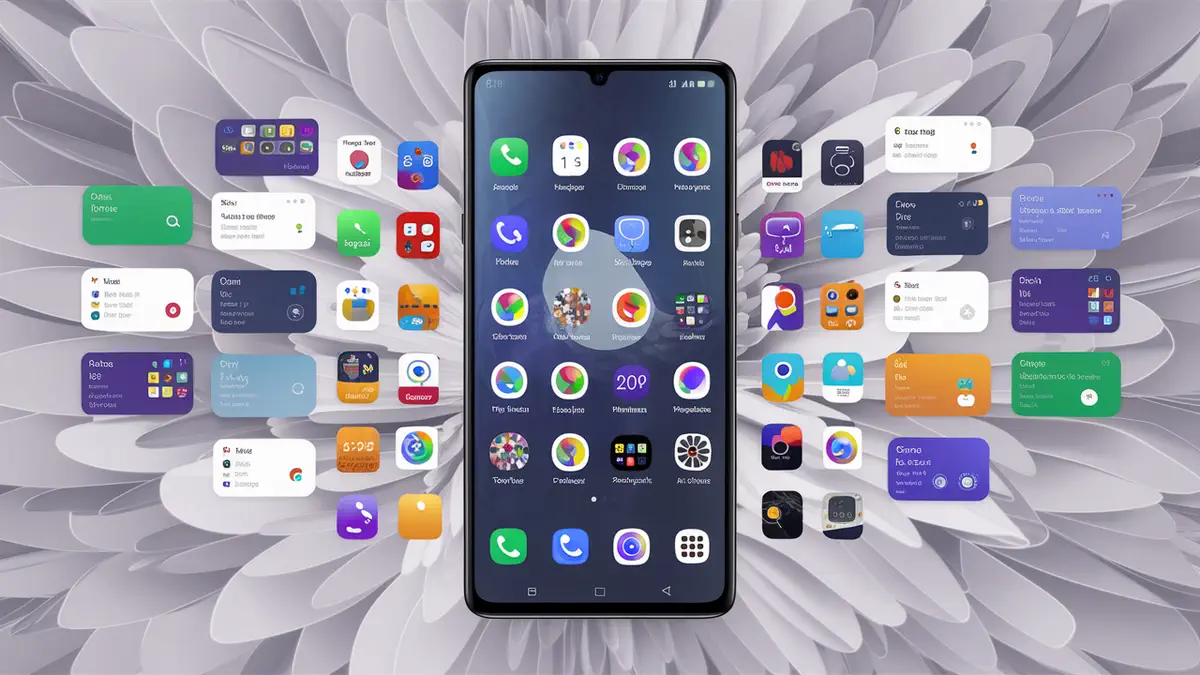
    Samsung’s One UI 7.0 brings a fresh update to widgets, enhancing their design, functionality, and customization options. This update focuses on improving visibility and usability, making widgets a key feature on the home screen.

    Widgets in One UI 7.0 have been redesigned for better size and shape management. Users can now resize widgets more easily, with smoother animations when adjusting them.

    For instance, the Samsung Internet widget is now taller and more efficient, utilizing space effectively without wasting screen real estate.

    New Features and Updates

    Battery Widgets: Redesigned with new icons, battery levels, and a simplified layout. Three new options replace the old 4×1 style.

    Calendar Widgets: Improved with separate countdown, month, and today views, along with upcoming event displays.

    Clock Widgets: Revamped with new designs for Alarm, Analog, Digital, and Dual clock options.

    Gallery Widgets: Three new widgets for displaying images and stories with updated sizes and styles.

    Health Widgets: Expanded to include steps, sleep, energy score, and daily activity tracking, offering more functionality than before.

    The widget settings menu also gets a refresh, featuring a reorganized layout and new slider styles. The widgets menu now includes a more organized recommendation area and improved search functionality, accessible via keyboard or voice input.

    Enhanced Usability
    One UI 7.0 introduces smoother animations for tap-and-hold operations, making resizing and interacting with widgets more intuitive.

    These changes will feel more significant for users upgrading from One UI 5.0 and 6.0. Samsung’s One UI 7.0 takes widgets to the next level with improved design, functionality, and accessibility.

    These updates align with Samsung’s goal to enhance the user interface, making widgets a standout feature of the latest software update. Explore the new widgets to experience these changes firsthand.


    Samsung Samsung One UI
    Share. Facebook Twitter Pinterest Telegram WhatsApp Copy Link
    Sazid Kabir
    • Website
    • X (Twitter)
    • Pinterest
    • Instagram
    • LinkedIn

    Founder & Chief Editor, NoMusica.com. Sazid Kabir is a tech writer and music producer covering music, tech, and music production with both analytical and practical experience.

    Related Posts

    10 Free AI Courses With Certificates for High-Income Skills in 2026

    7 Best Knowledge Base Tools for Learning in 2026 (Ranked)

    Best Open-Source Softwares in 2026: Safe, Free Tools for Creators, Developers, and Everyday Use

    5 Best Free Audio Editing Software in 2026: For Podcasts & Music

    15 AI Tools Musicians Can Use to Create and Promote Music

    5 Best Free Game Recording Software (No Watermark, No Subscription)

    Add A Comment
    Leave A Reply Cancel Reply

    Latest Posts

    Travis Scott Drops Cactus Jack Nike Phantom 6 For 2026 World Cup

    June 7, 2026

    Netflix Corruption: Michael Jackson Film is False & Slander, Here’s the Documented Facts

    June 7, 2026

    Cassie Ventura Fled U.S. with Diddy’s $30M,  Her Innocence Now in Question

    June 5, 2026

    50 Cent Says Daphne Joy’s OnlyFans Up 85% After Diddy Tape, Hints Model Leaked Her Own Tape

    June 5, 2026

    NEW HIPHOP THIS FRIDAY (JUNE 5, 2026)

    June 5, 2026
    Facebook X (Twitter) Instagram Pinterest
    © 2026 A WowPress Initiative

    Type above and press Enter to search. Press Esc to cancel.


