


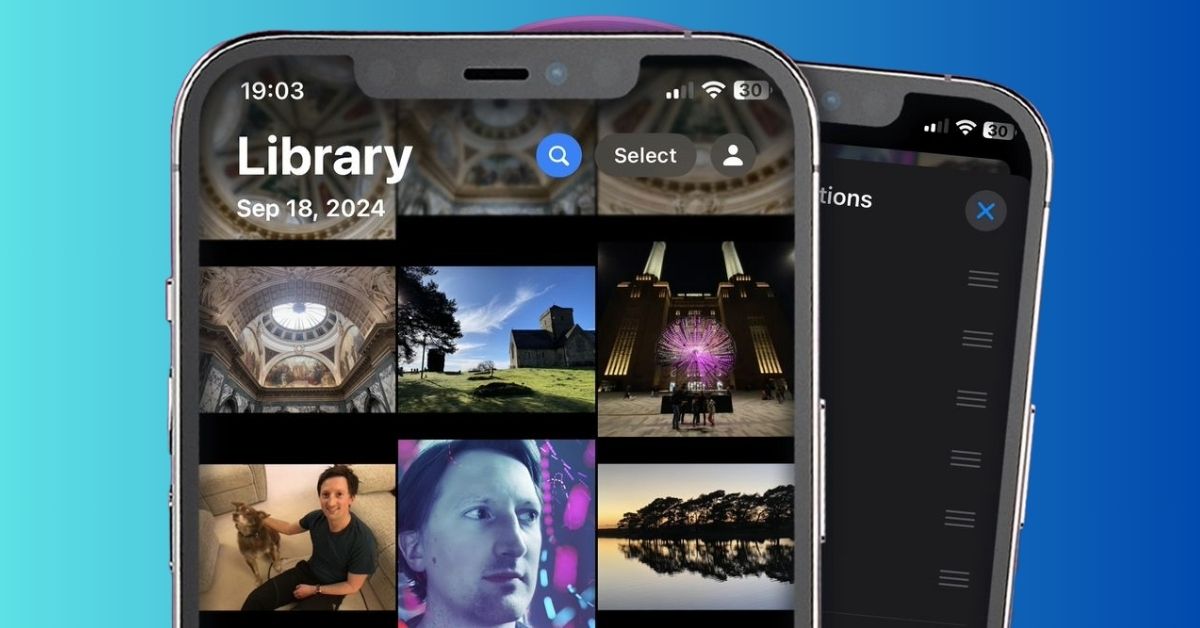
Apple has refined its Photos app in iOS 18.2, addressing user feedback and enhancing usability with five significant updates.
These changes follow the app’s major redesign in iOS 18, which sparked mixed reactions.
Video Playback Goes Full-Screen
In earlier versions of iOS 18, videos played with borders by default, requiring a tap to switch to full-screen mode.
With iOS 18.2, videos now play in full-screen automatically, eliminating the awkward zooming effect.
Users can still tap to hide interface elements for a cleaner viewing experience, restoring the simplicity of pre-iOS 18 playback.
Control Over Auto-Looping Videos
For those who dislike the automatic looping of videos, iOS 18.2 introduces a new setting. Under Settings ⇾ Photos, users can toggle the “Loop Videos” option off.
While this feature remains enabled by default, the ability to turn it off offers greater flexibility.
Swipe Gesture for Easier Navigation
Navigating through the Photos app is now more intuitive. In iOS 18.2, users can swipe right from the left edge of the screen to return to the previous view, mirroring the gesture found in other Apple apps.
This improvement is particularly helpful for users of larger iPhones, where reaching the back button can be cumbersome.
Frame-by-Frame Video Scrubbing
Precision is the name of the game with the new frame-by-frame video scrubbing feature. Users can now move through videos with millisecond accuracy, thanks to a detailed timestamp display.
This is perfect for those moments when granular control is needed.
Clear Your Activity History
The Photos app now allows users to manage their activity history in the Recently Viewed and Recently Shared albums.
Individual items can be removed via a long-press menu, or users can clear the entire history using the “Remove All” option in the album’s three-dot menu.
A Step in the Right Direction
iOS 18.2 addresses several pain points from the Photos app redesign, making it more user-friendly and adaptable.
These updates showcase Apple’s responsiveness to user feedback, ensuring the app continues to evolve in line with user needs.
What do you think of these changes? Share your thoughts in the comments!
