



Close Menu
    Facebook X (Twitter) Instagram
    Facebook X (Twitter) Instagram Pinterest
    NoMusica.com
    • AI
    • Tech
      • Electronics & Gadgets
      • Apps & Updates
      • Smartphones
    • Films & Shows
    • Music
    • Gaming
    • Streaming
    • Music Production
    NoMusica.com
    Home How to Use Your Driver’s License Digitally with Apple Wallet
    Tech & Science Tutorials

    How to Use Your Driver’s License Digitally with Apple Wallet

    2 Mins Read
    Share Facebook Twitter Pinterest Telegram WhatsApp Copy Link
    Apple Wallet

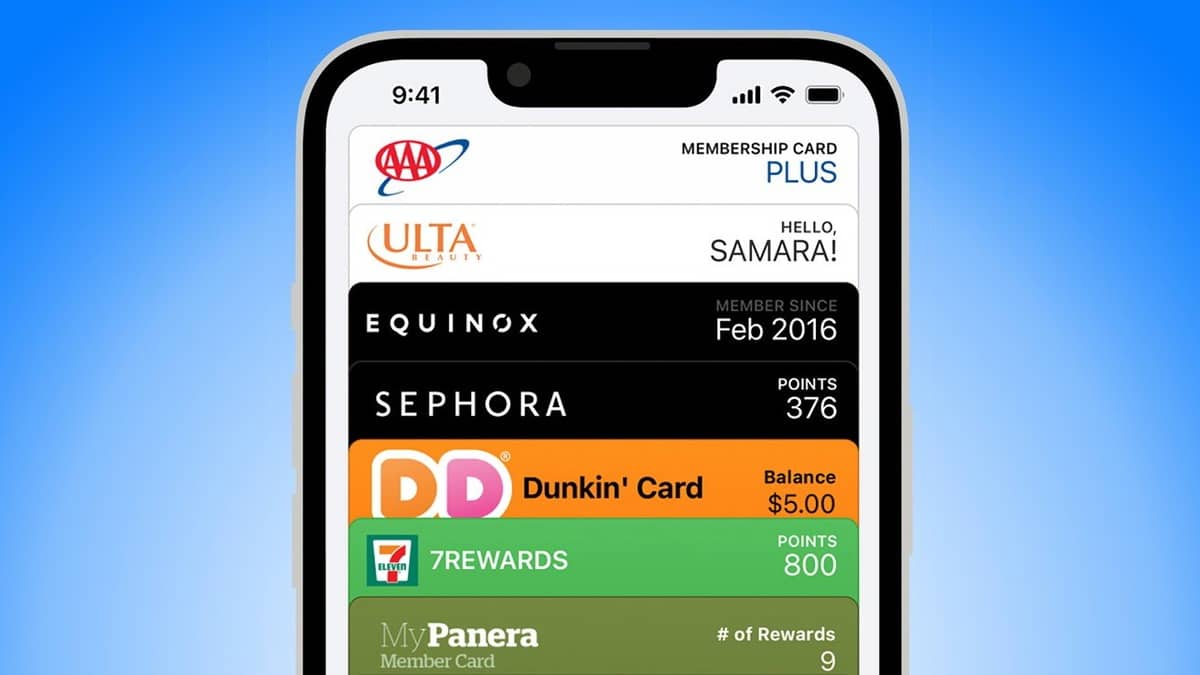
    Apple Wallet now lets you store your driver’s license or state ID digitally on your iPhone or Apple Watch, making it easy to use at TSA checkpoints and other supported locations. Here’s how you can set it up:

    Which US States Are Supported?

    Currently, nine US states and Puerto Rico support digital IDs in Apple Wallet:

    • Arizona
    • California
    • Colorado
    • Georgia
    • Hawai’i
    • Iowa
    • Maryland
    • New Mexico
    • Ohio

    Other states like Connecticut, Kentucky, Oklahoma, and Utah were initially set to support digital IDs, but some are still working on their systems. Florida also plans to introduce a new digital ID system in 2025.

    How to Add a Driver’s License to Apple Wallet

    1. Open the Apple Wallet app on your iPhone.
    2. Tap the plus (+) sign in the top-right corner and select Driver’s License or State ID.
    3. Choose your state from the list.
    4. Scan the front and back of your physical driver’s license.
    5. Follow on-screen prompts to scan your face for verification (similar to setting up Face ID).
    6. Once submitted, wait for confirmation. You’ll receive a notification when your digital license is ready.

    What Can You Do With a Digital Driver’s License?

    The digital driver’s license is primarily used for identity verification and age checks through apps or at TSA checkpoints. However, it’s still limited in use:

    • In California, for example, it’s accepted only at select airports like LAX and SFO.
    • Physical ID is still required for certain situations, and the DMV advises carrying it with you.

    For a list of airports accepting digital IDs, check the TSA interactive map.

    Apple Apple Wallet
    Share. Facebook Twitter Pinterest Telegram WhatsApp Copy Link
    Sazid Kabir
    • Website
    • X (Twitter)
    • Pinterest
    • Instagram
    • LinkedIn

    Founder & Chief Editor, NoMusica.com. Sazid Kabir is a tech writer and music producer covering music, tech, and music production with both analytical and practical experience.

    Related Posts

    10 Free AI Courses With Certificates for High-Income Skills in 2026

    7 Best Knowledge Base Tools for Learning in 2026 (Ranked)

    Best Open-Source Softwares in 2026: Safe, Free Tools for Creators, Developers, and Everyday Use

    5 Best Free Audio Editing Software in 2026: For Podcasts & Music

    15 AI Tools Musicians Can Use to Create and Promote Music

    5 Best Free Game Recording Software (No Watermark, No Subscription)

    Add A Comment
    Leave A Reply Cancel Reply

    Latest Posts

    Travis Scott Drops Cactus Jack Nike Phantom 6 For 2026 World Cup

    June 7, 2026

    Netflix Corruption: Michael Jackson Film is False & Slander, Here’s the Documented Facts

    June 7, 2026

    Cassie Ventura Fled U.S. with Diddy’s $30M,  Her Innocence Now in Question

    June 5, 2026

    50 Cent Says Daphne Joy’s OnlyFans Up 85% After Diddy Tape, Hints Model Leaked Her Own Tape

    June 5, 2026

    NEW HIPHOP THIS FRIDAY (JUNE 5, 2026)

    June 5, 2026
    Facebook X (Twitter) Instagram Pinterest
    © 2026 A WowPress Initiative

    Type above and press Enter to search. Press Esc to cancel.



