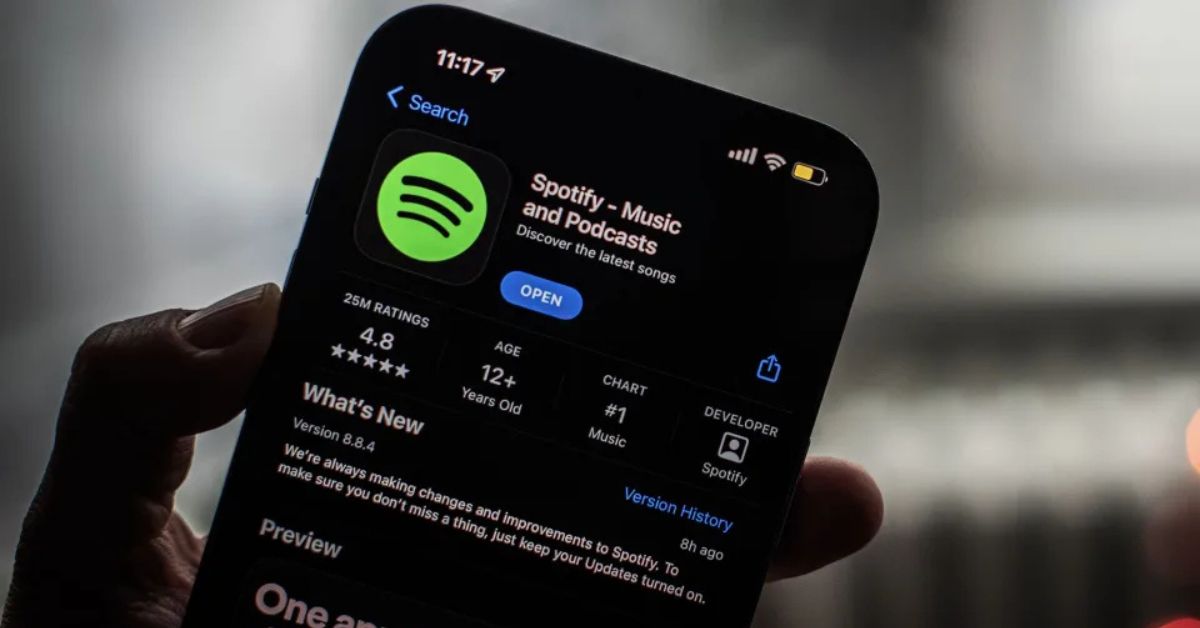
Spotify’s AI DJ, called DJ X, is a feature designed to help you find the perfect music without the hassle of endless searching.
Powered by Spotify’s personalization algorithms and OpenAI technology, DJ X curates playlists based on your listening habits and introduces new tracks you might love.
If you’re ready to let a robot DJ take over your music, here’s a simple guide to get started.
Step 1: Prepare Your Spotify Account
Before using DJ X, make sure Spotify has enough information about your music preferences. If you’ve been using Spotify for a while, it already knows your favorite genres, artists, and songs.
For new users, start by saving your favorite tracks and artists to your library. This gives DJ X a better idea of your tastes and helps it create more accurate playlists.
Step 2: Find the AI DJ
To access DJ X:
- Open the Spotify app.
- Tap the search bar and type “DJ.”
- Select the playlist created by DJ X.
The playlist comes with an audio introduction from DJ X, whose voice is modeled after Spotify’s Xavier “X” Jernigan. DJ X will guide you through the playlist, offering commentary and explanations for the song choices.
Step 3: Interact with the Playlist
While DJ X doesn’t take direct requests, you can still influence its choices:
- Skip Songs: If a track isn’t your vibe, skip it. This signals DJ X to avoid similar songs.
- Add to Playlists: Save songs you love to your personal playlists.
- Tap the Reshuffle Button: If DJ X misses the mark, tap the blue and green AI DJ icon in the lower-right corner of the app to refresh the playlist.
DJ X will also announce when it’s making big changes, like switching genres or introducing a new artist.
Step 4: Give Feedback
Your skips and saves help refine DJ X’s suggestions. If you consistently skip songs from a certain genre or artist, DJ X will adjust its recommendations. The more feedback you give, the better the playlists will match your taste.
Step 5: Build Playlists
Curate playlists based on mood, genre, or activity. Adding songs to themed playlists helps DJ X understand your preferences and improves future recommendations.
Pro Tips
- Don’t Overthink It: DJ X is meant for casual listening and discovery, not permanent playlist management.
- Mix It Up: Let DJ X surprise you with new music while sprinkling in your favorites.
- Use Often: The more you use DJ X, the better it gets at reading your preferences.
Final Thoughts
Spotify’s AI DJ X is a fun and easy way to discover new music while enjoying your old favorites. It’s not perfect, but with regular use and feedback, it can become your go-to music companion. Whether you’re in the mood for chill vibes or a party playlist, DJ X has you covered.
So, what are you waiting for? Open Spotify, meet DJ X, and let the music play!