




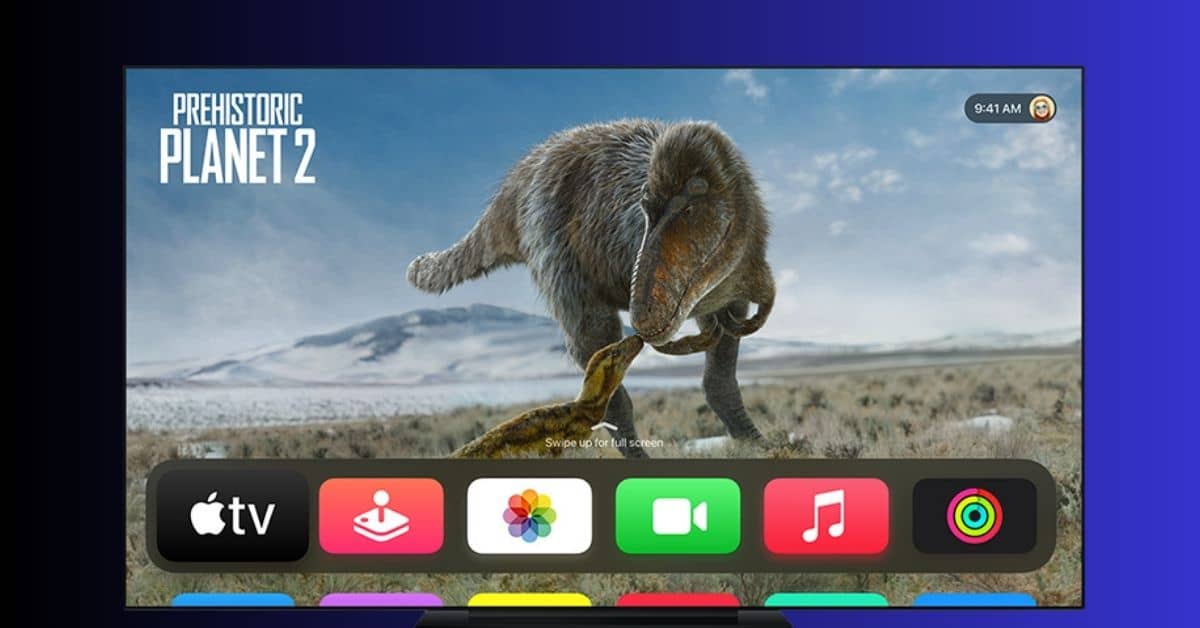
Apple has officially launched tvOS 18, the latest update for its Apple TV 4K and HomePod 2 devices.
Released alongside iOS 18 and iPadOS 18, this update introduces new features aimed at improving the user experience across Apple’s ecosystem.
New Features in tvOS 18
One of the most notable additions is InSight for Apple TV+, a feature similar to Amazon’s X-Ray. It allows users to access information about actors, titles, and music in Apple Original content. Users can also add songs directly to their Apple Music library, enhancing their interaction with content.
The update also brings automatic subtitles, which appear when content is muted or when dialogue is in a language different from the user’s settings.
Additionally, the new Enhanced Dialogue System offers options to “Enhance,” “Boost,” or “Isolate” dialogue, making it easier to follow conversations.
This feature is compatible with TVs, HomePods, soundbars, and AirPods and is located in the accessibility settings.
Other updates include a redesigned user interface, allowing users to display four apps per row on the home screen, and the ability to set portrait-oriented screensavers.
AirPlay has also received a spatial audio upgrade, enabling immersive audio streaming from iPhones and iPads to Apple TV 4K, HomePod, and supported speakers. Personalized spatial audio is now supported for AirPods users, creating a more tailored listening experience.
Missing Features
While tvOS 18 introduces many exciting updates, some features are notably absent. These include 21:9 aspect ratio support for home cinema projectors and Snoopy-themed screensavers. Apple is expected to include these features in future updates.
How to Install tvOS 18
To install tvOS 18 on your Apple TV 4K, follow these steps:
- Open the Settings app.
- Navigate to System > Software Updates.
- Select Download and Install and wait for the process to complete.
For HomePod updates, open the Home app on your iPhone or iPad, access Home Settings, and select Software Update.
Availability
tvOS 18 is available for all Apple TV 4K and HD models, though some features require the second-generation Apple TV 4K or newer.
This update strengthens Apple’s ecosystem and offers a more immersive and personalized user experience.




