




Apple Pay is a revolutionary digital payment platform that allows you to make secure and convenient transactions using your iPhone, Apple Watch, iPad, or Mac.
Whether you’re shopping in-store, online, or within apps, Apple Pay offers a seamless and private payment experience. In this comprehensive guide, we’ll explore the key features and benefits of using Apple Pay with your credit, debit, and prepaid cards.
Setting Up Apple Pay
Getting started with Apple Pay is quick and easy. Simply open the Wallet app on your iPhone, tap the “+” icon, and follow the on-screen instructions to add your debit, credit, or prepaid cards. You can also add cards to your other Apple devices, such as your Apple Watch or iPad, by signing in with the same Apple ID.
Once your cards are added, you can start using Apple Pay right away. When making a purchase, simply double-click the side button on your iPhone or hold your Apple Watch near the contactless payment terminal. Authenticate the transaction using Face ID, Touch ID, or your device passcode, and you’re all set.
Managing Your Cards
The Wallet app on your iPhone provides a centralized hub for managing your Apple Pay cards. You can view the last four digits of your card number, the associated Device Account Number, and your transaction history. Additionally, you can update your billing address, turn on or off transaction notifications, and even remove a card from your Wallet if needed.
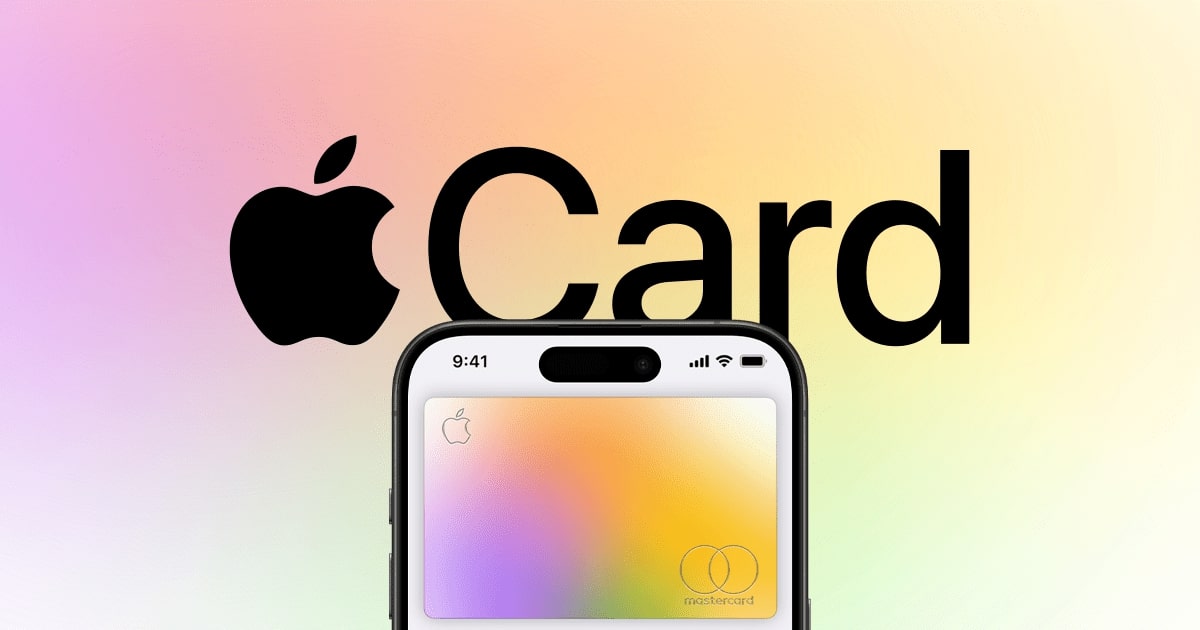
For Apple Card users, the Wallet app offers even more functionality. You can view your account balance, transaction details, and payment due dates, as well as schedule payments and manage your account settings.
Privacy and Security
One of the key benefits of using Apple Pay is the enhanced privacy and security it provides. When you make a purchase, your actual card number is never shared with the merchant. Instead, Apple Pay uses a unique Device Account Number and a dynamic security code to protect your information.
Additionally, Apple Pay transactions require biometric authentication, such as Face ID or Touch ID, or your device passcode, ensuring that only you can authorize payments. This added layer of security helps to protect your financial information and reduce the risk of fraud.
Using Apple Pay in Stores, Apps, and Online
Apple Pay is widely accepted at millions of retail locations, both in-person and online. Look for the Apple Pay or contactless payment symbol at the checkout to know that the merchant accepts this payment method.
In-store, you can use Apple Pay by holding your iPhone or Apple Watch near the contactless payment terminal. Online and in apps, you can select Apple Pay as your payment option and authenticate the transaction using your device’s biometric or passcode.
Apple Cash and Family Sharing
Apple Pay also integrates with Apple Cash, a digital card that allows you to send and receive money with friends and family. You can use Apple Cash to make purchases or transfer funds directly from the Wallet app.
Additionally, Apple Pay supports Family Sharing, enabling you to easily share your cards with family members and manage their access to your payment methods.
Apple Pay offers a secure, private, and convenient way to make payments using your Apple devices. By leveraging the power of your iPhone, Apple Watch, iPad, or Mac, you can simplify your shopping experience and enjoy the peace of mind that comes with enhanced financial security.
Whether you’re making in-store purchases, online transactions, or sending money to loved ones, Apple Pay is the ultimate digital payment solution.




