




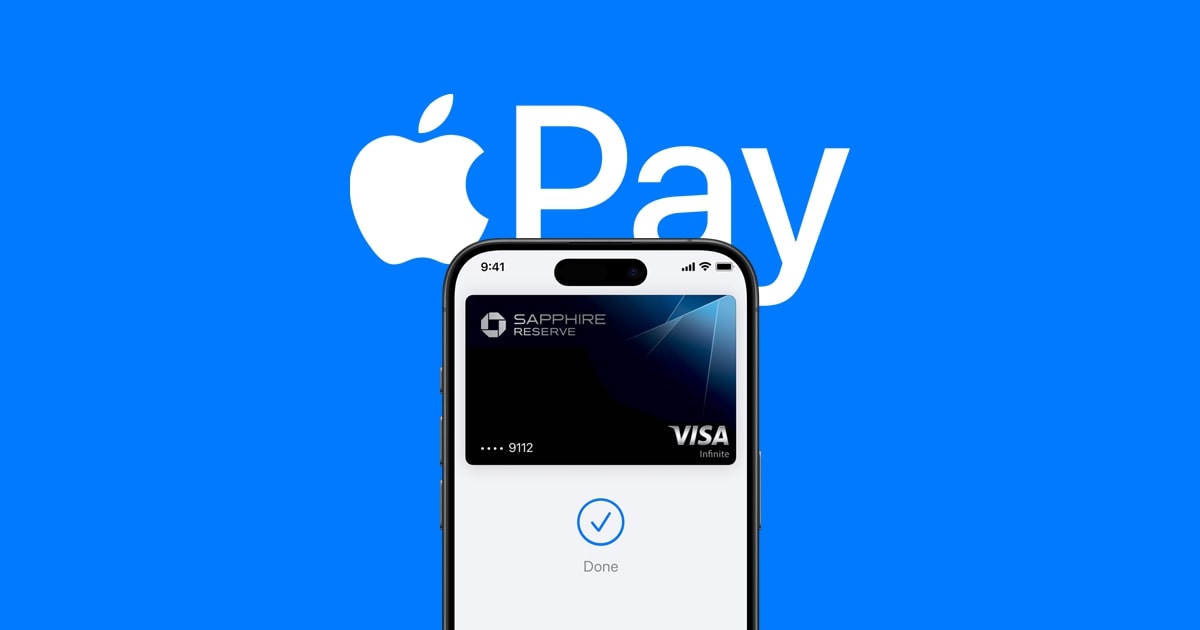
Apple Pay is a mobile payment and digital wallet service developed by Apple Inc. that allows users to make secure, contactless payments using their Apple devices.
Whether you’re new to Apple Pay or looking to get the most out of it, this beginner’s guide will walk you through the key features and how to get started.
What is Apple Pay?
Apple Pay is a digital payment platform that lets you make purchases in stores, within apps, and on the web using your compatible Apple devices, such as iPhone, Apple Watch, iPad, and Mac. It works by securely storing your credit, debit, and prepaid card information in the Wallet app, eliminating the need to carry physical cards.
When making a purchase, you simply hold your Apple device near a contactless payment terminal and authenticate the transaction using Face ID, Touch ID, or your device passcode. This process is faster and more secure than traditional card payments, as Apple Pay generates a unique digital token for each transaction instead of sharing your actual card details.
How to Set Up Apple Pay
Getting started with Apple Pay is quick and easy. Here’s how to set it up:
- Add Your Cards: Open the Wallet app on your Apple device and tap the “+” icon to add your credit, debit, or prepaid cards. You can either take a photo of your card or enter the details manually.
- Verify Your Cards: Depending on your card issuer, you may need to verify your card information by making a call, entering a code sent via SMS, or using other authentication methods.
- Enable Apple Pay: Once your cards are added, you can start using Apple Pay right away. On your iPhone, you can access Apple Pay by double-tapping the side button. On Apple Watch, double-click the side button to bring up your default card.
Using Apple Pay
Using Apple Pay is simple and straightforward. Here’s how to make payments:
- In Stores: Look for the contactless payment symbol (a Wi-Fi-like icon) at the payment terminal. Hold your Apple device near the terminal and authenticate the transaction using Face ID, Touch ID, or your device passcode.
- In Apps and Online: When checking out in a supported app or website, look for the “Buy with Apple Pay” button. Tap it, and use Face ID, Touch ID, or your device passcode to complete the payment.
- Sending Money: You can also use Apple Pay to send and receive money through the Messages app or the Wallet app’s Apple Cash feature.
Apple Pay Security and Privacy
One of the key benefits of Apple Pay is its robust security and privacy features. When you make a purchase, Apple Pay uses a unique device account number and a one-time security code instead of your actual card details, ensuring that your personal information remains secure.
Additionally, if your Apple device is lost or stolen, you can use the Find My iPhone feature to suspend Apple Pay or remotely erase your device, protecting your payment information.
Apple Pay is a convenient, secure, and widely accepted digital payment solution that has transformed the way we make purchases. By understanding the basics of how to set up and use Apple Pay, you can enjoy a seamless and efficient payment experience on your Apple devices.




