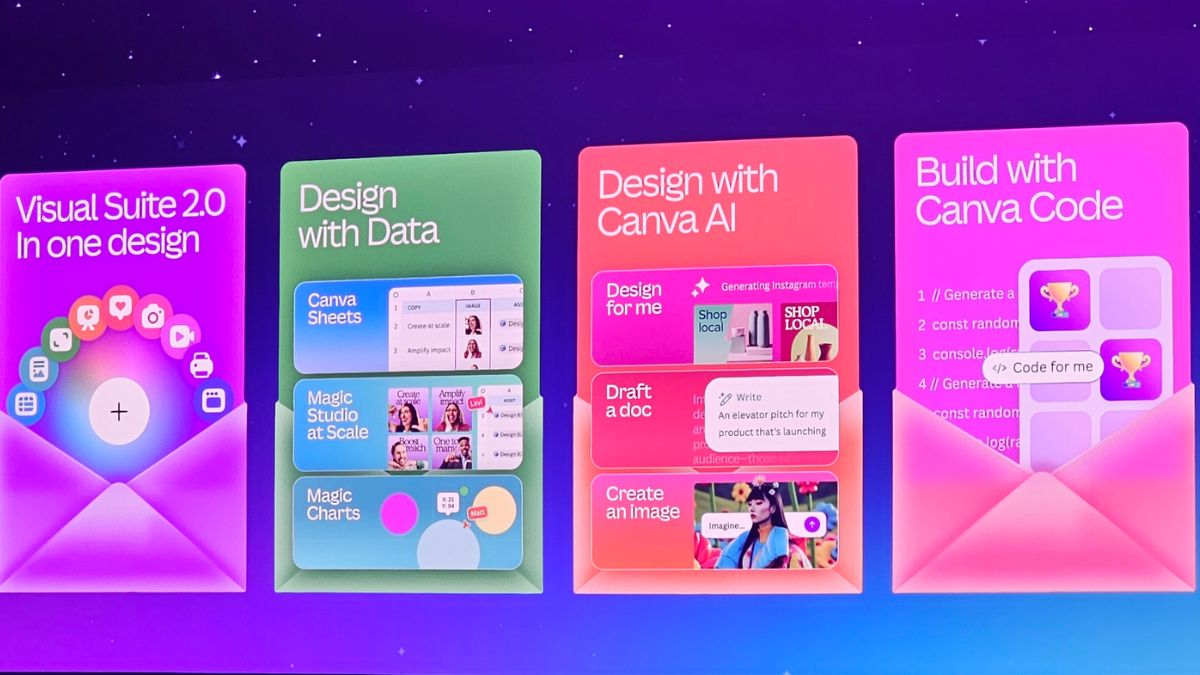
Canva Create is making waves with its new AI-powered features — and whether you’re a designer, marketer, or small business owner, now’s the time to take full advantage.
If you’re new to these tools or want to use them better, here are 10 practical tips to help you get started and create stunning designs with ease.
1. Use Magic Grab™ to Speed Up Edits
No more complicated selections. Just click on the object you want to move or resize in a photo — Magic Grab™ makes it that simple. Great for quick layout changes without needing expert skills.
2. Turn Text Into Graphics with Magic Media
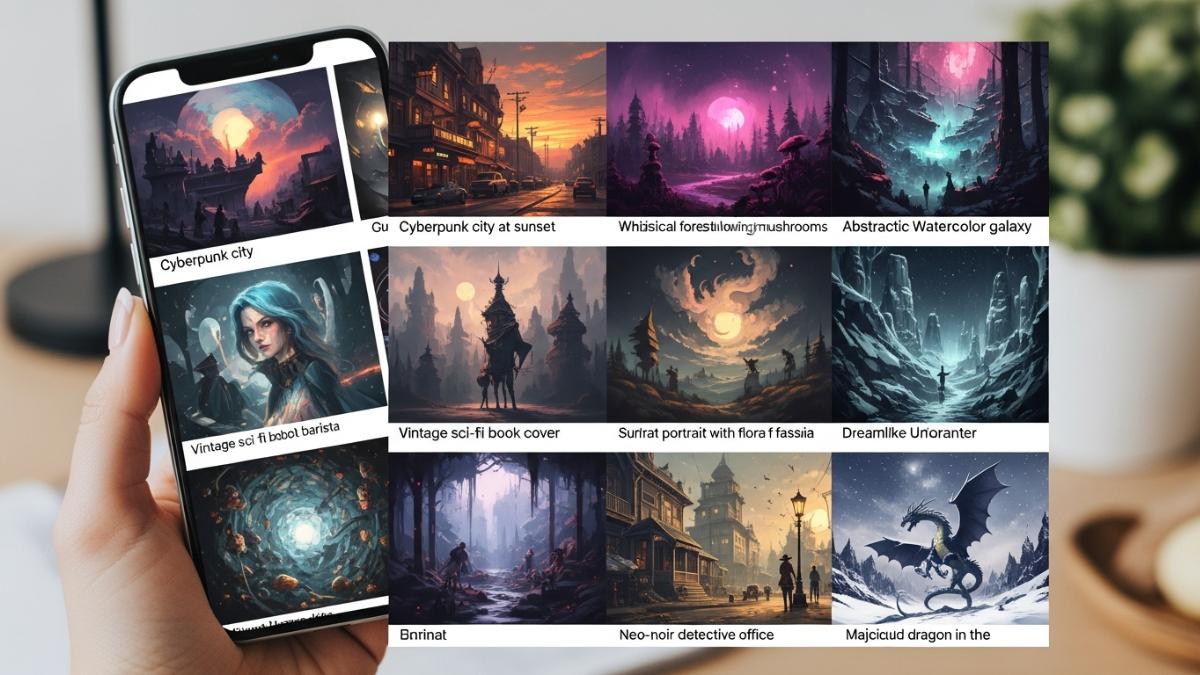
Got an idea in mind? Type a short prompt, and Magic Media will turn it into an image. It’s perfect for social media posts, blog thumbnails, or fast visual brainstorming.
3. Keep Your Branding Consistent with Styles & Layouts
Apply your brand’s fonts, colors, and layout style to any design with one click. This is a huge time-saver for teams and businesses looking to stay on-brand.
4. Create Quick Social Videos with the Highlights Tool
Let Canva’s video editor do the heavy lifting. The Highlights tool finds the best parts of your video and turns them into bite-sized clips for Reels, TikToks, or ads.
5. Write Captions, Ads, or Blog Intros Using Magic Write™
Don’t get stuck writing copy. Use Magic Write™ to generate headlines, Instagram captions, or even product descriptions in your tone of voice.
6. Resize Designs for Any Platform in Seconds
With Magic Switch, you can turn a poster into a story, a flyer into a post, or a presentation into a video — all with just a few clicks.
7. Collaborate in Real Time Without the Mess
Use the upgraded comment and notification system to give or receive feedback clearly. This makes teamwork smoother, especially for remote teams or client projects.
8. Boost Image Quality with AI Enhancers
If your image is blurry or dull, use Canva’s AI image tools to improve quality, sharpen details, and even upscale resolution without losing clarity.
9. Save Time with Bulk Create
Upload a spreadsheet and auto-fill multiple templates with different names, products, or texts. This is a game-changer for marketers running large campaigns.
10. Design and Launch Ads Without Leaving Canva
Connect your Canva account to Google, Meta, or Amazon Ads. You can now design, preview, and publish ads all in one place — no need to jump between platforms.
Final Tip:
Try everything at least once. Canva Create is designed to be intuitive, so don’t be afraid to experiment. With these features, even non-designers can produce polished content in minutes.