



Close Menu
NoMusica.com
    Facebook X (Twitter) Instagram
    Facebook X (Twitter) Instagram
    NoMusica.comNoMusica.com
    • Entertainment
    • Music
      • Music Production
    • Tech
      • AI
      • Electronics & Gadgets
      • Apps & Updates
      • Smartphones
    • Films & Shows
    • Gaming
    • Streaming
    NoMusica.com
    Home»Apps & Updates

    Updated to iOS 18.3 but No New Siri? Try These Fixes

    February 3, 2025
    Siri
    Share
    Facebook Twitter LinkedIn Pinterest Email

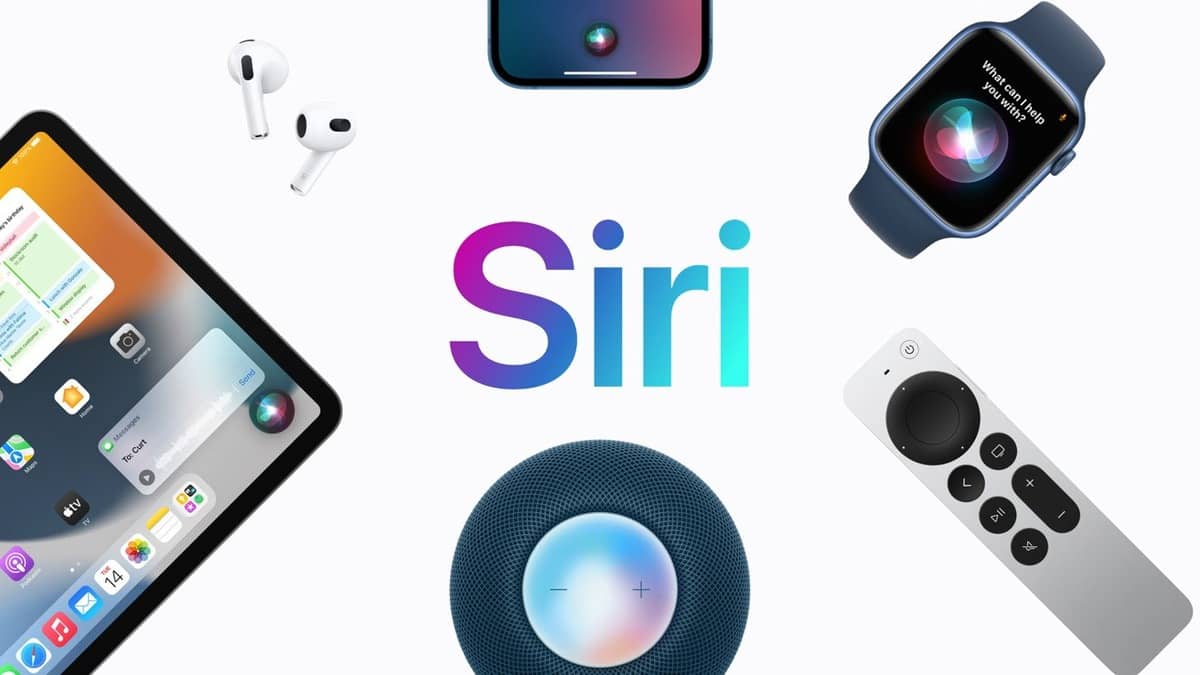
    Apple introduced a new Siri design in iOS 18.3, featuring a glowing border around the screen when activated.

    This change is part of Apple Intelligence, a suite of AI-powered features like notification summaries, Genmoji, and Clean Up in Photos.

    But if you’ve updated to iOS 18.3 and still see the old Siri orb instead of the new border effect, here’s why—and what you can do.

    1. Your iPhone Might Not Support Apple Intelligence

    Not all devices get the new Siri design. Apple Intelligence requires on-device AI processing, which only works on certain models:

    ✅ Supported iPhones:

    • iPhone 15 Pro, iPhone 15 Pro Max
    • iPhone 16, iPhone 16 Plus, iPhone 16 Pro, iPhone 16 Pro Max

    ✅ Supported iPads & Macs:

    • iPads & Macs with M-series chips
    • iPad Mini with A17 Pro chip

    If you don’t have one of these devices, your Siri will look the same as it did in iOS 17.

    2. Apple Intelligence Might Be Disabled

    Apple Intelligence was not enabled by default in earlier iOS 18 updates. While iOS 18.3 automatically turns it on, this won’t apply if you previously disabled it.

    How to Enable Apple Intelligence & the New Siri

    1. Open Settings
    2. Go to Apple Intelligence & Siri
    3. Toggle Apple Intelligence ON

    If you were on the waitlist for Apple Intelligence in previous updates, you might need to re-enable it manually.

    Final Thoughts

    If you meet the hardware requirements and have Apple Intelligence enabled, you should see the new Siri design. If not, your device might not support the update.

    Let us know—did the fix work for you?

    Apple Siri
    Sazid Kabir
    • Website
    • X (Twitter)
    • Pinterest
    • Instagram
    • LinkedIn

    Founder & Chief Editor, NoMusica.com. Sazid Kabir is a tech writer and music producer covering music, tech, and music production with both analytical and practical experience.

    Keep Reading

    Are APK Downloads Safe? Risks, Legal Issues, and Safer Alternatives

    5 Best Free Firewall Apps for Android in 2026 (No Root Needed Options Included)

    50+ Best Android Alternative Apps ― Free Movies, No Ads, Offline Maps

    10 Best Free Movie Apps in 2026 (Safe & Working)

    10 Best Free Music Apps in 2026 (No Subscription Needed)

    WhatsApp Tests ‘Plus’ Subscription With New Premium Features

    Add A Comment
    Leave A Reply Cancel Reply

    Latest Posts

    #HimToo: The Man Cassie Ventura exposed to STDs & Public Embarrassment, wants Accountability

    June 20, 2026

    21 Savage Mentions Lamelo Ball’s Car Accident in New Rap Song “WTF Goin”

    June 20, 2026

    Drake Is The Most Streamed Apple Music Artist Ever

    June 19, 2026

    Tay Keith, Grammy-Nominated ‘Sicko Mode’ Producer, Found Dead at 29

    June 19, 2026

    Cardi B Wins Key Ruling in 2023 Vegas Beachclub Lawsuit

    June 18, 2026
    Pages
    • Home
    • Blog
    • About
    • Contact
    • Advertise
    • Cookie Policy
    • Privacy Policy
    Categories
    • AI
    • Tech & Science
    • Films & TV Shows
    • Entertainment
    • Music
    • Streaming
    • Music Production
    Random Reads

    Kendrick Lamar Takes Aim at Drake and America in Super Bowl Performance

    Apple Macs Set to Benefit from Windows 10 End-of-Life in the Workplace

    Nvidia Launches RTX 5090, RTX 5080, and More for Gamers and Creators

    Facebook X (Twitter) Instagram Pinterest
    © 2026 WowPress Digital

    Type above and press Enter to search. Press Esc to cancel.



