



Close Menu
    Facebook X (Twitter) Instagram
    Facebook X (Twitter) Instagram Pinterest
    NoMusica.com
    • AI
    • Tech
      • Electronics & Gadgets
      • Apps & Updates
      • Smartphones
    • Films & Shows
    • Music
    • Gaming
    • Streaming
    • Music Production
    NoMusica.com
    Home Security Warning for iPhone 8 and 7 Plus Users After Apple Update
    Apps & Updates

    Security Warning for iPhone 8 and 7 Plus Users After Apple Update

    Updated:June 3, 20252 Mins Read
    Share Facebook Twitter Pinterest Telegram WhatsApp Copy Link
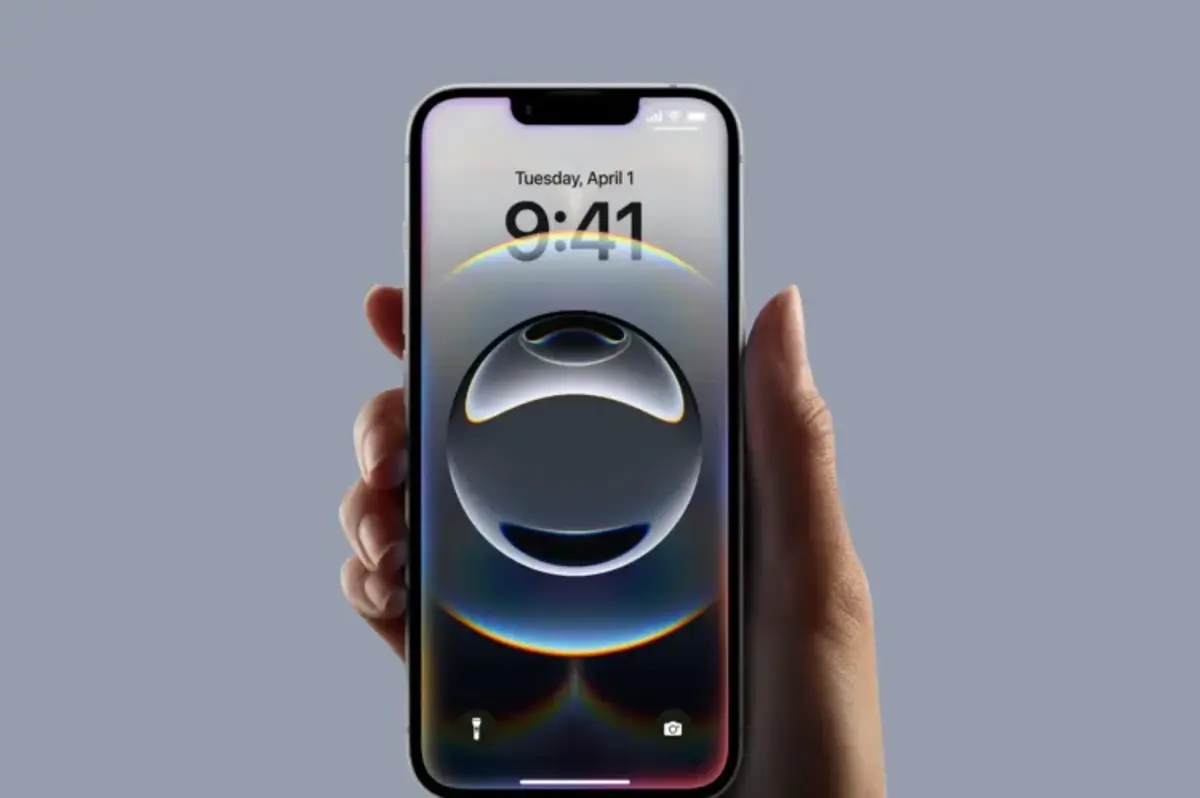
    iPhone 16e

    Apple recently updated its “vintage” product list to include the iPhone 8 (64GB and 256GB) and the iPhone 7 Plus. This means these devices no longer receive regular iOS updates and may not be repairable at Apple stores in the future.

    Apple labels products as vintage when they stopped selling them more than five years ago but less than seven. After seven years, devices become obsolete, meaning repairs and software updates are usually no longer available.

    Here are the key points about Apple’s vintage policy:

    • Apple guarantees repairs and parts for at least five years after a product stops selling.
    • Repairs can sometimes be available up to seven years, depending on parts availability and local laws.
    • After seven years, Apple generally stops offering hardware repairs.
    • Software updates usually stop once a device is vintage, except for critical security patches.

    Why This Matters

    Security experts warn that older iPhones without the latest updates are more vulnerable to cyber attacks. Adam Boynton from security firm Jamf said that updates provide important security patches, not just new features. Devices without updates can be targets for hackers, especially if they have sensitive data.

    Current Vintage iPhones Include:

    • iPhone 4 (8GB)
    • iPhone 5
    • iPhone 6s (various models)
    • iPhone SE
    • iPhone 7 Plus
    • iPhone 8 (64GB, 256GB)
    • iPhone X
    • iPhone XS Max

    What Should iPhone 7 Plus and iPhone 8 Users Do?

    While these iPhones will stop getting regular software updates, they may still receive important security patches for the next couple of years. Users should regularly check for software updates by going to Settings > General > Software Update and install any available updates to stay protected.

    If you rely heavily on your iPhone for work or sensitive information, consider upgrading to a newer model to ensure full support and security.


    Apple Apple iPhone iOS
    Share. Facebook Twitter Pinterest Telegram WhatsApp Copy Link
    Sazid Kabir
    • Website
    • X (Twitter)
    • Pinterest
    • Instagram
    • LinkedIn

    Founder & Chief Editor, NoMusica.com. Sazid Kabir is a tech writer and music producer covering music, tech, and music production with both analytical and practical experience.

    Related Posts

    Are APK Downloads Safe? Risks, Legal Issues, and Safer Alternatives

    5 Best Free Firewall Apps for Android in 2026 (No Root Needed Options Included)

    50+ Best Android Alternative Apps ― Free Movies, No Ads, Offline Maps

    10 Best Free Movie Apps in 2026 (Safe & Working)

    10 Best Free Music Apps in 2026 (No Subscription Needed)

    WhatsApp Tests ‘Plus’ Subscription With New Premium Features

    Add A Comment
    Leave A Reply Cancel Reply

    Latest Posts

    Travis Scott Drops Cactus Jack Nike Phantom 6 For 2026 World Cup

    June 7, 2026

    Netflix Corruption: Michael Jackson Film is False & Slander, Here’s the Documented Facts

    June 7, 2026

    Cassie Ventura Fled U.S. with Diddy’s $30M,  Her Innocence Now in Question

    June 5, 2026

    50 Cent Says Daphne Joy’s OnlyFans Up 85% After Diddy Tape, Hints Model Leaked Her Own Tape

    June 5, 2026

    NEW HIPHOP THIS FRIDAY (JUNE 5, 2026)

    June 5, 2026
    Facebook X (Twitter) Instagram Pinterest
    © 2026 A WowPress Initiative

    Type above and press Enter to search. Press Esc to cancel.


