




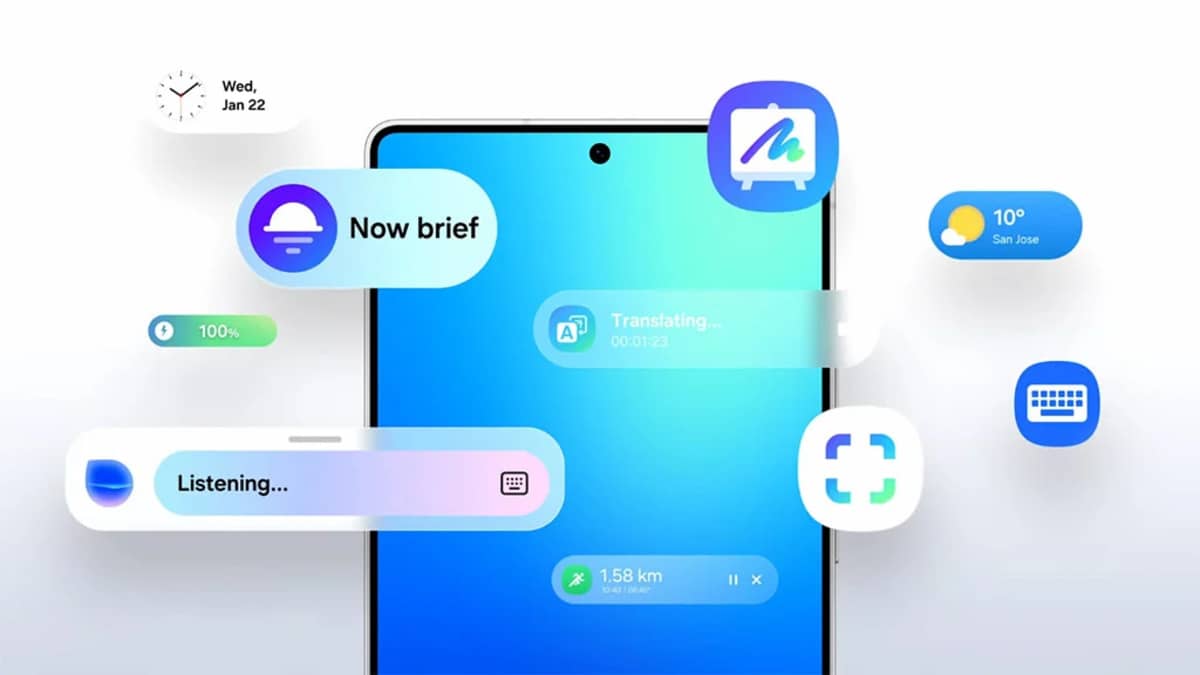
Samsung has started rolling out its new One UI 7 update. The first devices to get it are the Galaxy S24 series, Galaxy Z Fold6, and Z Flip6.
A full update roadmap is available for older devices, but for now, here are the key changes coming with this update:
Galaxy AI Features
- Smarter Text Editing: Select text to fix grammar, change tone, or summarize it quickly.
- Call Recording Summary: Calls recorded on Samsung’s Phone app can now be converted to text.
- Video Sound Editing: Remove unwanted sounds like wind or background noise from videos.
- AI Drawing Tools: Use sketches or words to create images using AI.
- AI-Powered Actions: Samsung can suggest actions like adding a date to your calendar based on what you select.
- AI Smart Search: Find settings using natural language like “dark mode” or “screen brightness.”
- Fast Access to AI: Swipe from the screen edge to access AI tools instantly.
New Integration with Google Gemini
- Quick Launch: Long-press the side button to open Gemini.
- Multi-Tasking: Use Gemini to create notes, set schedules, or summarize YouTube videos.
Visual and Home Screen Upgrades
- Redesigned Icons and Widgets: One UI 7 brings colorful icons, better folder views, and smoother animations.
- Custom Layouts: More control over widget size, shape, and transparency.
- Landscape View Improvements: The layout remains clean and consistent even in horizontal mode.
Lock Screen and AOD
- Now Bar: See useful tools like music controls, health data, or stopwatch without unlocking.
- New Clock Styles: Customize clock size, font, and layout on the lock screen.
- Photo Widgets: Show gallery images or add a QR scanner shortcut on the lock screen.
Quick Settings and Notifications
- Separated Panels: Swipe top-right for quick settings, anywhere else for notifications.
- Real-Time Alerts: Active tasks like voice recordings or workouts show real-time updates.
- Grouped Notifications: Easier to see which app sent what.
Camera and Video Tools
- Simplified Camera Layout: Easy access to modes and settings.
- Improved Zoom & Filters: More control over zoom levels and filters.
- Pro Mode Upgrades: New exposure tools, zoom sliders, and support for Log video format.
Gallery and Editing Tools
- Custom Collages: Change layout, size, and position of photos freely.
- Face Editing in Motion Photos: Replace awkward faces with better ones from the same frame.
- Undo Video Edits: Safe editing with undo/redo support.
- Highlight Clips: Automatically detect and trim the best parts of a video.
Health & Productivity
- Mindfulness Tools: Track your mood, meditate, and manage stress.
- Medication Reminders: Stay on track with safe medicine use.
- Grouped Alarms & Volume Control: Easier to manage multiple alarms.
Smart Sharing & Device Connection
- Quick Share Enhancements: Connect with nearby devices faster, even over the internet if needed.
- Easier File Management: New file preview and attachment options.
Security and Battery
- Stolen Device Protection: Lock the phone if stolen, and block app access.
- Improved Charging Options: Customize how much the phone charges (80–95%) for better battery health.
More Features
- D-Day Widgets for Events
- Flight Passes in Samsung Wallet
- New Game Booster Panel
- Game-Specific Performance Settings
For Galaxy Z Fold6
- Auto-Hiding Taskbar
- Better File Preview in Split Screen Mode




