




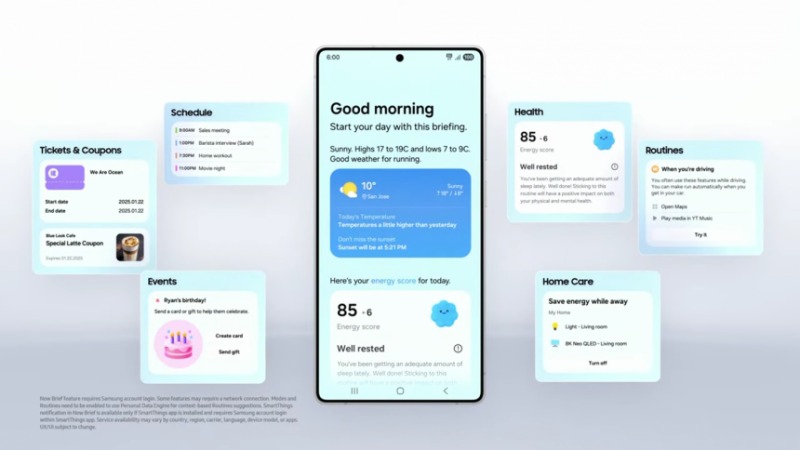
Samsung has started rolling out the One UI 7 update to Galaxy phones, starting with the Galaxy S24 series and foldable models like the Z Fold6 and Z Flip6.
But before you update, there’s an important warning for all users.
Samsung confirmed that the Microsoft SwiftKey keyboard app may cause serious problems after installing One UI 7.
What’s the issue?
If you use SwiftKey as your default keyboard and have password protection on your phone, you might not be able to unlock your device after the update. This is because of a bug that prevents the Enter key from working properly during the lock screen password input.
That means if your phone reboots or finishes updating, you may not be able to unlock it—leading to possible data loss or lockout.
What should you do?
Before updating to One UI 7, switch your keyboard to a safer option:
How to change your keyboard:
- Go to Settings
- Tap General management
- Choose Language and input
- Select Default keyboard
- Pick Samsung Keyboard or Gboard
Samsung says the issue has already been fixed by the SwiftKey team, but it’s still best to play it safe and avoid any risk.




