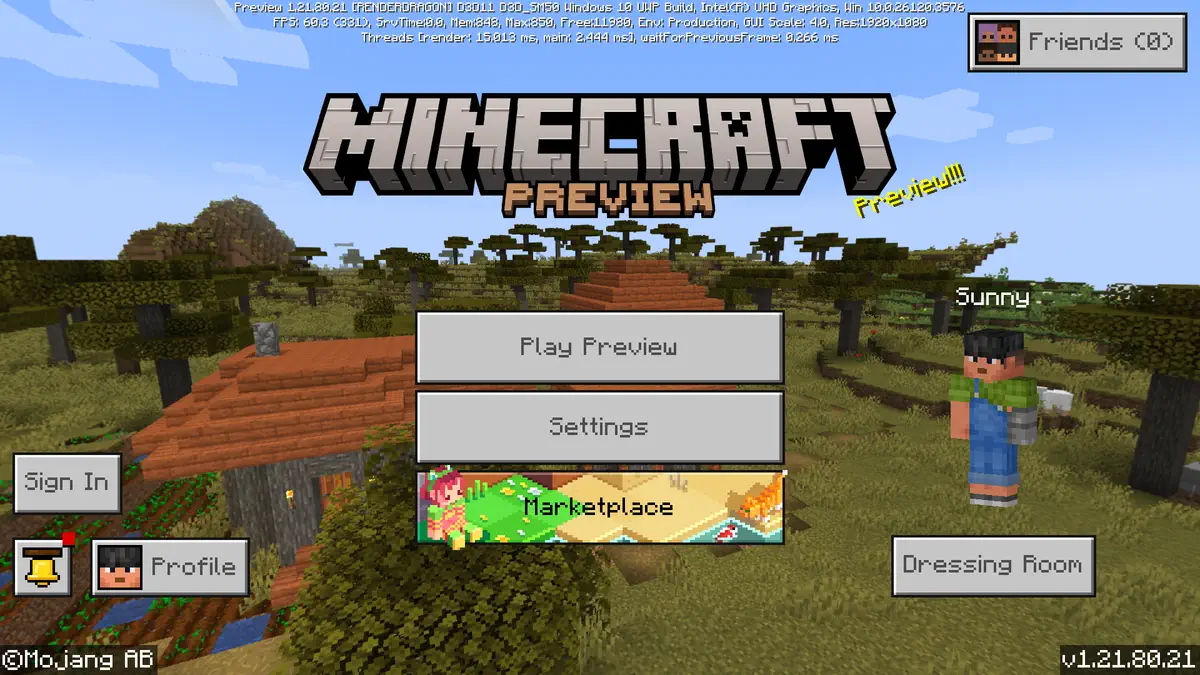
The Minecraft Bedrock 1.21.80 update is officially live, bringing new features like flat world biomes and richer ambient sounds, alongside gameplay tweaks and improvements.
If you’re ready to explore the latest version, here’s a platform-by-platform guide on how to install it.
On Xbox One and Series X|S:
Navigate to “My Games & Apps,” select Minecraft, then click “Manage Game & Add-Ons” and choose “Updates.” Make sure your internet connection is stable while it installs.
On PlayStation 4 and 5:
Find Minecraft in your library, press options, and select “Check for Updates.” The update will download if available.
On Nintendo Switch:
Open Minecraft and follow the pop-up to the eShop. If you missed it, press + or – on the game, go to “Software Update,” and select “Via the Internet.”
On Android and iOS Devices:
Open your respective app store and search for Minecraft. Tap “Update” if the button appears. Auto-updates may already handle this if enabled.
On Windows 10/11 PC:
Open the Minecraft Launcher. It will automatically check for updates and install them before launching the game. If you’re new, download the launcher from Mojang’s official site, sign in, and select “Latest Release” before hitting play.
With the 1.21.80 update now available across all supported platforms, players can dive into the enhanced Minecraft experience with new content and better performance.