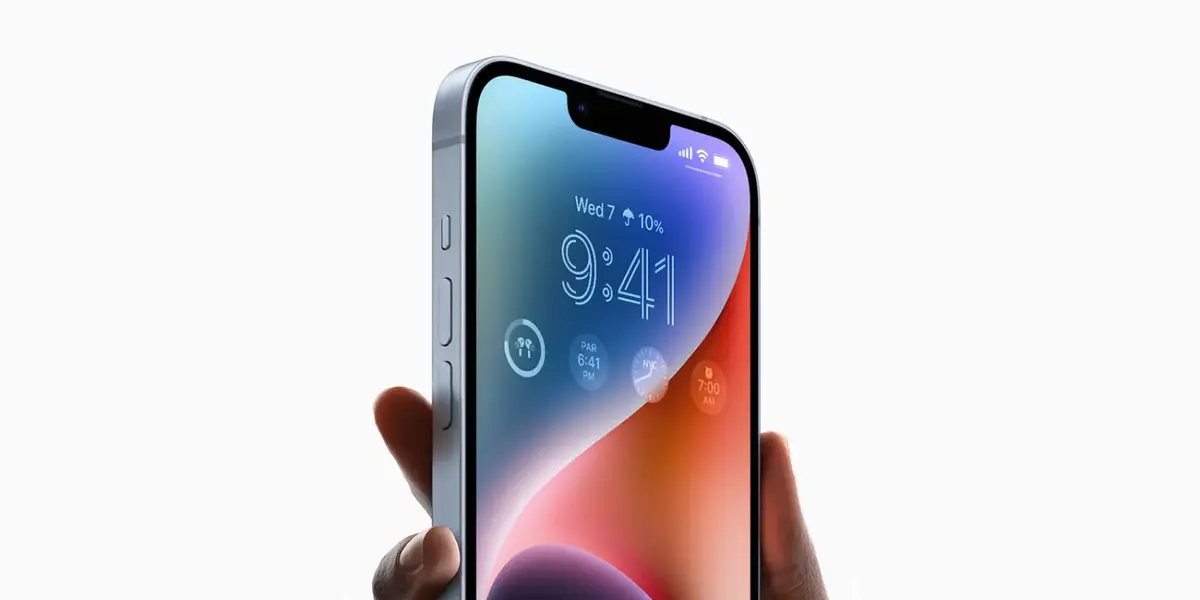
Several iPhone users have reported a green line problem on their screens. A vertical green line appears and stays on the display, mostly on iPhones with OLED screens.
This issue is usually caused by hardware faults, but in some cases, software bugs or physical damage may be the reason.
Affected iPhone Models
iPhone X
Many users report green lines due to screen or circuitry issues.
iPhone 11 Series
Green lines may appear due to display damage or hardware defects.
iPhone 12 Series
OLED screens on these models sometimes show green lines after drops or moisture exposure.
iPhone 13 Series
Green lines may persist after software resets. Both hardware and software are potential causes.
iPhone 14 Series
Fewer reports, but some users still face the issue, mainly from impact damage or bugs.
iPhone 16 Pro
New reports suggest green lines may be caused by screen controller failures or defects.
Common Causes
Hardware Defects:
Display faults, loose connectors, or AMOLED panel issues.
Physical Damage:
Drops, pressure, or moisture can damage the screen internally.
Software Bugs:
iOS updates (like iOS 17 or 18) may sometimes cause screen glitches.
Display Settings:
Changing brightness, disabling True Tone, or using Light Mode can reduce green line visibility.
How to Fix Green Line Issues
- Restart or Force Restart your iPhone to clear glitches.
- Adjust display settings like brightness or color mode.
- Update iOS to the latest version to fix bugs.
- Reset your iPhone after backing up your data.
- Use recovery mode or iOS repair tools for deep software issues.
- Check for physical or water damage.
- Replace the screen if hardware is damaged.
When to Contact Apple
If green lines continue after trying the fixes above, contact Apple Support or visit an authorized service center. Apple may repair or replace the screen based on warranty and diagnostics.
Summary Table
| iPhone Model | Green Line Reported | Likely Causes | Fixes |
|---|---|---|---|
| iPhone X | Yes | AMOLED defects, hardware | Restart, screen replacement |
| iPhone 11 | Yes | Display issues, software | Update, repair |
| iPhone 12 | Yes | Drops, moisture | Reset, screen replacement |
| iPhone 13 | Yes | Hardware or software faults | iOS update, reset, repair |
| iPhone 14 | Some cases | Impact, software | Troubleshoot, repair |
| iPhone 16 Pro | Yes | Controller faults | Repair or replacement |
Final Notes
The green line issue is more common on iPhones with OLED displays. It is usually a hardware problem, but software bugs can also play a part. If the issue does not go away, contact Apple Support or get your phone inspected at a repair center.