In today’s fast-paced world, AI assistants like Kimi AI, developed by Moonshot AI, have become essential tools for improving productivity and simplifying tasks.
Whether you’re a student, professional, or casual user, Kimi AI offers an extensive set of features for free. This guide will show you how to access and use Kimi AI effectively.
1. Accessing Kimi AI
There are three main ways to access Kimi AI:
- Official Website:
- Visit the Kimi AI Website.
- Sign up with your email or social media.
- Log in to start using the platform.
- Mobile App:
- Download the Kimi AI Assistant App for easy access on the go.
- Browser Plugin:
- Install the Kimi AI Browser Plugin for direct access from your browser.
2. Interacting with Kimi AI
Kimi AI supports several methods for interacting with it:
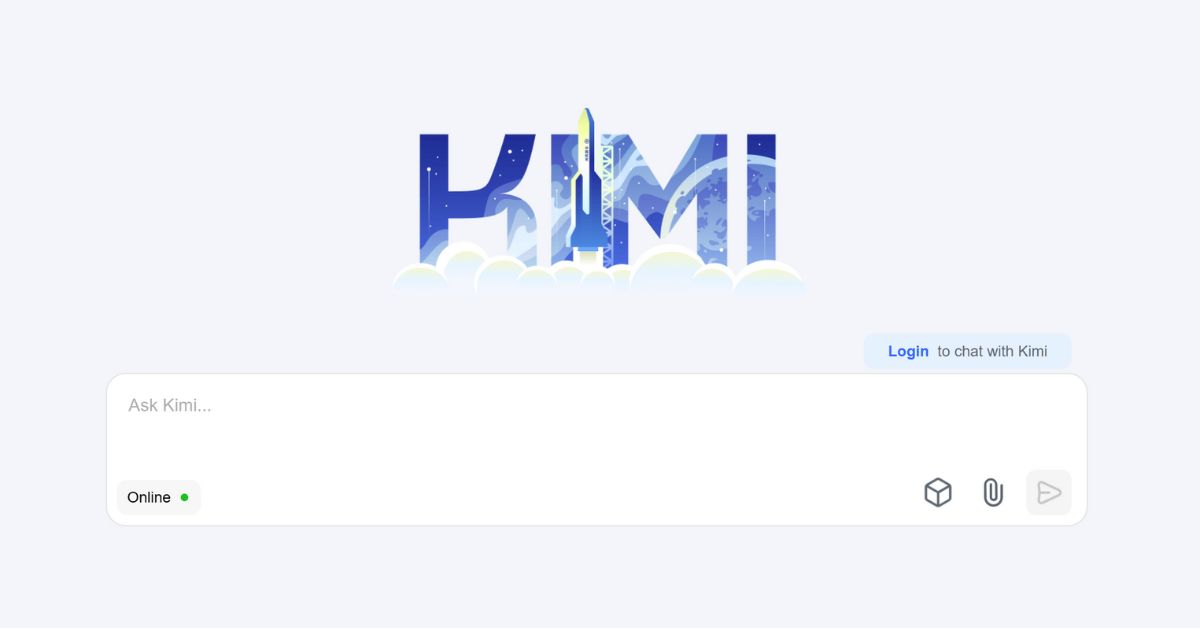
- Text Input: Type your request or question, and Kimi AI will respond with relevant information or solutions.
- File Upload: Upload PDFs, Word docs, PowerPoints, or Excel sheets for Kimi AI to analyze and provide insights.
- Web Navigation: Provide URLs for Kimi AI to extract data directly from the web, perfect for research.
- Audio Transcription: Upload audio files, and Kimi AI will transcribe them into text, useful for meeting or interview notes.
3. Leveraging Kimi AI’s Free Features
Here are some of Kimi AI’s key free features:
- Translation: Easily translate text between multiple languages.
- Coding Assistance: Get help with coding tasks and generate code snippets in languages like Python, Java, and C++.
- Document Summarization: Send documents for Kimi AI to summarize, saving time on long reads.
- Meeting Transcription: Convert meeting recordings into written transcripts and extract key points.
- Resume Optimization: Tailor your resume with Kimi AI’s suggestions to match specific job requirements.
4. Tips for Maximizing Your Experience
- Be Specific: Provide clear and detailed requests to get more accurate results.
- Experiment with Features: Try different functionalities to fully explore Kimi AI’s capabilities.
- Stay Updated: Regularly check for new features to stay ahead with the latest tools.
- Provide Feedback: Share any feedback or issues you encounter to help improve Kimi AI.
Kimi AI is a powerful and free assistant designed to boost your productivity and simplify daily tasks.
Whether you’re handling documents, coding, or translating, it can help you achieve more. Start using Kimi AI today to experience its full potential!