Close Menu
    Facebook X (Twitter) Instagram
    Facebook X (Twitter) Instagram Pinterest
    NoMusica.com
    • AI
    • Tech
      • Electronics & Gadgets
      • Apps & Updates
      • Smartphones
    • Films & Shows
    • Music
    • Gaming
    • Streaming
    • Music Production
    NoMusica.com
    Home How to Recover Missing Notes on Your iPhone
    Tutorials

    How to Recover Missing Notes on Your iPhone

    Updated:December 11, 20242 Mins Read
    Share Facebook Twitter Pinterest Telegram WhatsApp Copy Link

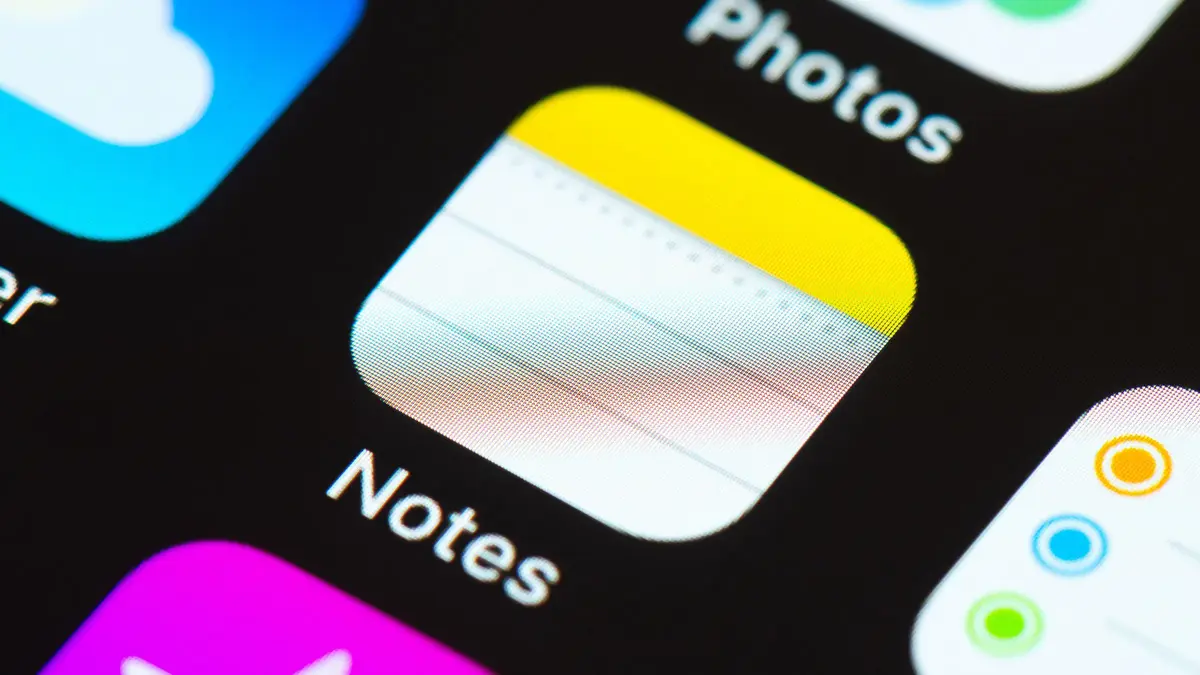
    Apple has confirmed a bug in the iPhone Notes app that causes users to see missing notes. Many users reported this issue after accepting new iCloud terms. Apple has provided steps to help users recover their notes.

    What Happened?

    Recently, iPhone users opened the Notes app only to find that all their notes were gone. This bug appeared early in November 2024 and has affected many devices running iOS 18. Users felt alarmed as they thought their important notes had vanished forever.

    However, Apple reassured users that their data is not lost but may be temporarily hidden due to an issue with iCloud syncing.

    How to Fix the Issue

    Apple released a support document detailing how to restore missing notes. Here are the steps:

    1. Open Settings: Go to the Settings app on your device.
    2. Select Your Name: Tap on your name at the top of the screen.
    3. Tap iCloud: Find and select “iCloud.”
    4. Check Notes Sync: Tap on “Notes” and ensure that “Sync this [device]” is turned on.
    5. Restart Your Device: If your notes still do not appear, restart your iPhone, iPad, or Apple Vision Pro.

    After following these steps, your notes should start syncing again from iCloud. It may take some time for all your notes to reappear.

    Background Information

    The problem seems linked to changes in Apple’s iCloud terms and conditions that users accepted recently. Some users noticed that their notes disappeared after agreeing to these new terms. Apple has not labeled this as a bug but is likely working on a fix for future updates.

    If you are missing notes from your iPhone, do not panic. Follow the steps provided by Apple to recover them. Your data is safe and should be retrievable through proper syncing settings.


    Apple Apple iPhone Apple Notes
    Share. Facebook Twitter Pinterest Telegram WhatsApp Copy Link
    Sazid Kabir
    • Website
    • X (Twitter)
    • Pinterest
    • Instagram
    • LinkedIn

    Founder & Chief Editor, NoMusica.com. Sazid Kabir is a tech writer and music producer covering music, tech, and music production with both analytical and practical experience.

    Related Posts

    Tim Cook to Step Down as Apple CEO, John Ternus to Take Charge

    Windows 11 Upgrade Incoming as MacBook Neo Raises Pressure

    iPhone Fold Delay Confirmed by Apple’s Own Supply Chain

    Apple Is About to Push a New iOS Update to Fix Security Flaws on Your iPhone

    Apple Quietly Launches AirPods Max 2 With Major New Features

    Apple Could Freeze iPhone 18 Pro Price Despite Rising Chip Costs

    Add A Comment

    Comments are closed.

    Latest Posts

    Travis Scott Drops Cactus Jack Nike Phantom 6 For 2026 World Cup

    June 7, 2026

    Netflix Corruption: Michael Jackson Film is False & Slander, Here’s the Documented Facts

    June 7, 2026

    Cassie Ventura Fled U.S. with Diddy’s $30M,  Her Innocence Now in Question

    June 5, 2026

    50 Cent Says Daphne Joy’s OnlyFans Up 85% After Diddy Tape, Hints Model Leaked Her Own Tape

    June 5, 2026

    NEW HIPHOP THIS FRIDAY (JUNE 5, 2026)

    June 5, 2026
    Facebook X (Twitter) Instagram Pinterest
    © 2026 A WowPress Initiative

    Type above and press Enter to search. Press Esc to cancel.