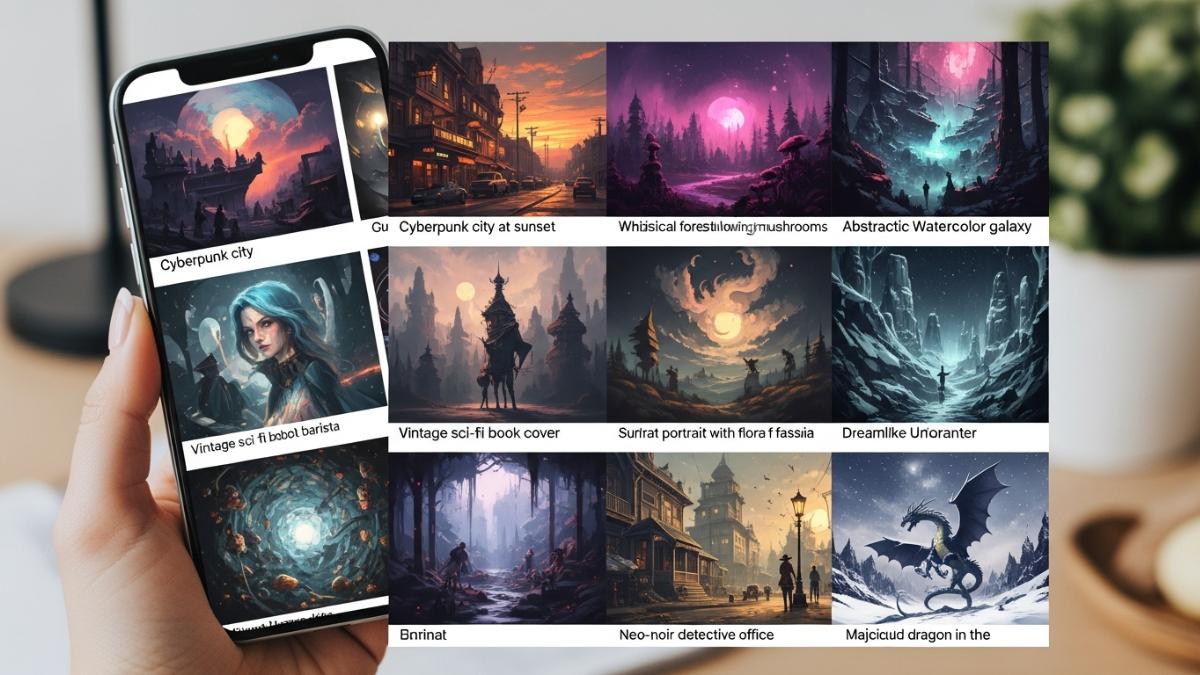
You can now create amazing pictures using only words. You type a description, and a computer program makes the image. This process is simple and fun.
Step 1: Find an Image Generator.
Many online tools exist. Popular ones include nano-banana, DALL-E, Midjourney, and Stable Diffusion. Some are free to start. You just visit their website.
Step 2: Write Your Prompt.
A prompt is the text you give the tool. Describe the image you want clearly.
- Good prompt: “A playful golden retriever puppy running in a park, sunny day, cartoon style.”
- Bad prompt: “Dog.”
More detail helps the computer understand your vision better. Think about the subject, setting, and style.
Step 3: Generate the Image.
After typing your prompt, you click a button labeled “Generate” or “Create.” The tool processes your words. It then shows you one or more images based on your description. This usually takes only a few seconds.
Step 4: Refine Your Prompt (If Needed).
Sometimes, the first image is not perfect. You can change your prompt to get closer to your idea.
- Add more details: “Add a red ball.”
- Change the style: “Make it a painting.”
- Adjust colors: “Use bright colors.”
Tips for Success:
- Be specific. Give clear instructions.
- Mention style. Examples are “realistic,” “anime,” “watercolor.”
- Use strong verbs and nouns.
- Experiment! Try different words and phrases.
This technology turns your text ideas into visual art. Anyone can do it. Start creating your own images today!