Close Menu
NoMusica.com
    Facebook X (Twitter) Instagram
    Facebook X (Twitter) Instagram
    NoMusica.comNoMusica.com
    • Entertainment
    • Music
      • Music Production
    • Tech
      • AI
      • Electronics & Gadgets
      • Apps & Updates
      • Smartphones
    • Films & Shows
    • Gaming
    • Streaming
    NoMusica.com
    Home»Social Media

    Frustrated with Meta? Here’s How to Delete Facebook, Instagram, and Threads

    February 12, 2025
    Share
    Facebook Twitter LinkedIn Pinterest Email

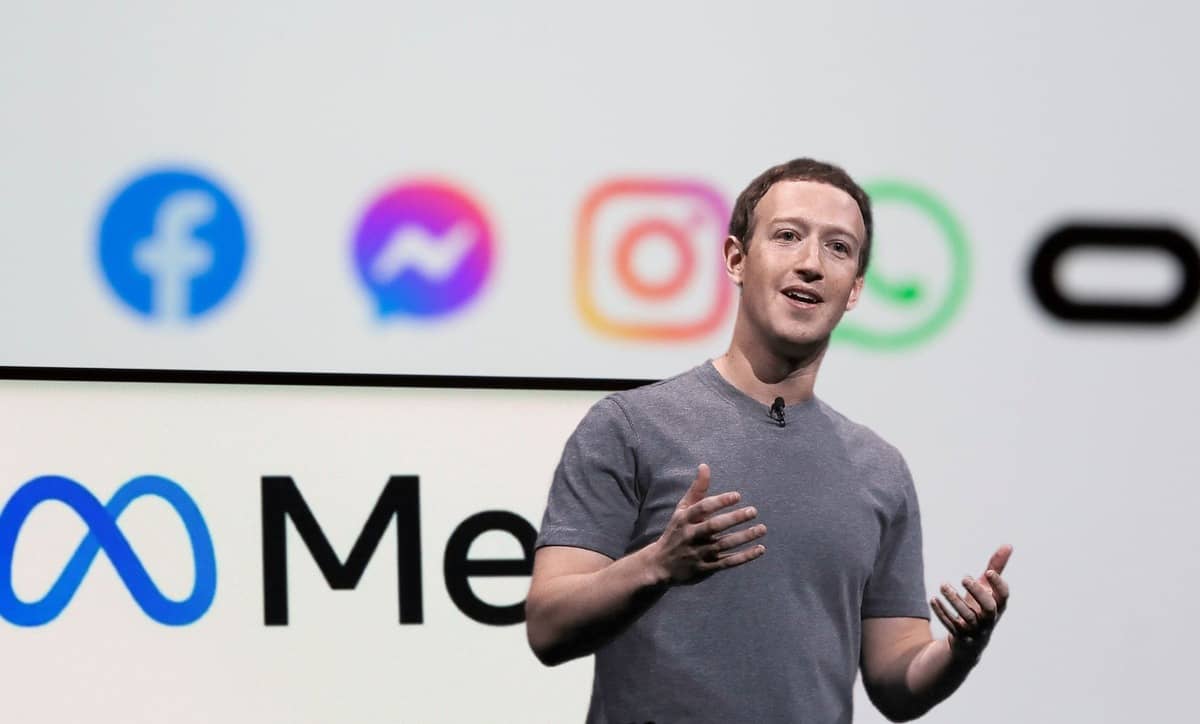
    Meta’s recent decision to remove third-party fact-checking and relax its content moderation policies has led many users to reconsider their presence on Facebook, Instagram, and Threads.

    If you’re ready to move on from Meta’s platforms, here’s a guide to help you delete your accounts on all three services.

    How to Download Your Facebook Information

    Before deleting your Facebook account, it’s a good idea to download your personal data. Here’s how:

    1. Go to Settings & Privacy > Settings.
    2. Scroll to Your Information, then click Download Your Information.
    3. You’ll be prompted to visit Accounts Center. Click Continue.
    4. Select the data you want to download and decide whether you want to transfer it or download it to your device.
    5. Follow the prompts to submit your request and download your info.

    How to Delete Your Facebook Account

    Once you’ve downloaded your information, you can proceed with deleting your account:

    1. Click the profile picture at the top-right corner.
    2. Go to Settings & Privacy > Settings > Accounts Center.
    3. Under Account Ownership and Control, select Deactivation or Deletion.
    4. Choose Delete Account and confirm.

    Note: Once you delete your account, you cannot regain access to it.

    How to Download Your Instagram Information

    You can download your Instagram data via Accounts Center or Instagram Settings:

    1. Navigate to Your Information > Download Your Information.
    2. Choose the profiles and data to download.
    3. Once the request is complete, Instagram will notify you, and you’ll have four days to download it.

    How to Delete Your Instagram Account

    After downloading your data, you can delete your account:

    1. Go to Accounts Center > Deactivation or Deletion.
    2. Select Delete Account and confirm.

    Note: If you decide to come back, you can reuse the same username if available.

    How to Delete Your Threads Account

    To delete just your Threads account (without deleting Instagram), follow these steps:

    1. On Threads.net, click the two parallel lines at the bottom-left, then Settings.
    2. Select Account > Deactivate or Delete Profile.
    3. Click Delete Profile and confirm.

    Note: Deletion will take 30 days, and you’ll have to wait 90 days to sign up with the same Instagram profile again.

    By following these steps, you can leave Meta’s platforms and take control of your personal data.

    facebook Instagram Meta Threads
    Sazid Kabir
    • Website
    • X (Twitter)
    • Pinterest
    • Instagram
    • LinkedIn

    Founder & Chief Editor, NoMusica.com. Sazid Kabir is a tech writer and music producer covering music, tech, and music production with both analytical and practical experience.

    Keep Reading

    New UK Law Could Stop Under-16s From Using TikTok, Instagram and More

    10 Best Discord Music Bots to Enhance Your Server in 2026

    15 Best Bots to Add to Your Discord Server in 2026

    Best Discord AI Bots in 2026 (Safe, Useful & Verified Tools)

    X Takes on WhatsApp With New Private Messaging App

    Meta Delays Avocado AI Model Amid Performance Concerns

    Add A Comment
    Leave A Reply Cancel Reply

    Latest Posts

    Drake Is The Most Streamed Apple Music Artist Ever

    June 19, 2026

    Tay Keith, Grammy-Nominated ‘Sicko Mode’ Producer, Found Dead at 29

    June 19, 2026

    Cardi B Wins Key Ruling in 2023 Vegas Beachclub Lawsuit

    June 18, 2026

    North West & Molly Santana Set for 14-City “Kimokawaii Tour”

    June 18, 2026

    Drake Want To Sell 50% of OVO With This New Deal

    June 18, 2026
    Pages
    • Home
    • Blog
    • About
    • Contact
    • Advertise
    • Cookie Policy
    • Privacy Policy
    Categories
    • AI
    • Tech & Science
    • Films & TV Shows
    • Entertainment
    • Music
    • Streaming
    • Music Production
    Random Reads

    BTS’ Suga Breaks Records with D-2, ARMY Cheers ‘Well Deserved Agust D’

    Will MrBeast Recreate Squid Game 2? Fans Say Yes!

    ChatGPT, But Better: The Benefits of a Custom AI Assistant

    Facebook X (Twitter) Instagram Pinterest
    © 2026 WowPress Digital

    Type above and press Enter to search. Press Esc to cancel.