


Close Menu
    Facebook X (Twitter) Instagram
    Facebook X (Twitter) Instagram Pinterest
    NoMusica.com
    • AI
    • Tech
      • Electronics & Gadgets
      • Apps & Updates
      • Smartphones
    • Films & Shows
    • Music
    • Gaming
    • Streaming
    • Music Production
    NoMusica.com
    Home Increase Your Productivity with These Top Apple Watch Apps
    Electronics & Gadgets Tech & Science

    Increase Your Productivity with These Top Apple Watch Apps

    2 Mins Read
    Share Facebook Twitter Pinterest Telegram WhatsApp Copy Link

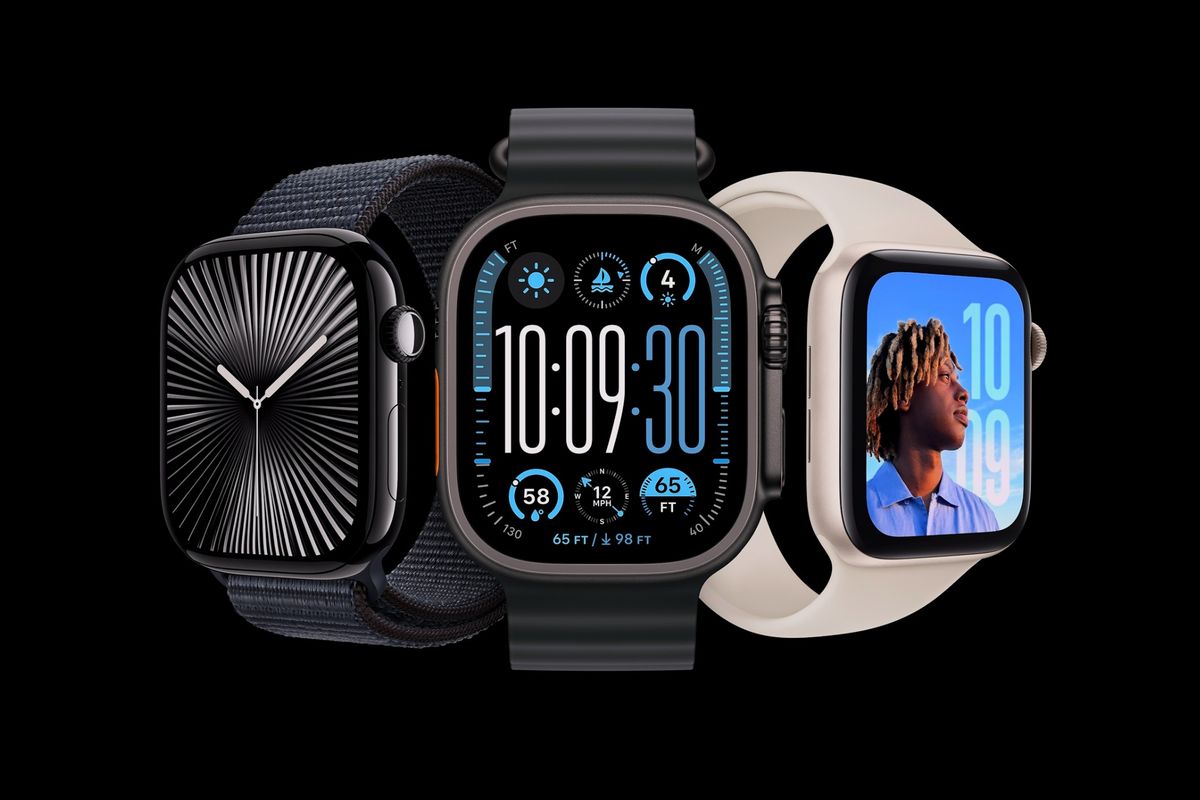
    The Apple Watch is great for fitness tracking, but it’s also an excellent tool for staying productive.

    If you want to keep distractions at bay while improving your efficiency, here are some top apps to help you stay on track.

    Focus
    Focus is a perfect app for breaking your work into manageable chunks. With “Focus Sessions,” you can complete tasks one at a time, minimizing distractions by using your Apple Watch. It helps you stay productive and even reminds you to take breaks. Focus is available for $7.99 per month.

    Todoist
    Todoist is a simple yet powerful task manager for your Apple Watch. You can add tasks, organize them into projects, and mark them as complete—all without pulling out your phone. The app offers task progress tracking on your watch face. Todoist is free, with an optional $4 per month subscription for extra features.

    Streaks
    Streaks is a great app for building good habits. You can track up to 24 habits, from exercising to learning a language. The app helps you stay motivated by showing you your progress and streaks for each habit. Streaks costs a one-time fee of $5.99.

    AutoSleep
    AutoSleep is a sleep tracker that helps you monitor your sleep quality, heart rate, and overall sleep consistency. It provides a quick overview of your sleep patterns through rings and offers a readiness score to show how prepared you are for the day. AutoSleep costs a one-time fee of $5.99.

    Fantastical
    Fantastical is a top-notch calendar app that makes it easy to stay organized. It provides different views, such as “Up Next” for upcoming events, and allows you to quickly check your tasks. Fantastical offers a Smart Stack widget for your watch face, making it easy to stay on top of your schedule. It costs $4.99 per month.

    Drafts
    Drafts is a simple note-taking app for your Apple Watch. Whether you want to jot down an idea, make a quick note, or capture a reminder, Drafts offers voice commands and Scribble to get your thoughts down fast. The app syncs with your iPhone and is free, with a $1.99 per month subscription for additional features.

    Apple Apple Watch
    Share. Facebook Twitter Pinterest Telegram WhatsApp Copy Link
    Sazid Kabir
    • Website
    • X (Twitter)
    • Pinterest
    • Instagram
    • LinkedIn

    Founder & Chief Editor, NoMusica.com. Sazid Kabir is a tech writer and music producer covering music, tech, and music production with both analytical and practical experience.

    Related Posts

    10 Free AI Courses With Certificates for High-Income Skills in 2026

    7 Best Knowledge Base Tools for Learning in 2026 (Ranked)

    Best Open-Source Softwares in 2026: Safe, Free Tools for Creators, Developers, and Everyday Use

    5 Best Free Audio Editing Software in 2026: For Podcasts & Music

    15 AI Tools Musicians Can Use to Create and Promote Music

    5 Best Free Game Recording Software (No Watermark, No Subscription)

    Add A Comment

    Comments are closed.

    Latest Posts

    Travis Scott Drops Cactus Jack Nike Phantom 6 For 2026 World Cup

    June 7, 2026

    Netflix Corruption: Michael Jackson Film is False & Slander, Here’s the Documented Facts

    June 7, 2026

    Cassie Ventura Fled U.S. with Diddy’s $30M,  Her Innocence Now in Question

    June 5, 2026

    50 Cent Says Daphne Joy’s OnlyFans Up 85% After Diddy Tape, Hints Model Leaked Her Own Tape

    June 5, 2026

    NEW HIPHOP THIS FRIDAY (JUNE 5, 2026)

    June 5, 2026
    Facebook X (Twitter) Instagram Pinterest
    © 2026 A WowPress Initiative

    Type above and press Enter to search. Press Esc to cancel.