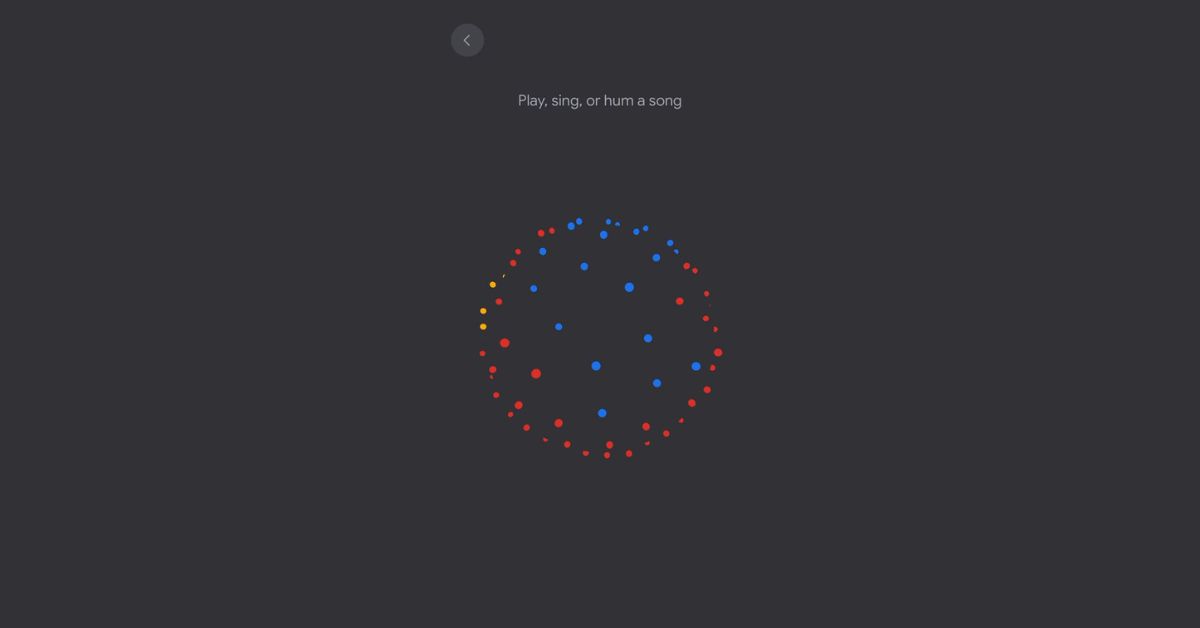
YouTube Music has a new feature for Android phones. It lets you hum or sing part of a song to find the full song. Here’s how it works:
- First, open the YouTube Music app on your Android phone.
- Tap the search icon at the top.
- Next to the microphone icon, you’ll see a new waveform icon. Tap that.
- The app will then ask you to hum, sing or whistle the melody of the song you want to find. Hum or sing part of the tune into your phone.
YouTube Music uses artificial intelligence (AI) technology to listen to the melody you hummed. It will then search through all the songs it knows to try and find a match.
If it can identify the song based on the melody you hummed, it will show you the song title and artist. You can then listen to the full song in the app.
This new humming feature makes it really easy to find songs if you can’t remember the title or lyrics but have part of the tune stuck in your head.
The technology isn’t perfect but it works surprisingly well at recognizing melodies, even if you just hum or whistle them. It’s a cool new way to find music on YouTube.
The hum-to-search capability is being rolled out to YouTube Music users on Android over the next few weeks. So keep checking for updates to get this clever new music feature.