

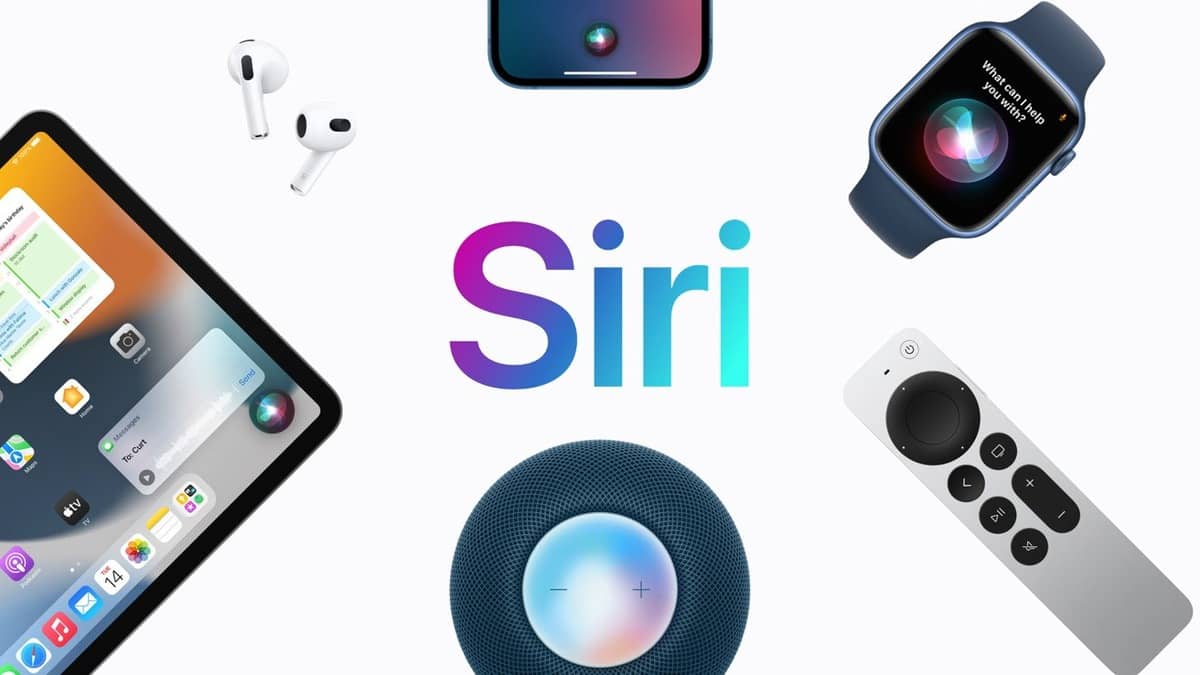
Apple introduced a new Siri design in iOS 18.3, featuring a glowing border around the screen when activated.
This change is part of Apple Intelligence, a suite of AI-powered features like notification summaries, Genmoji, and Clean Up in Photos.
But if you’ve updated to iOS 18.3 and still see the old Siri orb instead of the new border effect, here’s why—and what you can do.
1. Your iPhone Might Not Support Apple Intelligence
Not all devices get the new Siri design. Apple Intelligence requires on-device AI processing, which only works on certain models:
✅ Supported iPhones:
- iPhone 15 Pro, iPhone 15 Pro Max
- iPhone 16, iPhone 16 Plus, iPhone 16 Pro, iPhone 16 Pro Max
✅ Supported iPads & Macs:
- iPads & Macs with M-series chips
- iPad Mini with A17 Pro chip
If you don’t have one of these devices, your Siri will look the same as it did in iOS 17.
2. Apple Intelligence Might Be Disabled
Apple Intelligence was not enabled by default in earlier iOS 18 updates. While iOS 18.3 automatically turns it on, this won’t apply if you previously disabled it.
How to Enable Apple Intelligence & the New Siri
- Open Settings
- Go to Apple Intelligence & Siri
- Toggle Apple Intelligence ON
If you were on the waitlist for Apple Intelligence in previous updates, you might need to re-enable it manually.
Final Thoughts
If you meet the hardware requirements and have Apple Intelligence enabled, you should see the new Siri design. If not, your device might not support the update.
Let us know—did the fix work for you?








Leave a comment