


Close Menu
NoMusica.com
    Facebook X (Twitter) Instagram
    Facebook X (Twitter) Instagram
    NoMusica.comNoMusica.com
    • Entertainment
    • Music
      • Music Production
    • Tech
      • AI
      • Electronics & Gadgets
      • Apps & Updates
      • Smartphones
    • Films & Shows
    • Gaming
    • Streaming
    NoMusica.com
    Home»Tutorials

    Keep Your Android Safe with These Theft Detection Features

    January 27, 2025
    Share
    Facebook Twitter LinkedIn Pinterest Email

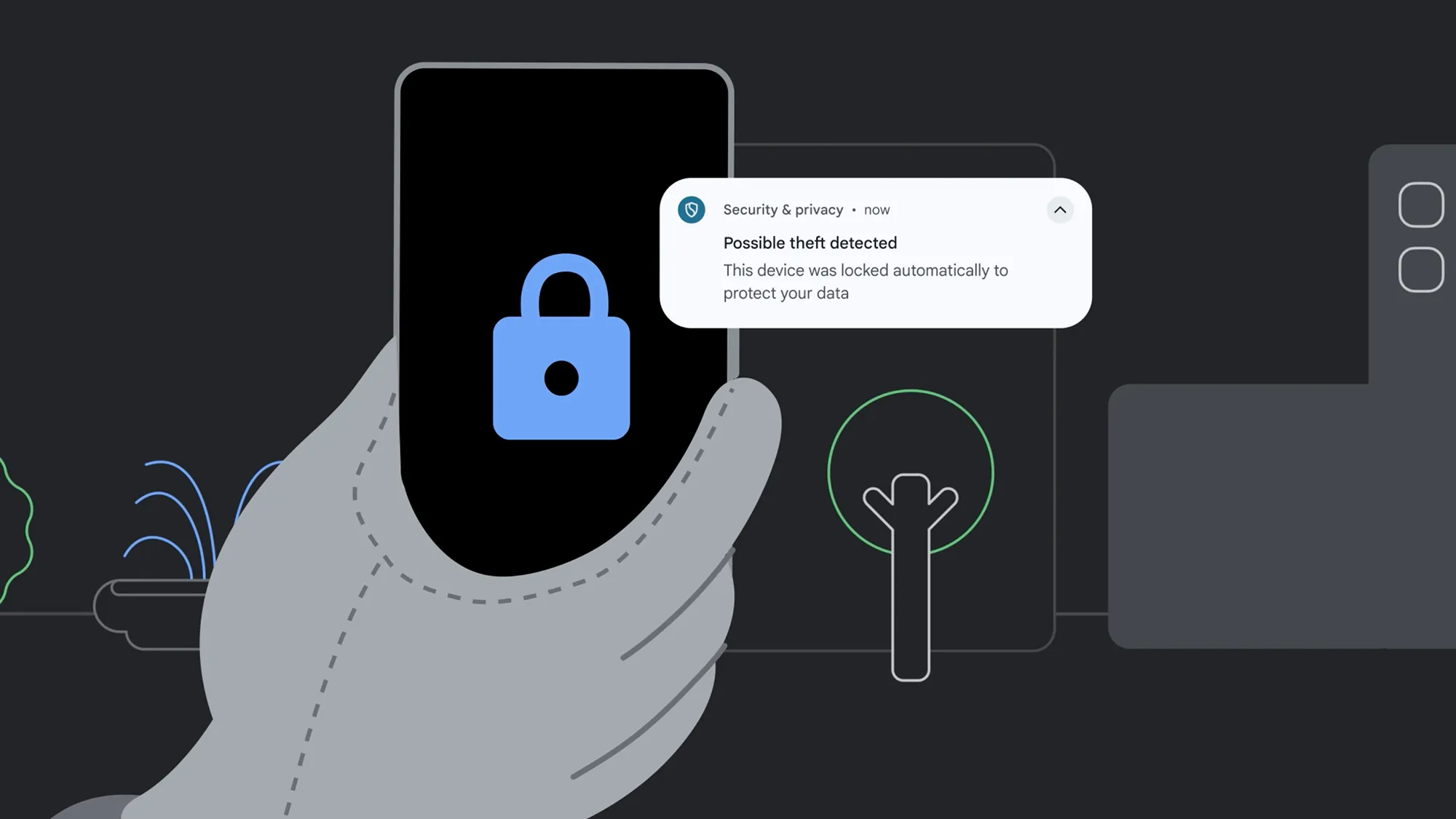
    Android now includes advanced theft detection features to protect your phone and personal data.

    These tools use AI and biometric authentication to make your phone more secure. Here’s how to enable and use them.

    Three Key Theft Protection Features

    Theft Detection Lock

    • Uses AI to detect suspicious activity, such as sudden movement or high-speed travel.
    • Automatically locks your phone if it senses theft.
    • You can easily unlock your phone if the feature is triggered by mistake.

    Offline Device Lock

    • Activates when your phone goes offline for an extended period.
    • Prevents thieves from disconnecting your phone to avoid remote tracking.
    • Also triggers after too many failed authentication attempts.

    Remote Lock

    • Works with the Find My Device service.
    • Lets you lock your phone remotely, even if it’s not visible on the map.
    • Requires your phone number and a security question for activation.

    Behind-the-Scenes Protections

    Biometric Authentication: Required for sensitive tasks like changing PINs, accessing theft detection features, or managing account passkeys.

    Factory Reset Lock: Only users logged into the phone’s Google account can perform a factory reset.

    Private Spaces: Lock specific apps behind a secondary PIN. Access this feature via Settings > Security and privacy > Private space.

    How to Enable Theft Detection Features

    1. Open Settings
      Go to Settings > Security and privacy > Device unlock > Theft protection.
    2. Enable Theft Detection Lock
      • Toggle on Theft detection lock.
      • Confirm activation on the next screen.
    3. Turn On Offline Device Lock
      • Toggle on Offline device lock.
      • Read the description and confirm activation.
    4. Set Up Remote Lock
      • Select Remote Lock and enable Use Remote Lock.
      • Verify your phone number and follow the instructions for remote locking.
    5. Identity Check
      • Enable Identity check for added security.
      • Specify trusted locations like home or office, where additional protections are reduced.

    Stay Secure

    With these features enabled, your Android phone is better protected against theft. Regularly update your device to access the latest security enhancements.

    Android
    Sazid Kabir
    • Website
    • X (Twitter)
    • Pinterest
    • Instagram
    • LinkedIn

    Founder & Chief Editor, NoMusica.com. Sazid Kabir is a tech writer and music producer covering music, tech, and music production with both analytical and practical experience.

    Keep Reading

    Are APK Downloads Safe? Risks, Legal Issues, and Safer Alternatives

    5 Best Free Firewall Apps for Android in 2026 (No Root Needed Options Included)

    Google Photos’ Most Requested Features Are Finally Here for All Android Users

    Major Android Flaw Exposes 875 Million Devices To Hackers

    This GitHub Trick Unlocks Claude Opus 4.6 for Free

    Google Blocked 1.75 Million Dangerous Apps From Play Store to Protect Android Users

    Add A Comment
    Leave A Reply Cancel Reply

    Latest Posts

    Cardi B Wins Key Ruling in 2023 Vegas Beachclub Lawsuit

    June 18, 2026

    North West & Molly Santana Set for 14-City “Kimokawaii Tour”

    June 18, 2026

    Drake Want To Sell 50% of OVO With This New Deal

    June 18, 2026

    Nicki Minaj Criticizes Her Early Songs, Says She Would Rewrite Them Today

    June 18, 2026

    DaBaby’s Be More Grateful Festival Brought In Over 10,000 Hip-Hop Fans To North Carolina

    June 16, 2026
    Pages
    • Home
    • Blog
    • About
    • Contact
    • Advertise
    • Cookie Policy
    • Privacy Policy
    Categories
    • AI
    • Tech & Science
    • Films & TV Shows
    • Entertainment
    • Music
    • Streaming
    • Music Production
    Random Reads

    PayPal Expands Into Travel With In-App Hotel Booking and Discounts

    Password Manager Attacks Have Tripled—How to Protect Yourself

    BTS’ Jin’s Blush and Bouquet Steal the Show During Wendy’s Radio Broadcast

    Facebook X (Twitter) Instagram Pinterest
    © 2026 WowPress Digital

    Type above and press Enter to search. Press Esc to cancel.