Close Menu
NoMusica.com
    Facebook X (Twitter) Instagram
    Facebook X (Twitter) Instagram
    NoMusica.comNoMusica.com
    • Entertainment
    • Music
      • Music Production
    • Tech
      • AI
      • Electronics & Gadgets
      • Apps & Updates
      • Smartphones
    • Films & Shows
    • Gaming
    • Streaming
    NoMusica.com
    Home»Apps & Updates

    Gemini on Android Now Looks Like the Website With New Drawer

    June 17, 2025
    Share
    Facebook Twitter LinkedIn Pinterest Email

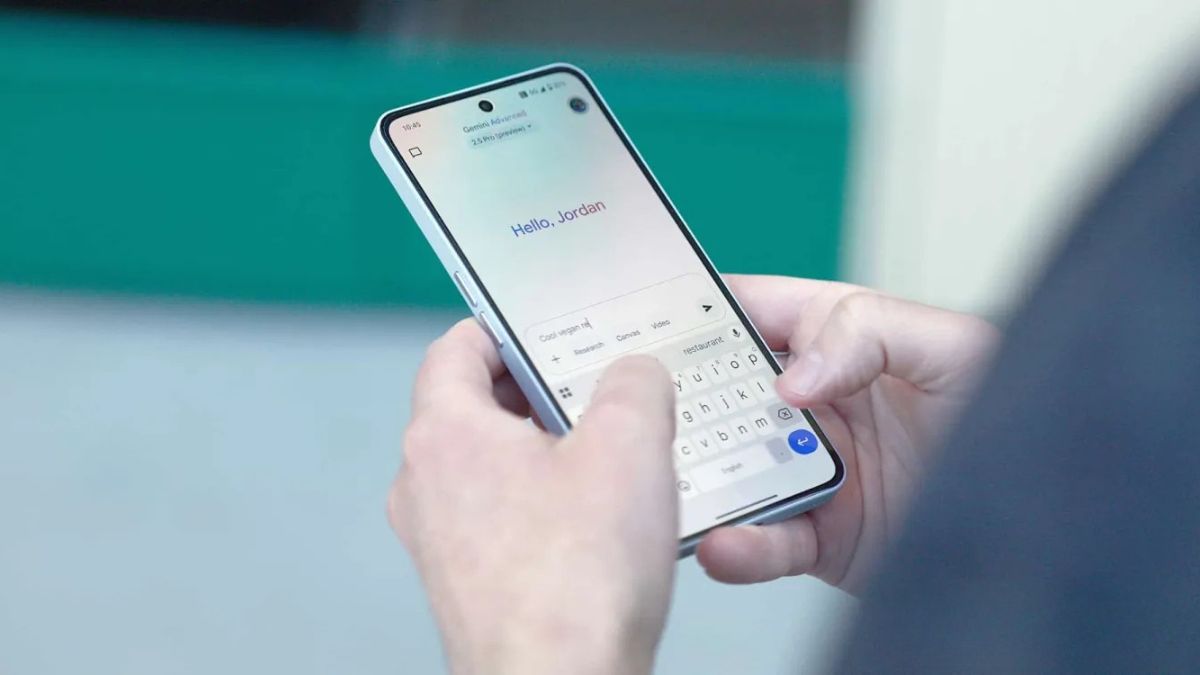
    Google has updated its Gemini app on Android with a new navigation drawer, making it easier for users to find their chats and features. The new design is similar to the one on the Gemini website.

    Before this update, users had to tap a small ‘chat’ icon in the top-left corner to see recent conversations and Gems. However, only five conversations appeared at first, and finding older ones took extra steps.

    Now, a hamburger menu button replaces that chat icon. When users tap it, a navigation drawer slides out from the side of the screen. The drawer includes a “New chat” button, two of your latest Gems, and an “Explore Gems” link. Below that, the “Recent” section shows your full conversation history with infinite scrolling.

    One major improvement is that you can now access this drawer while inside a chat or browsing other pages in the app. Instead of covering the screen, the drawer smoothly pushes the main screen aside.

    On Android tablets, the drawer stays open by default for quick access, but users can close it for a full-screen view during chats.

    This update is part of Google app version 16.23, currently in beta. To activate it after updating, some users may need to Force Stop the app from the settings.

    The new navigation drawer brings the Android app closer in design to Gemini’s web version, offering a more consistent and user-friendly experience.

    Android Google Google Gemini
    Sazid Kabir
    • Website
    • X (Twitter)
    • Pinterest
    • Instagram
    • LinkedIn

    Founder & Chief Editor, NoMusica.com. Sazid Kabir is a tech writer and music producer covering music, tech, and music production with both analytical and practical experience.

    Keep Reading

    Are APK Downloads Safe? Risks, Legal Issues, and Safer Alternatives

    How to Use Google Nano Banana: Prompt Structure, Examples, and Limitations

    5 Best Free Firewall Apps for Android in 2026 (No Root Needed Options Included)

    50+ Best Android Alternative Apps ― Free Movies, No Ads, Offline Maps

    10 Best Free Movie Apps in 2026 (Safe & Working)

    10 Best Free Music Apps in 2026 (No Subscription Needed)

    Add A Comment

    Comments are closed.

    Latest Posts

    Rinbga founders, Adam Young & Harrison Gevirtz, Convicted for Stealing Millions of Dollars with Tech Support Fraud Scheme

    July 27, 2026

    Crypto Traders Bet Big on Cardi B’s Womb in Wild “Cardi Bee” Presale Frenzy

    July 24, 2026

    Snoop Dogg Biopic Set for 2027 Release with Jonathan Daviss in Lead Role

    July 23, 2026

    Kevin durant Ignores Lionel Messi & racist Argentian Soccer Team, refusing to shake their Hands

    July 19, 2026

    Spotify Removes Over 75 Million AI-Generated Tracks in Major Crackdown

    July 18, 2026
    Pages
    • Home
    • Blog
    • About
    • Contact
    • Advertise
    • Cookie Policy
    • Privacy Policy
    Categories
    • AI
    • Tech & Science
    • Films & TV Shows
    • Entertainment
    • Music
    • Streaming
    • Music Production
    Random Reads

    Xiaomi Set to Roll Out Monthly Smartphone Updates in 2025

    Samsung Launches One UI 7.0 with New Quick Settings, AI Tools, and More

    BTS Members Share Thoughts as 2025 Reunion Approaches

    Facebook X (Twitter) Instagram Pinterest
    © 2026 WowPress Digital

    Type above and press Enter to search. Press Esc to cancel.