



Close Menu
NoMusica.com
    Facebook X (Twitter) Instagram
    Facebook X (Twitter) Instagram
    NoMusica.comNoMusica.com
    • Entertainment
    • Music
      • Music Production
    • Tech
      • AI
      • Electronics & Gadgets
      • Apps & Updates
      • Smartphones
    • Films & Shows
    • Gaming
    • Streaming
    NoMusica.com
    Home»Apps & Updates

    Google Makes Gemini Free in Chrome With New AI Features

    September 19, 2025
    Share
    Facebook Twitter LinkedIn Pinterest Email

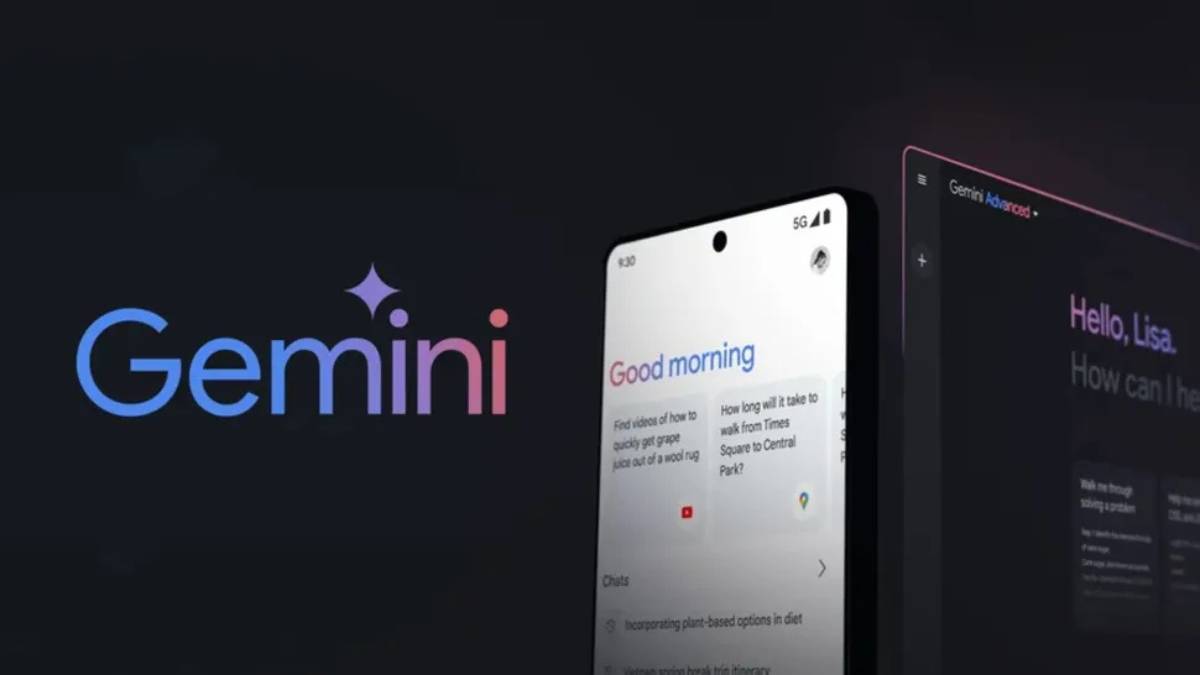
    Google is rolling out major updates to its Gemini AI assistant in the Chrome browser, removing the membership fee and adding new tools that allow the system to perform tasks across tabs, browsing history, and other Google services. The rollout begins today for Mac and Windows users in the United States.

    The upgrade gives Gemini deeper access to a user’s browser activity, including the ability to read open tabs, check browsing history, and integrate with services like YouTube, Google Calendar, Maps, and Workspace.

    Chrome’s product management director Charmaine D’Silva said Gemini can now “find relevant information on your screen and also take action on your screen,” enabling tasks such as comparing products, summarizing information, and recalling previously visited pages.

    Google also plans to introduce more advanced capabilities in the coming months, allowing Gemini to perform “tedious tasks” such as booking appointments, rescheduling deliveries, and making restaurant reservations. The company said safeguards will be in place for high-risk or irreversible actions but did not specify a launch date for these features.

    Desktop users will be able to close tabs and later ask Gemini to reopen or summarize them, while mobile users on Android can now share the full context of a page for deeper AI responses. iPhone users will soon gain similar access through the Chrome app.

    The move positions Google to compete more aggressively in the fast-growing market for AI-driven browsers, where rivals such as OpenAI, Anthropic, and Perplexity are introducing their own agent-like tools.

    Recent developments include OpenAI’s ChatGPT Agent and Perplexity’s Comet browser, highlighting a broader industry race to bring AI-powered automation directly into everyday web use.


    Chrome Google Google Gemini
    Sazid Kabir
    • Website
    • X (Twitter)
    • Pinterest
    • Instagram
    • LinkedIn

    Founder & Chief Editor, NoMusica.com. Sazid Kabir is a tech writer and music producer covering music, tech, and music production with both analytical and practical experience.

    Keep Reading

    Are APK Downloads Safe? Risks, Legal Issues, and Safer Alternatives

    How to Use Google Nano Banana: Prompt Structure, Examples, and Limitations

    5 Best Free Firewall Apps for Android in 2026 (No Root Needed Options Included)

    50+ Best Android Alternative Apps ― Free Movies, No Ads, Offline Maps

    10 Best Free Movie Apps in 2026 (Safe & Working)

    10 Best Free Music Apps in 2026 (No Subscription Needed)

    Add A Comment

    Comments are closed.

    Latest Posts

    Drake Is The Most Streamed Apple Music Artist Ever

    June 19, 2026

    Tay Keith, Grammy-Nominated ‘Sicko Mode’ Producer, Found Dead at 29

    June 19, 2026

    Cardi B Wins Key Ruling in 2023 Vegas Beachclub Lawsuit

    June 18, 2026

    North West & Molly Santana Set for 14-City “Kimokawaii Tour”

    June 18, 2026

    Drake Want To Sell 50% of OVO With This New Deal

    June 18, 2026
    Pages
    • Home
    • Blog
    • About
    • Contact
    • Advertise
    • Cookie Policy
    • Privacy Policy
    Categories
    • AI
    • Tech & Science
    • Films & TV Shows
    • Entertainment
    • Music
    • Streaming
    • Music Production
    Random Reads

    BTS Tease New Album and Global Tour Ahead of 2026 Comeback

    Jack Dorsey Slashes Nearly Half Of Block’s Workforce In AI Shake-Up

    Former Intel CEO Admits AI Misstep as Company Falls Behind Rivals

    Facebook X (Twitter) Instagram Pinterest
    © 2026 WowPress Digital

    Type above and press Enter to search. Press Esc to cancel.


