


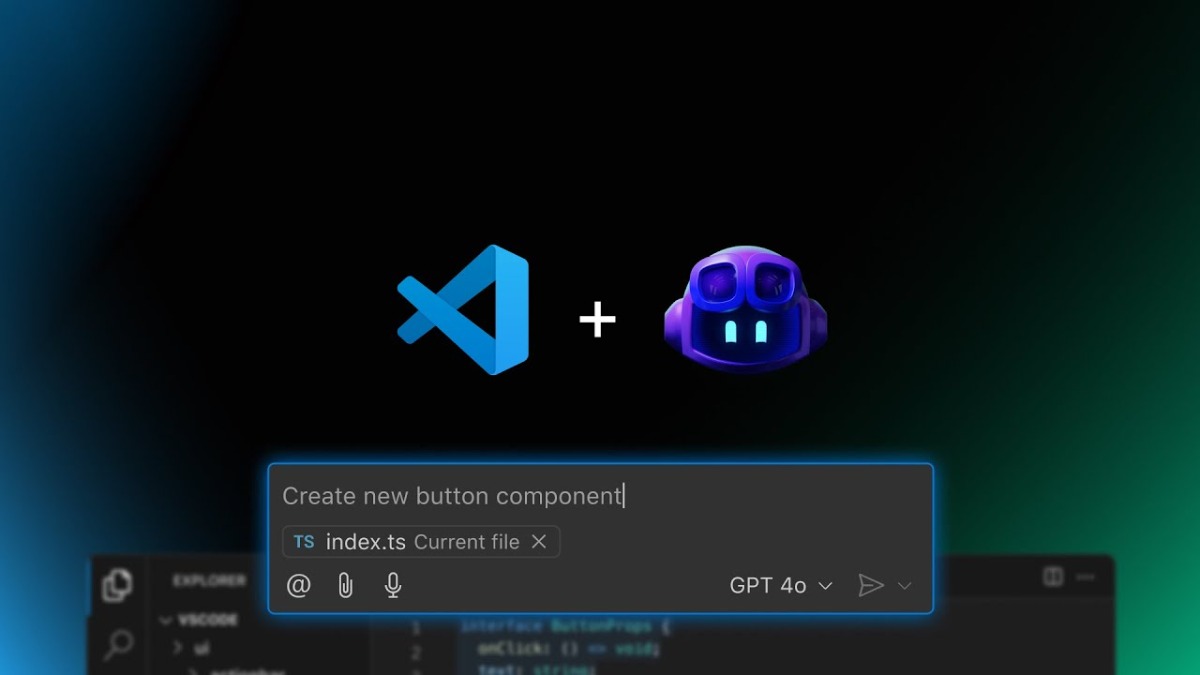
Many students do not realize that verifying their status through the GitHub Student Developer Pack can unlock free access to premium AI tools, including GitHub Copilot Pro.
As of March 2026, verified students can use Copilot Pro completely free, even though the service normally requires a paid subscription. The offer is part of GitHub Education, which provides tools and developer resources for students and educators.
This free access allows students to use powerful AI models directly inside coding environments like Visual Studio Code. These models come from major AI companies including Anthropic, OpenAI, and Google.
One of the most notable models available is Claude Opus 4.6, a powerful AI system known for solving complex coding tasks, reasoning through problems, and handling large context prompts. Normally, models like this are part of expensive subscriptions, but students can access them through Copilot Pro.
Why This Is a Big Deal
Premium AI tools can cost $20 to $50 per month or more if purchased separately. However, verified students can use them for free while enrolled in school.
Through Copilot Pro, students may get access to multiple advanced models such as:
- Claude Opus 4.6
- Claude Sonnet
- GPT‑5
- Gemini 3 Pro
- Gemini Flash
These models can help students with:
- Writing and debugging code
- Learning programming concepts
- Building projects and apps
- Solving complex technical problems
- Automating development tasks
For students studying computer science, AI, or software engineering, this can be a huge advantage.
Why Many Students Don’t Know About It
Despite the benefits, many students never claim this offer.
There are several reasons:
- Many students never apply for the GitHub Student Developer Pack
- Some believe GitHub Copilot is always paid
- The AI model selection inside tools like VS Code can feel hidden in settings
Because of this, many students miss out on tools that could significantly help their studies and projects.
How Students Can Get Free Copilot Pro
Students can unlock the benefits by following a few simple steps.
1. Apply for the GitHub Student Developer Pack
- Go to: https://education.github.com/pack
- Sign in with your GitHub account
- Click “Get student benefits”
- Verify your student status using a university email or student ID
2. Wait for Verification
GitHub reviews the application. Approval usually takes a few days, but sometimes longer.
3. Activate Copilot Pro
Once approved:
- Log into GitHub
- Go to Settings → Copilot
- Claim the free Copilot Pro access included in student benefits
4. Install Copilot in Your Editor
Students can install Copilot in editors such as:
- Visual Studio Code
- JetBrains IntelliJ IDEA
- Neovim
In VS Code, simply install the GitHub Copilot extension, sign in, and start using the AI features.
5. Start Using AI Models
After activation, students can open Copilot Chat and choose from different AI models depending on the task.
Some models are better for fast responses, while others are designed for deep reasoning and complex coding problems.
A Powerful Tool for Students
The GitHub Student Developer Pack already includes many useful resources such as free domains, cloud credits, and developer tools. However, Copilot Pro is quickly becoming one of its most valuable features.
For students working on coding assignments, personal projects, or startup ideas, having access to powerful AI models can save hours of work and help them learn faster.
And the best part is that it is completely free for verified students.
The Bottom Line
Many students around the world are now discovering this “hidden gem” through social media tutorials and developer communities.
If you are a student with a valid university or college ID, verifying your status through the GitHub Student Developer Pack could give you access to some of the most advanced AI coding tools available today — without paying anything.
