

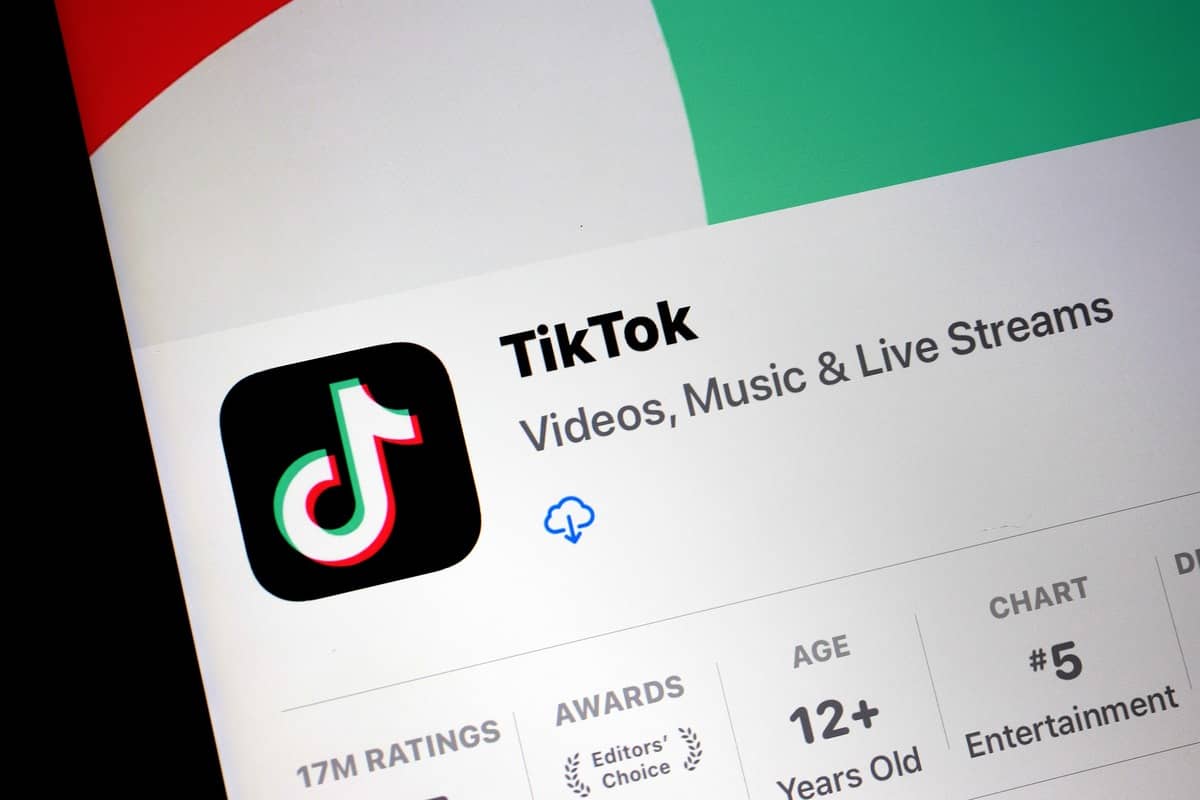
TikTok is currently unavailable on the App Store and Play Store in the U.S. If you uninstalled the app, don’t worry—there are ways to download it again. Follow these steps carefully for iOS and Android devices.
For iOS (Apple Devices)
Method 1: Change App Store Region
- Install a VPN and connect to a country where TikTok is available (e.g., Canada or Singapore).
- Go to Settings > tap your name > Media and Purchases > View Account.
- Tap Country/Region and select a supported country.
- Provide a billing address (use any valid address).
- Open the App Store and download TikTok.
Note: A VPN alone won’t let you access TikTok—you must change your region.
Method 2: Create a New Apple ID
- Use a VPN to connect to a TikTok-supported country.
- Sign out of your current Apple ID: Settings > tap your name > Sign Out.
- Tap Sign in to your iPhone > Create a Free Apple ID.
- During setup, select the VPN region as your country.
- Log in with the new Apple ID, open the App Store, and download TikTok.
For Android Devices
Method 1: Change Play Store Region
- Connect to a VPN server in a TikTok-supported country.
- Open the Play Store > profile icon > Settings > Account and device preferences.
- Select Country and profiles, then choose a supported country.
- Download TikTok from the Play Store.
Note: You can change your region only once a year, so plan carefully.
Method 2: Create a New Google Account
- Connect to a VPN server in a supported region.
- Log out of your current Google account.
- Create a new account and select the VPN region as your location.
- Sign in with the new account and download TikTok.
Using a Browser (For Both iOS and Android)
- Connect to a VPN in a supported country.
- Open a browser and visit TikTok.com.
- Log in to your account and enjoy TikTok.
When Will TikTok Return to App Stores?
There is no official update on TikTok’s return to app stores. Users who still have the app can continue using it, while those who uninstalled it can follow the methods above to regain access.
For additional tips, check out guides on downloading TikTok videos, managing privacy, or hiding liked videos.






Leave a comment