


Close Menu
NoMusica.com
    Facebook X (Twitter) Instagram
    Facebook X (Twitter) Instagram
    NoMusica.comNoMusica.com
    • Entertainment
    • Music
      • Music Production
    • Tech
      • AI
      • Electronics & Gadgets
      • Apps & Updates
      • Smartphones
    • Films & Shows
    • Gaming
    • Streaming
    NoMusica.com
    Home»Tech & Science

    10 Things to Do First When You Get a New iPad

    January 2, 2025
    Share
    Facebook Twitter LinkedIn Pinterest Email

    Setting up a new iPad can be exciting, but to get the most out of it, there are a few essential steps you should follow. Here’s a quick guide to help you get started:

    Restore or Sync Data
    Use the Quick Start feature to transfer data from your old device or restore from an iCloud backup. You can also sync via a wired connection.

    Check for Software Updates
    Ensure your iPad is running the latest iPadOS version by heading to Settings > General > Software Update.

    Pair Your Apple Pencil and Peripherals
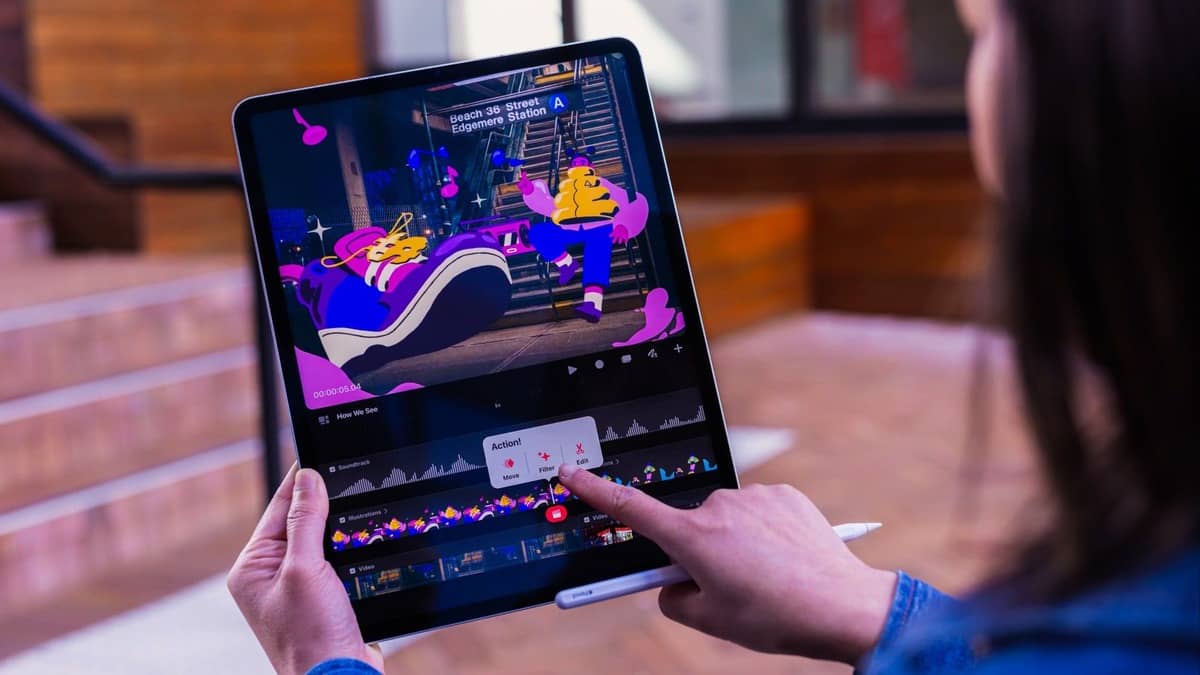
    Set up your Apple Pencil and any other accessories like the Magic Keyboard or AirPods.

    Set Up Touch ID or Face ID
    Enable biometric authentication for easier access and added security under Settings > Touch ID & Passcode or Face ID & Passcode.

    Customize the Wallpaper
    Personalize your iPad by choosing a new wallpaper through Settings > Wallpaper.

    Set Up the Home Screen
    Organize your apps and even hide unnecessary ones for a cleaner layout.

    Customize the Control Center
    Adjust the Control Center by adding, removing, or rearranging controls to suit your needs.

    Change the Display Resolution
    On compatible models, adjust the display resolution under Settings > Display & Brightness > Display Zoom for a more spacious view.

    Set Up Safari Profiles
    Create profiles for different browsing contexts (work, personal, etc.) in Safari for better organization.

    Enable the 80% Charging Limit
    Enable the 80% charging limit to extend your battery’s lifespan by going to Settings > Battery > Battery Health.

    iPad
    Sazid Kabir
    • Website
    • X (Twitter)
    • Pinterest
    • Instagram
    • LinkedIn

    Founder & Chief Editor, NoMusica.com. Sazid Kabir is a tech writer and music producer covering music, tech, and music production with both analytical and practical experience.

    Keep Reading

    New UK Law Could Stop Under-16s From Using TikTok, Instagram and More

    10 Free AI Courses With Certificates for High-Income Skills in 2026

    7 Best Knowledge Base Tools for Learning in 2026 (Ranked)

    Best Open-Source Softwares in 2026: Safe, Free Tools for Creators, Developers, and Everyday Use

    5 Best Free Audio Editing Software in 2026: For Podcasts & Music

    15 AI Tools Musicians Can Use to Create and Promote Music

    Add A Comment
    Leave A Reply Cancel Reply

    Latest Posts

    People Want To Know Why Cities Are Banning Kanye But Not Netanyahu & Israel’s Genocidal Regime, Epstein-Allies

    June 24, 2026

    Drake Fans Go Off On Lil Yachty Over A$AP Rocky Link-Up

    June 22, 2026

    New Pooh Shiesty x GloRilla Track Sparks Gucci Mane Debate Online

    June 22, 2026

    #HimToo: The Man Cassie Ventura exposed to STDs & Public Embarrassment, wants Accountability

    June 20, 2026

    21 Savage Mentions Lamelo Ball’s Car Accident in New Rap Song “WTF Goin”

    June 20, 2026
    Pages
    • Home
    • Blog
    • About
    • Contact
    • Advertise
    • Cookie Policy
    • Privacy Policy
    Categories
    • AI
    • Tech & Science
    • Films & TV Shows
    • Entertainment
    • Music
    • Streaming
    • Music Production
    Random Reads

    99-Million-Year-Old Dinosaur Tail Found in Amber

    BTS’ Jin Scores First No. 1 on World Albums Chart with ‘Echo’

    Metro Boomin Working on The Weeknd’s Next Album

    Facebook X (Twitter) Instagram Pinterest
    © 2026 WowPress Digital

    Type above and press Enter to search. Press Esc to cancel.