Close Menu
    Facebook X (Twitter) Instagram
    Facebook X (Twitter) Instagram Pinterest
    NoMusica.com
    • AI
    • Tech
      • Electronics & Gadgets
      • Apps & Updates
      • Smartphones
    • Films & Shows
    • Music
    • Gaming
    • Streaming
    • Music Production
    NoMusica.com
    Home Hidden iPhone Feature Shares Photo Data with Apple – How to Disable It
    Tutorials

    Hidden iPhone Feature Shares Photo Data with Apple – How to Disable It

    Updated:January 28, 20252 Mins Read
    Share Facebook Twitter Pinterest Telegram WhatsApp Copy Link
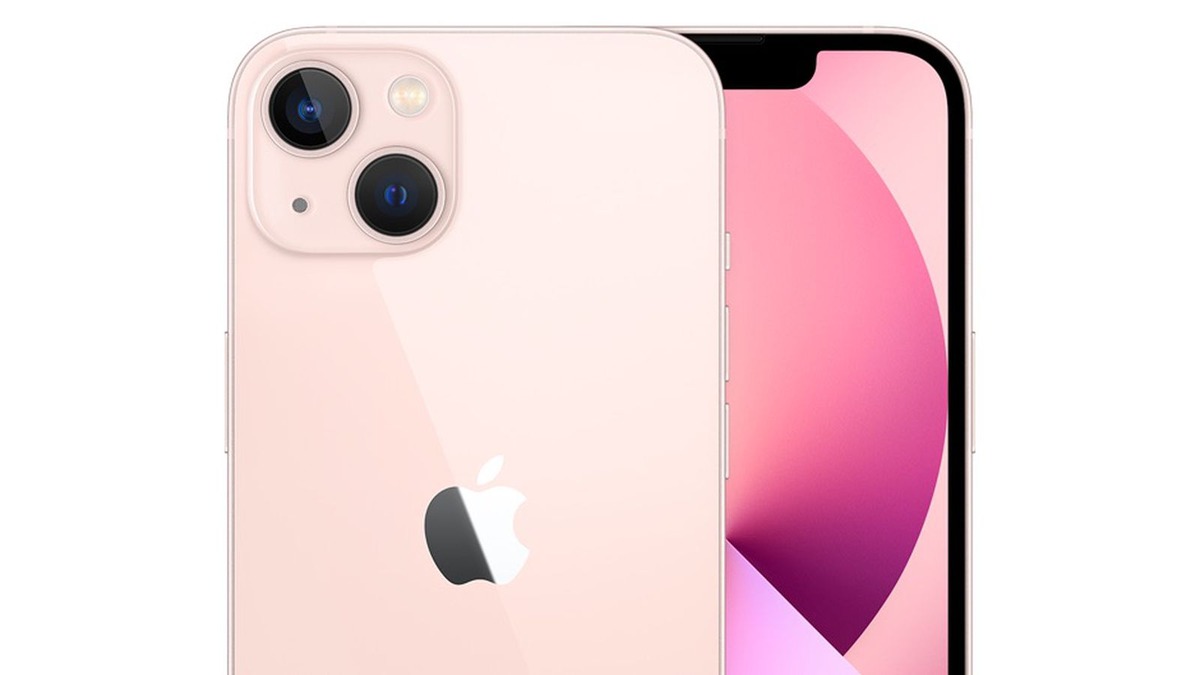
    iPhone 13

    Apple has a strong reputation for privacy, but a new feature in iOS 18 may raise some concerns.

    The “Enhanced Visual Search” toggle in the Photos app, which helps identify landmarks in your photos, is seemingly turned on by default.

    This means your iPhone may be sharing data from your photos with Apple.

    What Is Enhanced Visual Search?

    This feature lets you search for landmarks in your photos by name. For example, if you take a picture of a famous building, you can swipe up on the photo and select “Look Up Landmark” to get more information.

    The feature uses a machine-learning model to analyze your photos and compare them with Apple’s global database.

    How Does It Work?

    The process begins with an on-device model that looks for landmarks in your photos. If it detects one, it sends encrypted data to Apple for comparison.

    Apple claims that the data is processed privately, but it still raises concerns about data sharing.

    Why Is This a Privacy Issue?

    While the feature itself is useful, it requires permission to share data with Apple. Unlike the Visual Look Up feature in iOS 15, which doesn’t send data to Apple, Enhanced Visual Search does.

    Apple’s privacy description under the toggle states that it uses a “global index” maintained by Apple to match places in your photos.

    Should You Be Concerned?

    The data is encrypted, but the fact that the feature is on by default without clear user consent could be a privacy concern.

    Apple could have made this an opt-in feature, similar to other settings like Siri or analytics data sharing.

    If you’re concerned about privacy, you can turn off the “Enhanced Visual Search” toggle in the Photos settings on your iPhone or Mac.


    Apple Apple iPhone iOS
    Share. Facebook Twitter Pinterest Telegram WhatsApp Copy Link
    Sazid Kabir
    • Website
    • X (Twitter)
    • Pinterest
    • Instagram
    • LinkedIn

    Founder & Chief Editor, NoMusica.com. Sazid Kabir is a tech writer and music producer covering music, tech, and music production with both analytical and practical experience.

    Related Posts

    Tim Cook to Step Down as Apple CEO, John Ternus to Take Charge

    Windows 11 Upgrade Incoming as MacBook Neo Raises Pressure

    iPhone Fold Delay Confirmed by Apple’s Own Supply Chain

    Apple Is About to Push a New iOS Update to Fix Security Flaws on Your iPhone

    Apple Quietly Launches AirPods Max 2 With Major New Features

    Apple Could Freeze iPhone 18 Pro Price Despite Rising Chip Costs

    Add A Comment
    Leave A Reply Cancel Reply

    Latest Posts

    Travis Scott Drops Cactus Jack Nike Phantom 6 For 2026 World Cup

    June 7, 2026

    Netflix Corruption: Michael Jackson Film is False & Slander, Here’s the Documented Facts

    June 7, 2026

    Cassie Ventura Fled U.S. with Diddy’s $30M,  Her Innocence Now in Question

    June 5, 2026

    50 Cent Says Daphne Joy’s OnlyFans Up 85% After Diddy Tape, Hints Model Leaked Her Own Tape

    June 5, 2026

    NEW HIPHOP THIS FRIDAY (JUNE 5, 2026)

    June 5, 2026
    Facebook X (Twitter) Instagram Pinterest
    © 2026 A WowPress Initiative

    Type above and press Enter to search. Press Esc to cancel.