Design platform Canva has launched a new AI editing tool that could make image editing much easier for creators.
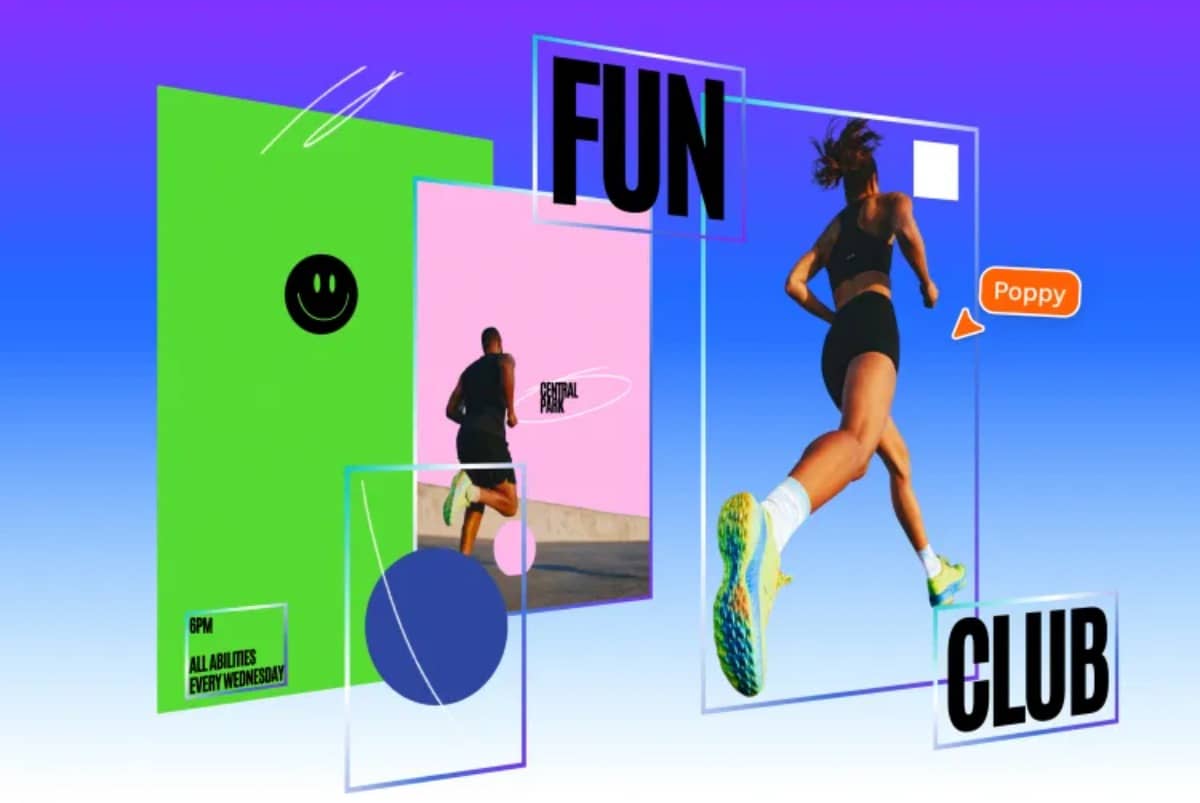
The feature, called Magic Layers, can turn flat images into fully editable designs. It allows users to select and change individual parts of an image, such as text, objects, or graphics, without starting from scratch.
The tool is currently available in public beta in the United States, United Kingdom, Canada, and Australia. It works with both AI-generated images and regular files like PNG or JPEG.
According to Cameron Adams, Canva’s chief product officer, the goal is to give users more control when editing images. Instead of asking AI to regenerate a whole design, users can simply adjust the part they want.
This approach also solves a common problem with AI images. Most image generators produce flat designs, which means even small changes require creating a new image from a prompt.
Magic Layers separates those images into different components while keeping the original layout. That makes it easier to move, edit, or replace individual elements inside the design.
The feature also puts Canva ahead of some competitors. Tools in Adobe Photoshop and Adobe Express can place AI-generated content in layers, but they cannot automatically split an entire image into editable parts.
With generative AI becoming more common in design tools, Canva’s new feature could give creators more flexibility when working with AI-generated visuals.