Google TV promised a clean and smart streaming experience. At first, it felt simple. You could open apps quickly and discover content without confusion.
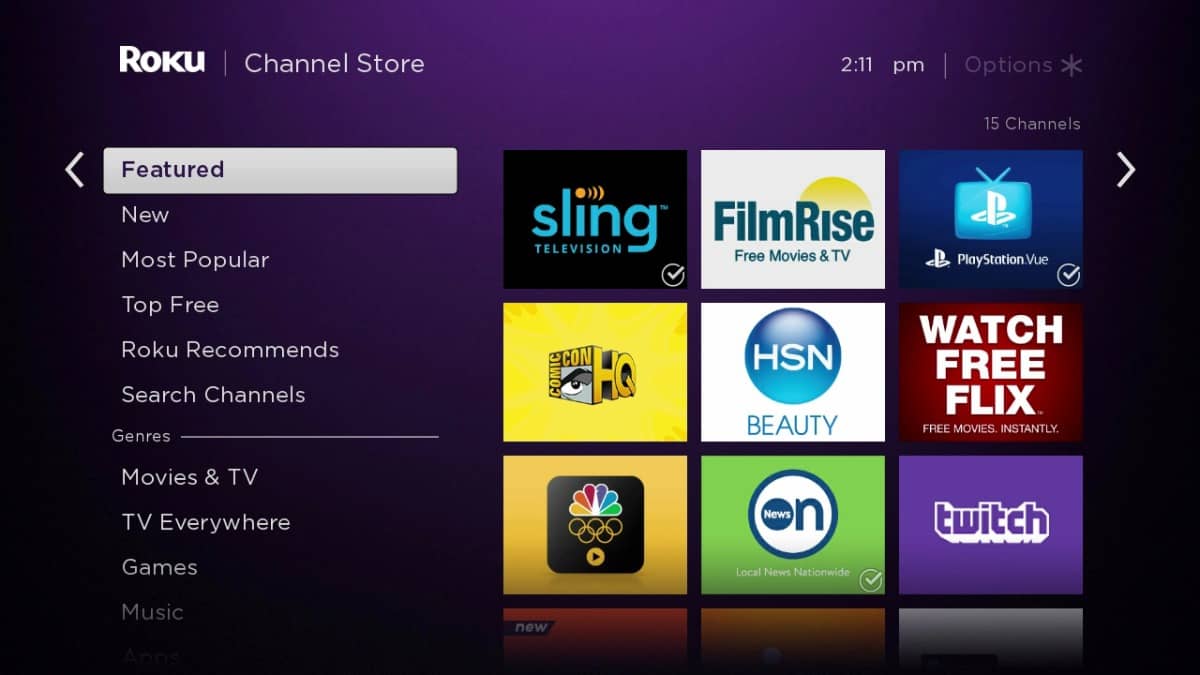
But over time, the home screen became crowded. Sponsored rows appeared. Promoted rentals took over. Algorithm-driven suggestions filled the screen. For many users, it now feels more like a shopping channel than a smart TV menu.
The focus shifted from your apps to advertising.
What’s Wrong With the Default Google TV Home Screen?
Here’s what frustrates many users:
- Sponsored content takes priority over installed apps
- Promotional tiles push movie rentals and paid content
- Constant recommendations clutter the interface
- Background tracking raises privacy concerns
- Slower performance on older devices
Instead of being clean and fast, the experience often feels heavy and distracting.
Enter AT4K Launcher
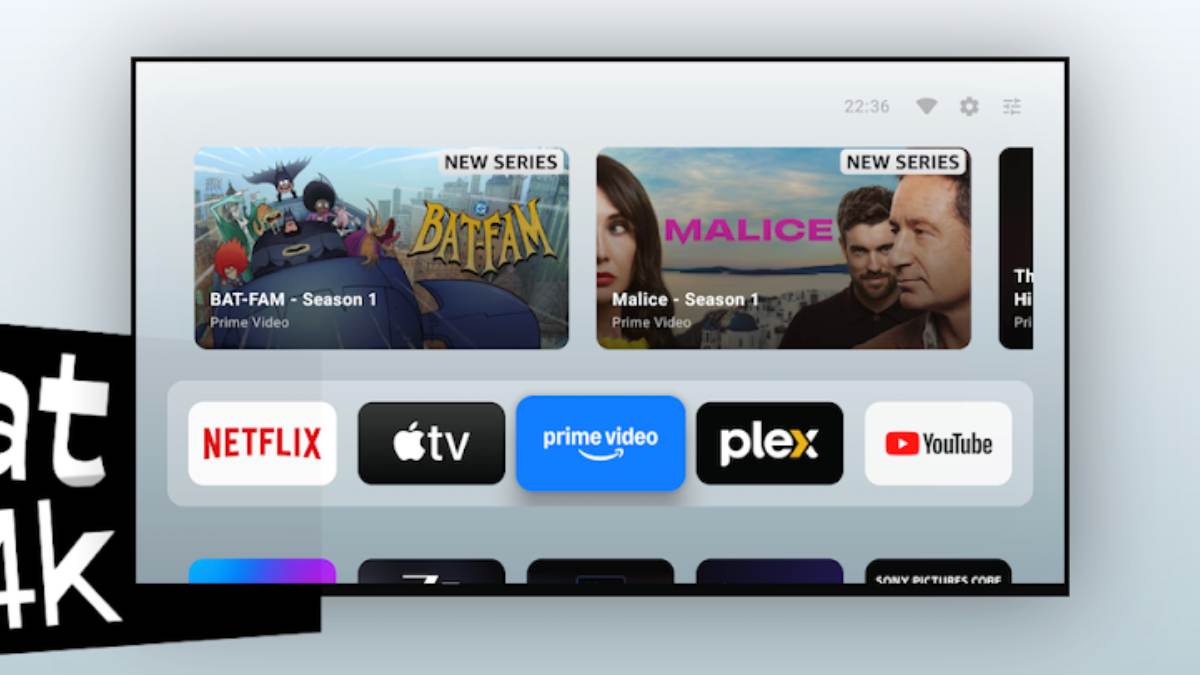
AT4K Launcher is a free and lightweight alternative built to remove all that noise. It strips the home screen back to what actually matters — your apps.
Inspired by the elegant design of Apple TV, AT4K delivers a premium look without ads, tracking, or clutter.
Simple. Focused. Clean.
Key Features That Make AT4K Stand Out
✅ Completely Ad-Free
No sponsored rows. No upsell banners. No promotional content trying to sell you rentals.
🔒 No Tracking
No analytics. No hidden data collection. No forced logins. It respects your privacy from the start.
🎬 Clean Apple TV-Style Layout
- Large app icons in a neat grid (usually 5–6 per row)
- Smooth animations when navigating with a remote
- A top carousel for favorites or “Watch Next” content
- No endless scrolling
The design feels calm and intentional.
⚡ Lightweight and Fast
Built to run smoothly, even on mid-range or older hardware. Many users report less lag compared to the stock launcher.
🔧 Deep Customization
- Rearrange apps freely
- Control what appears in the top carousel
- Disable unwanted elements
- Create a setup that feels truly personal
📱 Broad Compatibility
Works on Android TV or Google TV devices running Android TV 8.0 and above, including:
- NVIDIA Shield
- Xiaomi Mi Box
- Sony TVs
- TCL TVs
- Hisense TVs
- Onn streaming boxes
- Amazon Fire TV (with sideloading)
No root required. No custom ROMs. No warranty risks.
📦 Full Sideloaded App Support
Apps installed via APK work without issues.
How Easy Is the Setup?
Getting started takes just a few minutes:
- Download AT4K Launcher from the Google Play Store.
- Install and open the app.
- Use a helper tool like Launcher Manager or built-in system settings to set it as your default launcher.
- Press the Home button and enjoy your new interface.
No complex commands. No developer mode required.
Why This Matters in 2026
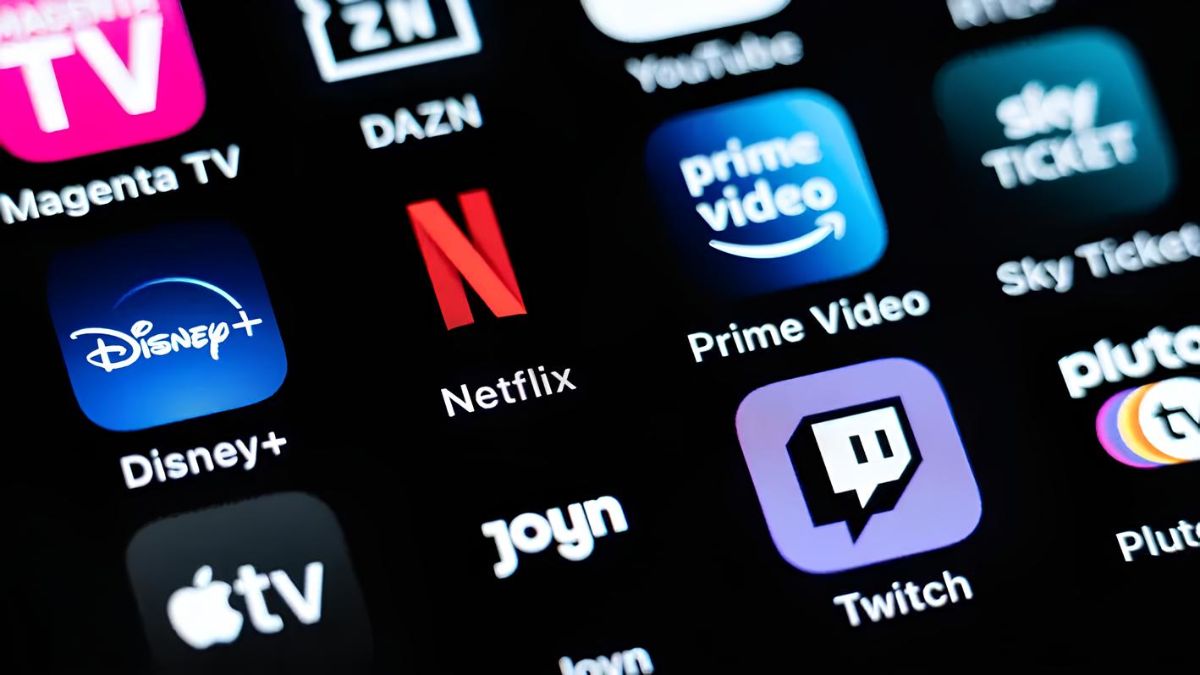
Streaming platforms continue to add more ads and more recommendations. Many users now want control over their own screens.
Other alternatives like Projectivy Launcher and FLauncher offer strong customization. But AT4K stands out because of its Apple TV-inspired design — cinematic, distraction-free, and elegant.
It puts your apps first. Not advertisers.
The Bottom Line
If you have ever looked at your Google TV home screen and thought, “This could be better,” AT4K Launcher delivers that better version.
It is not just a launcher.
It is a reset button for your TV experience.
Install it.
Set it as default.
And your Google TV finally feels the way it should have all along.