

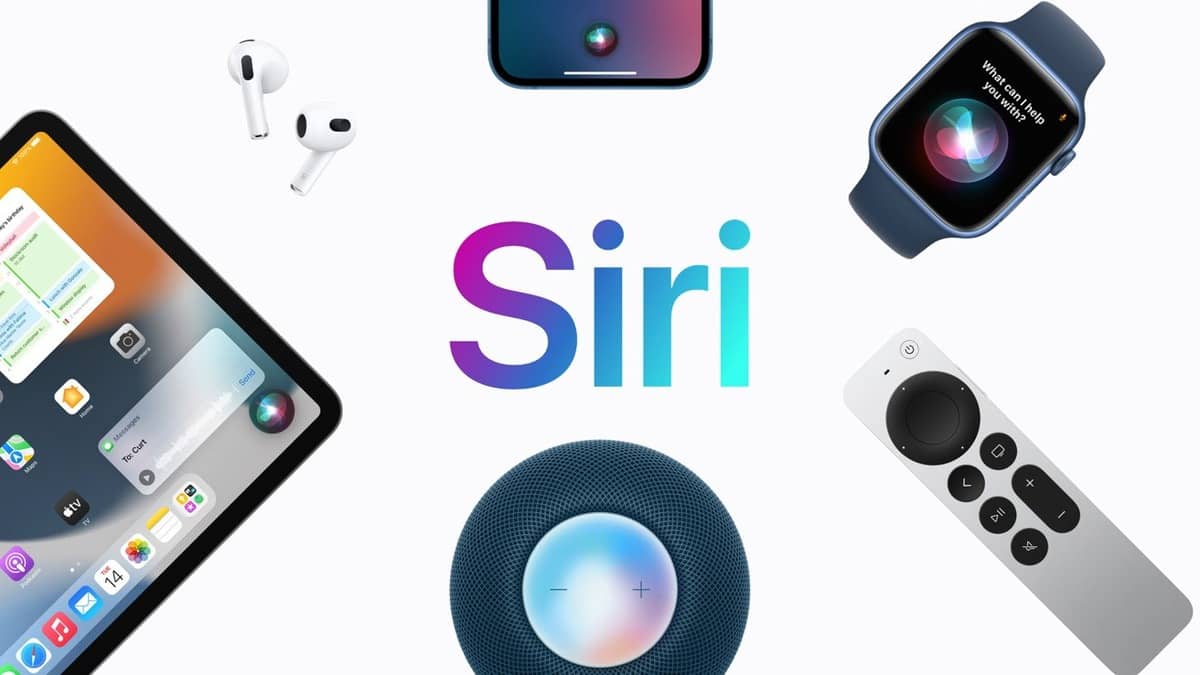
Apple’s iOS 18.3 update introduces an exciting new look for Siri, featuring a vibrant glowing effect.
If you’ve updated your iPhone but aren’t seeing the new shimmering Siri animation, don’t worry. Here’s how to activate it.
Why You Might Not See the New Glow Effect
The new Siri glow is part of Apple Intelligence and is available for iPhone XS or newer models, along with Macs and iPads powered by M-series processors.
However, not all users will see the glow right away due to certain requirements. If you’ve updated to iOS 18.3 and still see the old Siri orb, it’s likely that Apple Intelligence hasn’t been activated on your device yet.
Check Your Device Compatibility
The new glowing Siri effect is available for these models:
- iPhone 15 Pro & Pro Max
- iPhone 16 Series
- Macs and iPads with M-series chips (including the iPad Mini with A17 Pro)
If your device is compatible, but you don’t see the glowing effect, there are a few steps you can take to unlock it.
Re-enable Apple Intelligence
Sometimes Apple Intelligence might not be activated automatically after the iOS update. If this is the case, you need to manually enable it:
- Go to Settings > Apple Intelligence & Siri
- Turn on the Apple Intelligence toggle
- Restart your device to re-download the necessary language model.
Check Your Siri Language Settings
Currently, Apple Intelligence is available only in English and is limited to specific variants, including English from Australia, Canada, the UK, and the US, among others.
If you’re using a different language, you might not see the new effect yet. To enable it:
- Go to Settings > Apple Intelligence & Siri
- Set the Language to one of the supported English variants.
After that, follow the steps to turn Apple Intelligence off and back on again, and restart your iPhone.
Upcoming Language Support
Apple plans to expand the Siri glow effect to more languages later in the year, including Chinese, French, German, Japanese, Korean, and others by April 2025.
Once you’ve activated Apple Intelligence and set your language correctly, you should see the new glowing Siri effect in action!






Leave a comment