Close Menu
NoMusica.com
    Facebook X (Twitter) Instagram
    Facebook X (Twitter) Instagram
    NoMusica.comNoMusica.com
    • Entertainment
    • Music
      • Music Production
    • Tech
      • AI
      • Electronics & Gadgets
      • Apps & Updates
      • Smartphones
    • Films & Shows
    • Gaming
    • Streaming
    NoMusica.com
    Home»Tech & Science

    Google Pixel Adds Color Correction Tool — Here’s How To Use It

    December 21, 2024
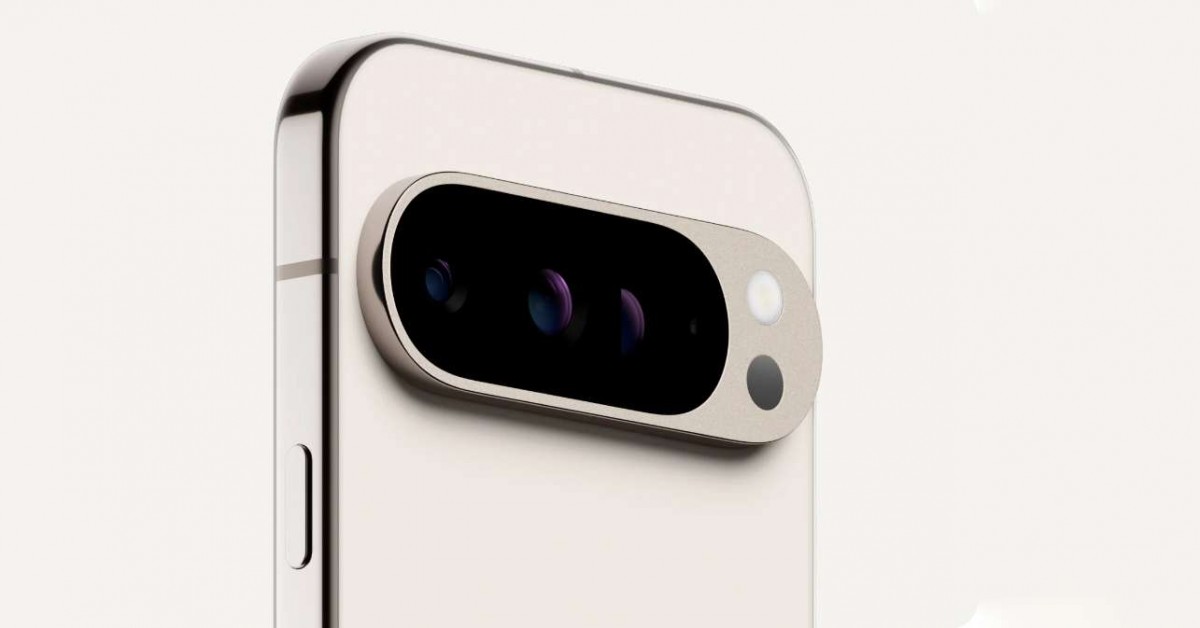
    Google Pixel 9 Pro
    Share
    Facebook Twitter LinkedIn Pinterest Email

    Google has introduced a new feature for Pixel devices to help users with color blindness.

    The updated color correction tool allows users to adjust the display’s colors to better suit their needs. This is part of Google’s ongoing effort to improve accessibility on Android devices.

    The color correction tool offers different color scales, including Deuteranomaly, Protanomaly, and Tritanomaly, as well as grayscale options. These settings help users with different types of color blindness by adjusting the colors on the screen.

    The new update adds an intensity slider, allowing users to control how strong the color changes are. Lower intensity keeps the colors closer to the original, while higher intensity makes the color shifts more pronounced.

    To turn on and adjust the color correction tool on a Pixel device, follow these simple steps:

    1. Open the Settings app.
    2. Tap on Accessibility.
    3. Select Color and motion.
    4. Tap Color correction.
    5. Toggle the feature on and choose from the available color scales.
    6. Use the intensity slider to adjust the strength of the color correction.

    This feature is easy to use and can be fine-tuned to match individual preferences. It provides a simple way to make the Pixel display more accessible for those with color blindness, offering a better user experience.

    Google continues to improve accessibility features for Android devices, and this new update is a great addition to that effort.


    Google Google Pixel
    Sazid Kabir
    • Website
    • X (Twitter)
    • Pinterest
    • Instagram
    • LinkedIn

    Founder & Chief Editor, NoMusica.com. Sazid Kabir is a tech writer and music producer covering music, tech, and music production with both analytical and practical experience.

    Keep Reading

    Rinbga founders, Adam Young & Harrison Gevirtz, Convicted for Stealing Millions of Dollars with Tech Support Fraud Scheme

    New UK Law Could Stop Under-16s From Using TikTok, Instagram and More

    10 Free AI Courses With Certificates for High-Income Skills in 2026

    7 Best Knowledge Base Tools for Learning in 2026 (Ranked)

    Best Open-Source Softwares in 2026: Safe, Free Tools for Creators, Developers, and Everyday Use

    How to Use Google Nano Banana: Prompt Structure, Examples, and Limitations

    Add A Comment

    Comments are closed.

    Latest Posts

    Rinbga founders, Adam Young & Harrison Gevirtz, Convicted for Stealing Millions of Dollars with Tech Support Fraud Scheme

    July 27, 2026

    Crypto Traders Bet Big on Cardi B’s Womb in Wild “Cardi Bee” Presale Frenzy

    July 24, 2026

    Snoop Dogg Biopic Set for 2027 Release with Jonathan Daviss in Lead Role

    July 23, 2026

    Kevin durant Ignores Lionel Messi & racist Argentian Soccer Team, refusing to shake their Hands

    July 19, 2026

    Spotify Removes Over 75 Million AI-Generated Tracks in Major Crackdown

    July 18, 2026
    Pages
    • Home
    • Blog
    • About
    • Contact
    • Advertise
    • Cookie Policy
    • Privacy Policy
    Categories
    • AI
    • Tech & Science
    • Films & TV Shows
    • Entertainment
    • Music
    • Streaming
    • Music Production
    Random Reads

    Why Nvidia Stock Is Booming Again—And What Comes Next

    Meta’s Pricey AI Hiring Spree Sparks Warnings About Too Many Stars on One Team

    Drake Fires Back at Fan Who Called Him a “B*tch” During Album Livestream

    Facebook X (Twitter) Instagram Pinterest
    © 2026 WowPress Digital

    Type above and press Enter to search. Press Esc to cancel.