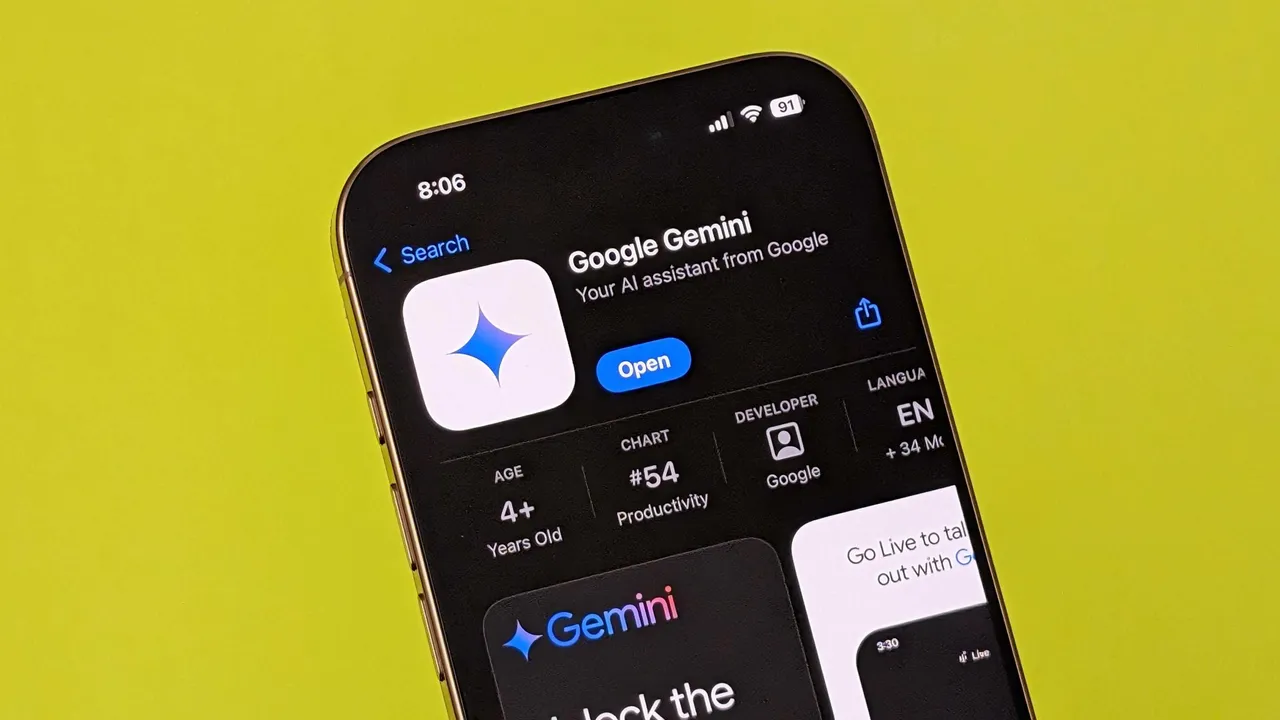
Google Gemini is slowly becoming a strong alternative to Google Assistant. While it still lacks some features, its new Gemini extensions are a step in the right direction.
These tools help you manage tasks, control smart devices, and stay connected. Here are the five best Gemini extensions to improve your productivity.
1. Utilities
Simplify everyday tasks
The Utilities extension helps you manage simple tasks on your Android device. You can set timers, turn on the flashlight, control media, and open apps with voice commands.
For example:
- “Set a timer for 30 minutes.”
- “Turn on the flashlight.”
However, it struggles with multiple commands like “Set a timer and turn on the flashlight.” Despite this, it’s a much-needed tool for quick actions.
2. Google Workspace
Access emails, tasks, and calendars
The Google Workspace extension connects Gemini to Google Docs, Gmail, Calendar, Tasks, and Keep. You can:
- Search emails in Gmail
- Summarize documents
- Manage Calendar events and tasks
Unfortunately, it can’t access folders, attachments, images, or videos. It’s most useful for basic tasks like text searches and managing your schedule.
3. Google Home (Public Preview)
Control smart home devices hands-free
The Google Home extension lets you control smart devices like lights and thermostats. It’s perfect for managing your home using voice commands.
For example:
- “Turn on the living room lights.”
- “Set the thermostat to 22 degrees.”
Some features are still limited. It doesn’t support security cameras, locks, or garage doors yet. However, it’s a must-have for smart home users.
4. Phone and Messages
Stay connected without touching your phone
The Phone and Messages extensions let you make calls and send texts using voice commands. You can:
- Call anyone in your contacts
- Send messages hands-free
However, it can’t accept calls, call voicemail, or work on the lock screen. For now, it’s a basic but essential tool for hands-free communication.
5. WhatsApp
Gemini’s first third-party extension
The WhatsApp extension allows you to send messages and make calls through WhatsApp. It’s ideal for users who prefer WhatsApp over regular messaging apps.
Limitations:
- Doesn’t work on the lock screen
- Can’t read or summarize messages
- Only supports English prompts
Although it’s still rolling out, this extension is promising for WhatsApp users.
The Future of Gemini Extensions
Google Gemini extensions have a lot of potential but still need improvement. Features like calling voicemail, replying to notifications, and managing smart devices fully are still missing. As Gemini evolves, these tools will likely become smarter and more intuitive.For now, these five extensions are the best ways to boost productivity and make the most of Google Gemini.







 Follow on Google News