




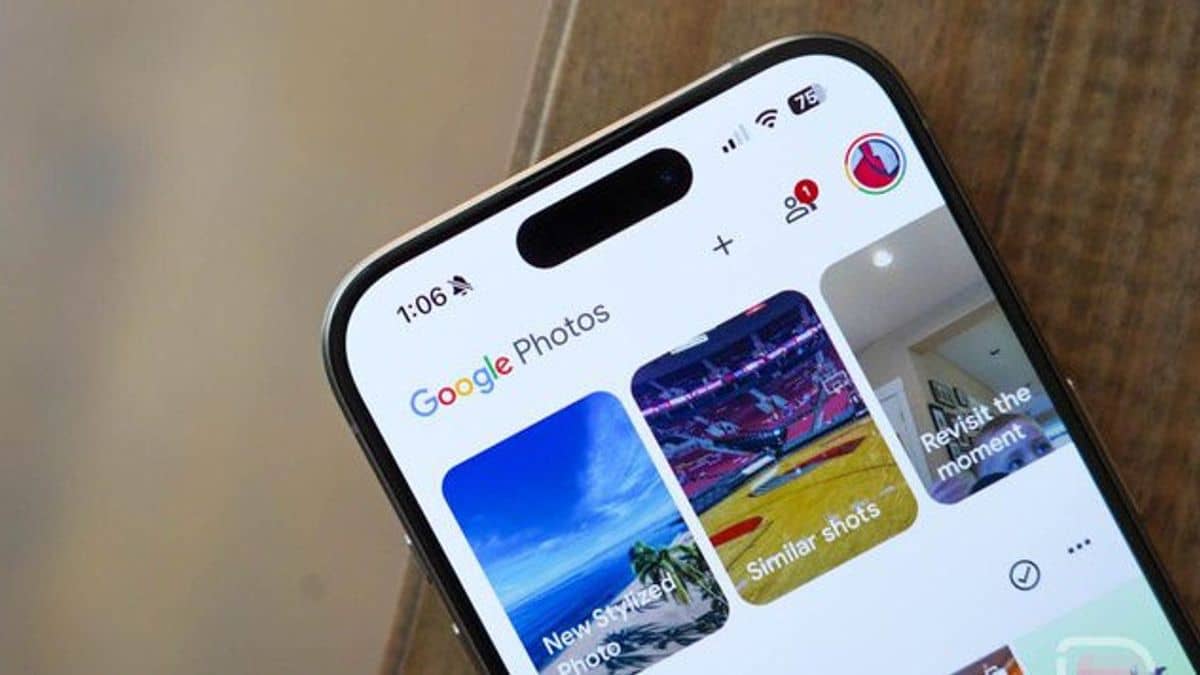
Google Photos is rolling out a new feature called “Undo Device Backup,” allowing users to remove all photos and videos currently backed up from their device to Google Photos, without deleting them from the device itself.
This feature is useful if users no longer want their device’s media to be backed up in Google Photos.
Key Details:
- Impact on Content: Photos removed from the backup will no longer appear in albums, shared albums, search results, and memories. Items in the Locked Folder will also be included.
- Availability: Rolling out now for iOS users, with Android support coming soon.
How to Use ‘Undo Device Backup’:
- Open the Google Photos app.
- Tap your profile picture or initial, then navigate to Google Photos settings > Backup.
- Select Undo backup for this device.
- Confirm the action by checking the box next to the warning.
- Tap Delete Google Photos backup to complete the process.
Afterward, the backup feature will be automatically turned off for the device.
Related Updates:
Google has also modified Partner Sharing to exclude photos from third-party Android apps. This aims to reduce clutter in shared feeds, requiring users to share such images and videos manually.
Stay tuned for more updates and enhancements to Google Photos!




