

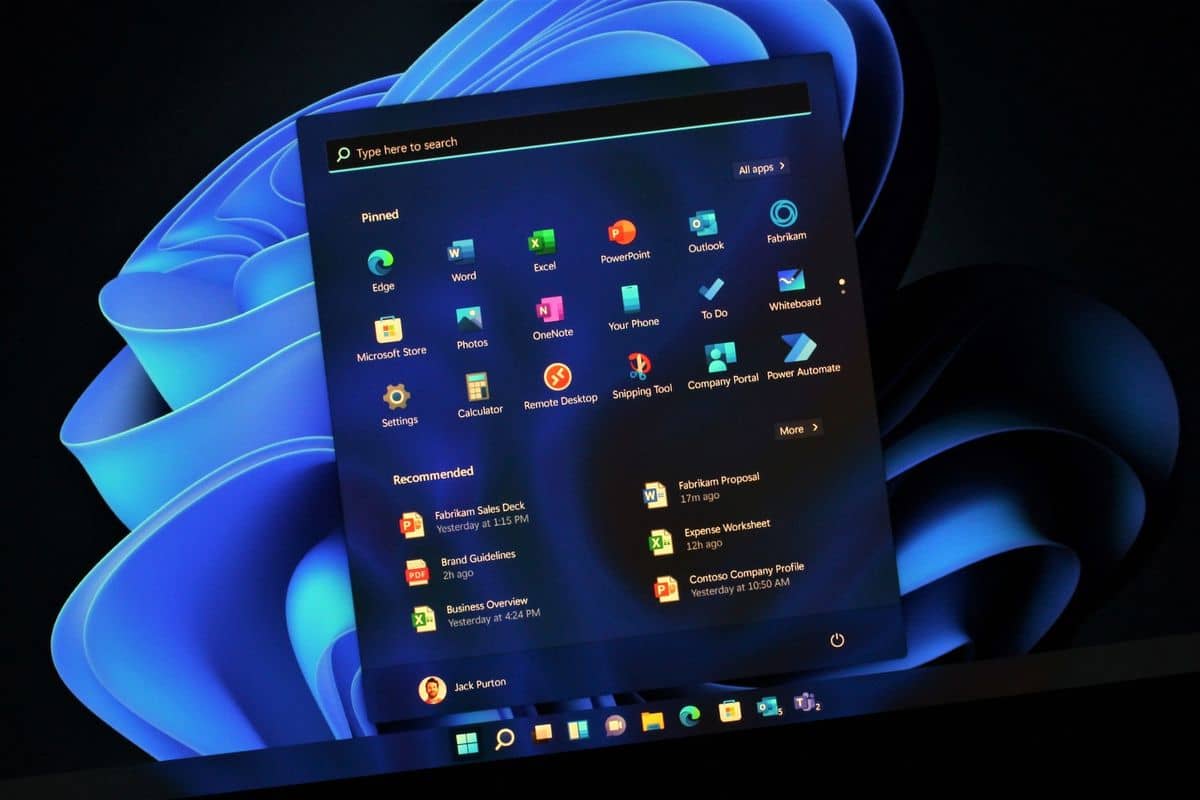
Windows 11 users are facing issues with the February update, KB5051987, which is causing problems like unresponsive File Explorer.
This update is mandatory, meaning it installs automatically, but it has led to several complications for users.
Symptoms of the Issue:
- File Explorer does not respond when opening folders like Desktop, Documents, or Pictures.
- File Explorer fails to open via desktop shortcuts or Windows Search.
- The sidebar in File Explorer becomes inoperable.
How to Fix the Issue:
If you’re experiencing these problems, the best solution is to uninstall the problematic update. Here’s how:
- Access Windows Update Settings:
- Go to “Settings” on your Windows 11 PC.
- Navigate to “Windows Update.”
- Uninstall the Update:
- Find the update labeled KB5051987.
- Click “Uninstall” next to the patch.
- Confirm your decision by selecting “Uninstall” again.
- Reboot Your System:
- Restart your computer to complete the uninstallation process.
- Your system will revert to the January 2025 Update.
- Pause Future Updates:
- If the problem persists after reinstalling, pause updates for up to three weeks.
- This will give Microsoft time to address the issues in the upcoming optional update.
Microsoft is expected to resolve these issues in the February 2025 optional update, scheduled for release in the third week of the month.
Until then, uninstalling the update and pausing future updates is the best course of action to maintain system stability.









Leave a comment