


Close Menu
NoMusica.com
    Facebook X (Twitter) Instagram
    Facebook X (Twitter) Instagram
    NoMusica.comNoMusica.com
    • Entertainment
    • Music
      • Music Production
    • Tech
      • AI
      • Electronics & Gadgets
      • Apps & Updates
      • Smartphones
    • Films & Shows
    • Gaming
    • Streaming
    NoMusica.com
    Home»Tech & Science

    Now Playing on Google Pixel to Auto-Play Songs in Your Favorite App

    December 8, 2024
    Share
    Facebook Twitter LinkedIn Pinterest Email

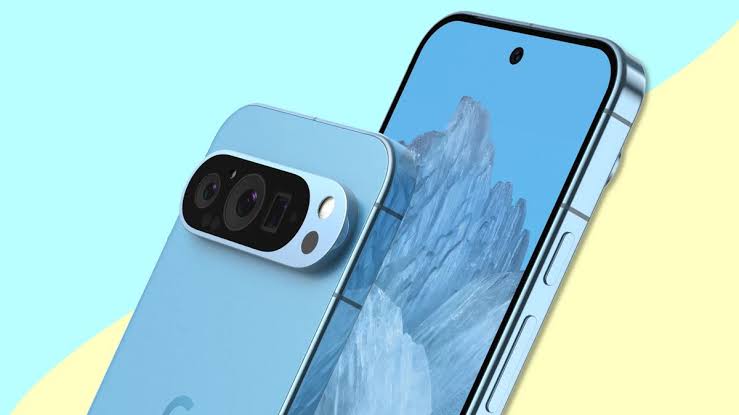
    Now Playing, exclusive to Pixel phones, can identify music playing nearby and show the song on the lock screen.

    This feature, first introduced in 2017 with the Pixel 2 series, will soon let users set a default music streaming app for playing identified songs.

    Right now, users need to choose a platform like Spotify or YouTube Music manually. The update will remove this extra step, making it easier to play songs directly from the lock screen.

    Google’s support page now mentions the option to set a default music player. To use it, users will go to Settings → Sound & vibration → Now Playing → Default music player.

    This feature isn’t live yet, but the documentation suggests it could arrive soon, possibly with other updates like album art for Now Playing history.

    Stay tuned for more details as this new feature launches on Pixel devices.

    Android Google Google Pixel
    Sazid Kabir
    • Website
    • X (Twitter)
    • Pinterest
    • Instagram
    • LinkedIn

    Founder & Chief Editor, NoMusica.com. Sazid Kabir is a tech writer and music producer covering music, tech, and music production with both analytical and practical experience.

    Keep Reading

    New UK Law Could Stop Under-16s From Using TikTok, Instagram and More

    10 Free AI Courses With Certificates for High-Income Skills in 2026

    7 Best Knowledge Base Tools for Learning in 2026 (Ranked)

    Best Open-Source Softwares in 2026: Safe, Free Tools for Creators, Developers, and Everyday Use

    Are APK Downloads Safe? Risks, Legal Issues, and Safer Alternatives

    How to Use Google Nano Banana: Prompt Structure, Examples, and Limitations

    Add A Comment

    Comments are closed.

    Latest Posts

    Spotify Removes Over 75 Million AI-Generated Tracks in Major Crackdown

    July 18, 2026

    Serena Williams Returns and Using GLP-1 Peptides To Improve Her Health

    July 14, 2026

    Future’s The Real Me Debuts Strong but Draws Mixed Reviews

    July 12, 2026

    Rumors of Cardi B Dating Maduka Okoye Sparked After Pair Spotted Together in Paris

    July 9, 2026

    Nipsey Hussle’s Children Finally Receive Shares of His Multimillion-Dollar Estate

    July 8, 2026
    Pages
    • Home
    • Blog
    • About
    • Contact
    • Advertise
    • Cookie Policy
    • Privacy Policy
    Categories
    • AI
    • Tech & Science
    • Films & TV Shows
    • Entertainment
    • Music
    • Streaming
    • Music Production
    Random Reads

    TikTok Faces Shutdown in the US Without App Store Updates

    Huawei, Alibaba, Baidu Lead New AI Alliances Amid Chip Restrictions

    Meet SmolVLM: A Small Yet Powerful Vision-Language Model

    Facebook X (Twitter) Instagram Pinterest
    © 2026 WowPress Digital

    Type above and press Enter to search. Press Esc to cancel.