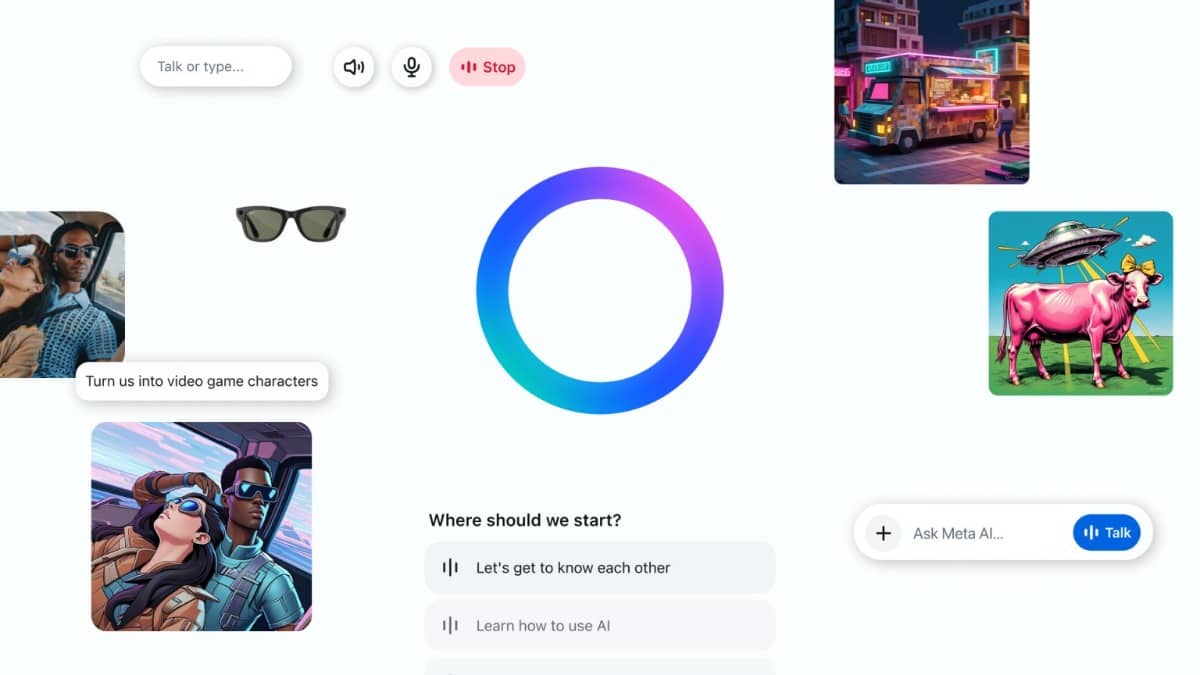
AI apps are no longer experimental tools—they are now practical systems that help with writing, research, productivity, creativity, and automation.
The best AI apps today focus on saving time, improving accuracy, and simplifying everyday digital tasks rather than replacing human work entirely.
This guide covers 15 of the most useful AI apps for daily use, including both well-known platforms and lesser-known tools that add real value.
1. ChatGPT (All-in-One AI Assistant)
Best for: Writing, brainstorming, research, daily tasks
ChatGPT is one of the most versatile AI apps available. It can generate text, summarize documents, explain complex topics, assist with coding, and even analyze files. It supports voice, images, and structured workflows, making it a true all-purpose assistant.
Why it stands out:
- Handles multiple tasks in one place
- Useful for both beginners and advanced users
- Strong for learning, productivity, and content creation
2. Claude (Best for Long Documents & Writing)
Best for: Deep writing, research, document analysis
Claude excels at understanding long-form content like PDFs, reports, and research papers. It’s particularly useful for summarizing large documents and producing structured, readable outputs.
Limitations:
- Fewer integrations compared to some competitors
3. Perplexity AI (AI-Powered Search Engine)
Best for: Research with sources
Perplexity combines AI responses with real-time web citations, making it more reliable than traditional AI chatbots for factual queries.
Why it’s useful daily:
- Provides sources for answers
- Faster than traditional search browsing
- Ideal for students and researchers
4. Google Gemini (Best for Google Ecosystem Users)
Best for: Gmail, Docs, productivity workflows
Gemini integrates directly with Google services, helping users draft emails, summarize documents, and manage tasks within their workflow.
Best use case:
If you already use Google Workspace daily, Gemini becomes a natural extension.
5. Microsoft Copilot (Best for Office Users)
Best for: Word, Excel, PowerPoint automation
Copilot integrates into Microsoft 365, allowing users to generate presentations, analyze spreadsheets, and automate emails directly inside familiar tools.
Strength:
- Deep integration with work tools
- Saves time on repetitive office tasks
6. Notion AI (Smart Notes & Organization)
Best for: Notes, planning, knowledge management
Notion AI helps organize notes, summarize ideas, and generate structured content inside a workspace. It’s especially useful for students, creators, and teams.
Key advantage:
Turns messy notes into clear, actionable content.
7. Grammarly (AI Writing Assistant)
Best for: Editing and clarity
Grammarly uses AI to improve grammar, tone, and readability. It’s ideal for emails, assignments, and professional writing.
Why it matters:
- Improves clarity instantly
- Helps avoid communication mistakes
8. Canva Magic Design (AI Design Tool)
Best for: Social media, presentations, visuals
Canva’s AI tools allow users to generate designs from simple prompts, making it easy to create visuals without design experience.
Use case:
Quick thumbnails, posts, and presentations.
9. Midjourney (AI Image Generation)
Best for: Creative visuals and artwork
Midjourney creates high-quality images from text prompts. It’s widely used by designers, marketers, and creators.
Limitations:
- Requires prompt experimentation
- Not ideal for everyday productivity tasks
10. Runway (AI Video Editing)
Best for: Video creation and editing
Runway provides AI-powered video tools such as background removal, text-to-video, and editing automation.
Daily use case:
Short-form content creation and editing workflows.
11. Zapier (AI Automation Tool)
Best for: Workflow automation
Zapier connects apps and automates repetitive tasks like sending emails, updating spreadsheets, or syncing data.
Why it’s powerful:
- Saves time across multiple apps
- No coding required
12. Otter.ai (AI Meeting Assistant)
Best for: Transcriptions and meeting notes
Otter records conversations, transcribes them, and summarizes key points automatically.
Ideal for:
- Students
- Meetings
- Interviews
13. Poe (Multi-Model AI Platform)
Best for: Comparing different AI models
Poe allows users to interact with multiple AI models in one interface, making it useful for testing responses and workflows.
Unique benefit:
- Access to multiple AI systems in one app
14. Huxe (AI Daily Briefing App)
Best for: Personalized daily summaries
Huxe generates AI-powered audio briefings based on your email, calendar, and interests, helping you stay updated without checking everything manually.
Consideration:
- Requires access to personal data, so privacy awareness is important
15. UpTicker (AI Productivity Coach)
Best for: Habit building and daily planning
UpTicker focuses on improving routines using AI. It analyzes behavior patterns and suggests better scheduling and habits.
Why it’s interesting:
- Focuses on behavior, not just tasks
- Less mainstream but highly practical
How to Choose the Right AI App
When selecting AI apps for daily use, focus on:
- Use case: Writing, research, automation, or creativity
- Integration: Works with tools you already use
- Privacy: Understand what data the app accesses
- Reliability: Consistent and accurate outputs
Most users don’t need all 15 tools. A practical setup might include:
- One AI assistant (ChatGPT / Claude)
- One research tool (Perplexity)
- One productivity tool (Notion AI or Copilot)
- One creative tool (Canva or Midjourney)
Final Thoughts
AI apps are most effective when used as assistive tools rather than replacements for human decision-making. The best daily-use apps focus on improving efficiency, organizing information, and reducing repetitive work.
By combining a few well-chosen tools, you can build a workflow that is faster, clearer, and more productive—without relying on hype or unnecessary complexity.