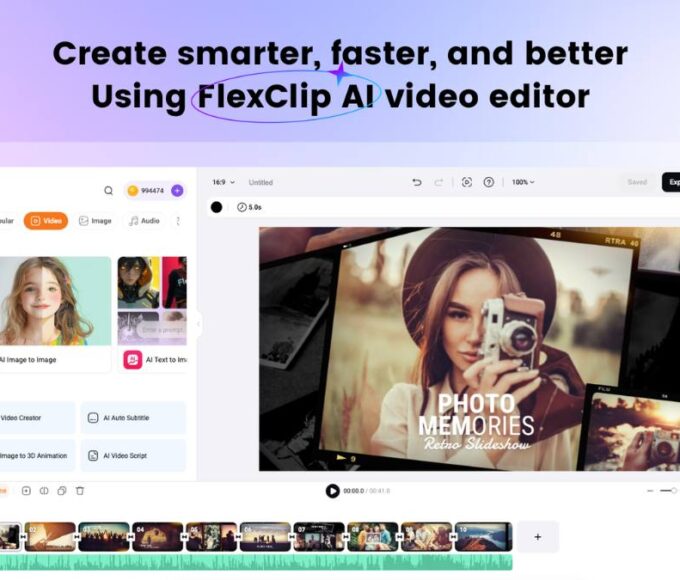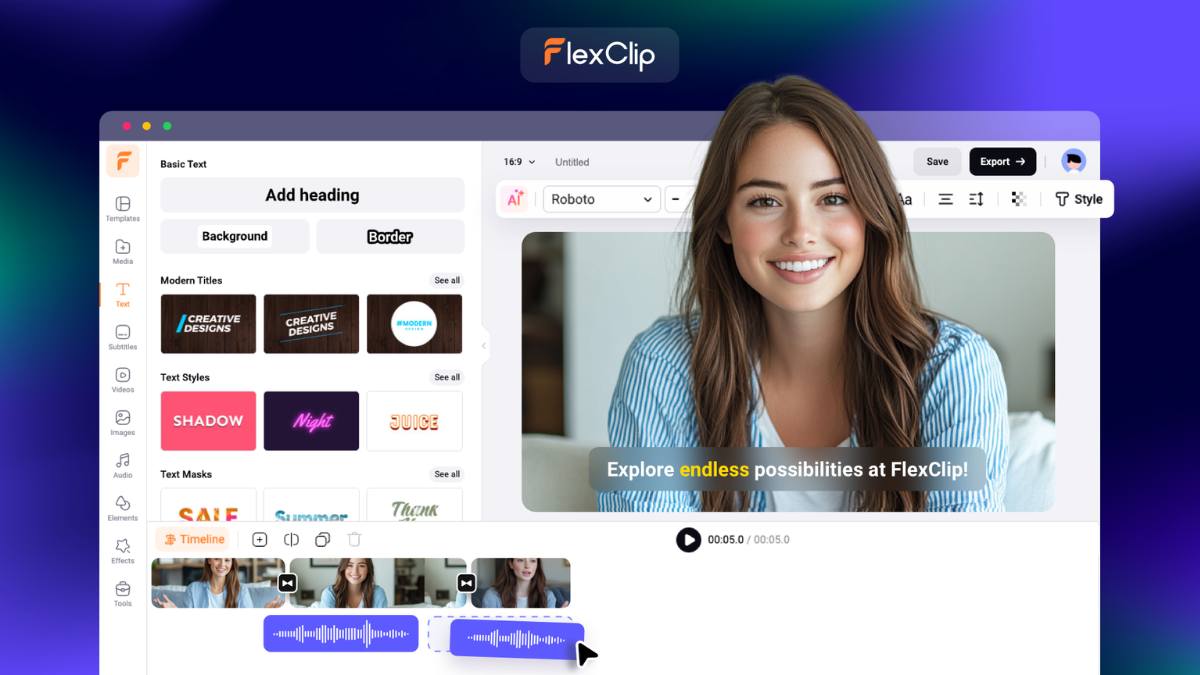
Video editing can feel like a pain. Some tools are too hard to learn. Others need a strong computer just to run properly. That is why FlexClip stands out in 2026.
It works fully in your browser, so there is nothing to download. You just open it and start creating. It runs on Chrome, Safari, Firefox, Edge, and other modern browsers, which makes it easy for almost anyone to use.
Why FlexClip feels so easy
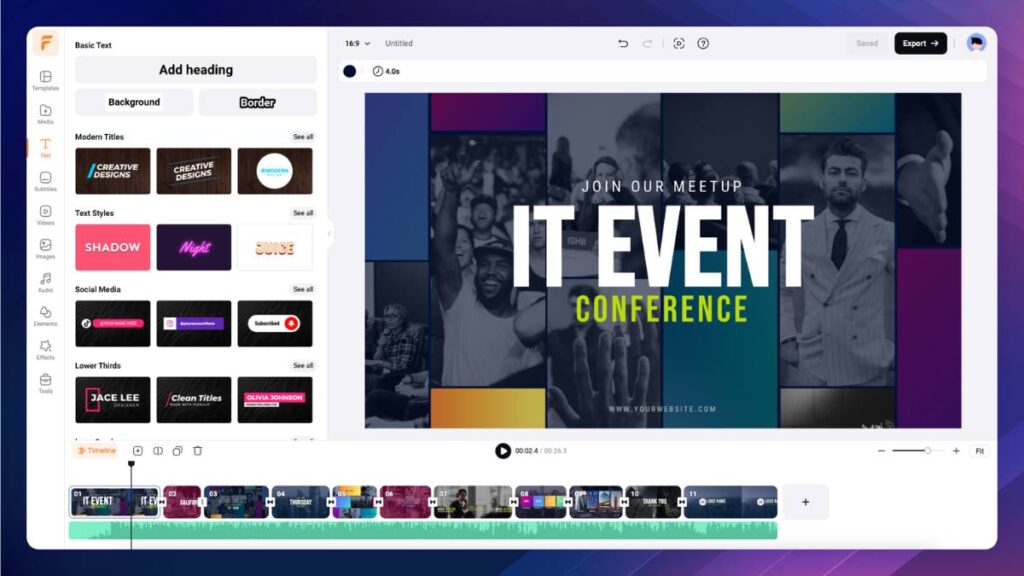
The best thing about FlexClip is how simple it feels from the start. The layout is clean, the tools are easy to find, and the drag-and-drop editing works well. Even if you have never edited a video before, you can get going quickly.
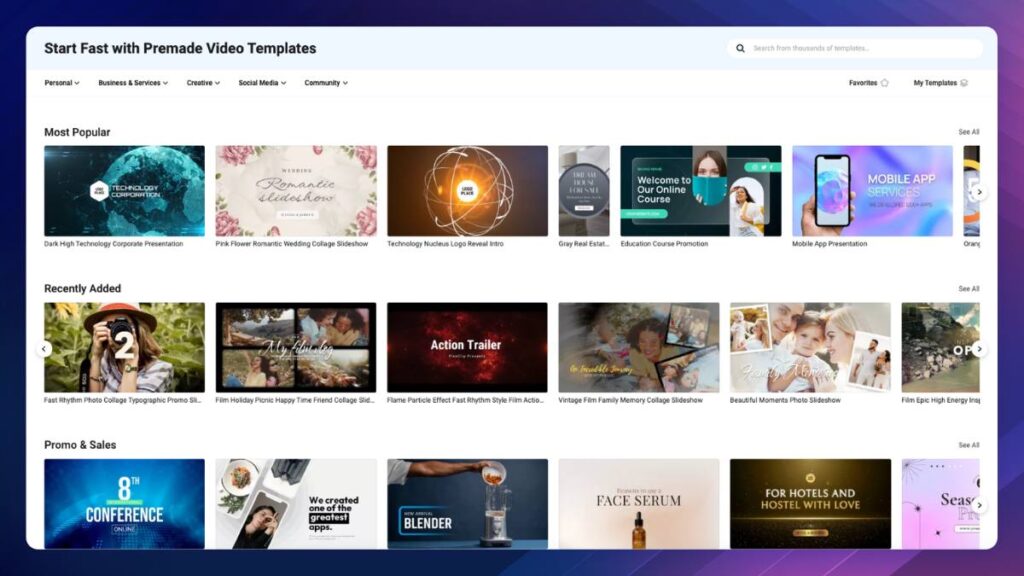
There are also loads of templates. You can make social posts, promo clips, explainers, slideshows, YouTube intros, and family videos without starting from scratch.
The AI tools are the big selling point
FlexClip does not just offer basic editing. It also has a strong set of AI tools that save a lot of time.
You can turn text into video, generate scripts, create voiceovers, remove backgrounds, add subtitles, reduce noise, and even improve images. It also has AI Recreate and Auto Edit, which help shape rough clips into something cleaner and more polished.
These tools feel useful, not gimmicky. They speed things up and give you a strong starting point.
Stock assets make life easier
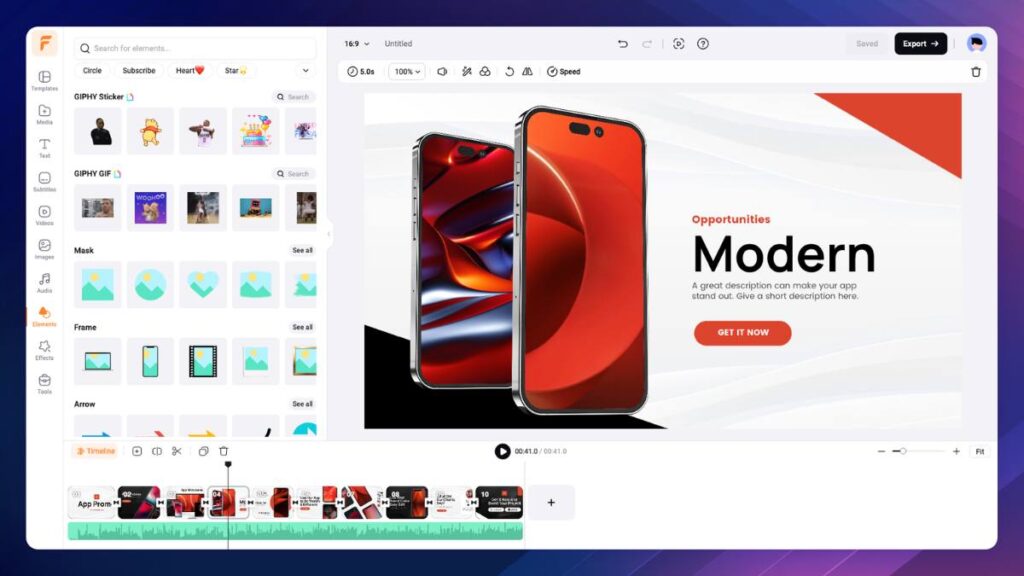
Another big plus is the built-in library. FlexClip gives you access to stock video, photos, music, and sound effects inside the platform.
That means you do not need to waste time jumping between websites looking for content. Everything is there in one place.
Good for work and personal projects
FlexClip works well for business videos, ads, school projects, tutorials, and social media content. It also works well for personal stuff like travel videos, birthday slideshows, and family memories.
The built-in screen recorder and webcam recorder also help if you need to make demos, presentations, or online lessons.
A few downsides
It is not perfect. Like most browser-based tools, it can slow down a bit on very large projects or weak internet connections. Advanced editors may also want more detailed controls than FlexClip offers.
But for most people, that will not matter much. If your goal is to make clean, good-looking videos fast, it does the job very well.
Pricing in 2026
FlexClip has a free plan, which is good for testing the platform and making simple videos. Paid plans unlock better export quality, more AI credits, more stock access, and extra storage.
That makes it easy to start small and only pay more if you need the extra features.
Final verdict
FlexClip gets a lot right. It is simple, fast, and packed with useful features. The AI tools are genuinely helpful, and the whole platform feels built for people who want results without stress.
If you want an online video editor that is easy to use but still powerful enough for real projects, FlexClip is well worth trying.
You can try it here: www.flexclip.com