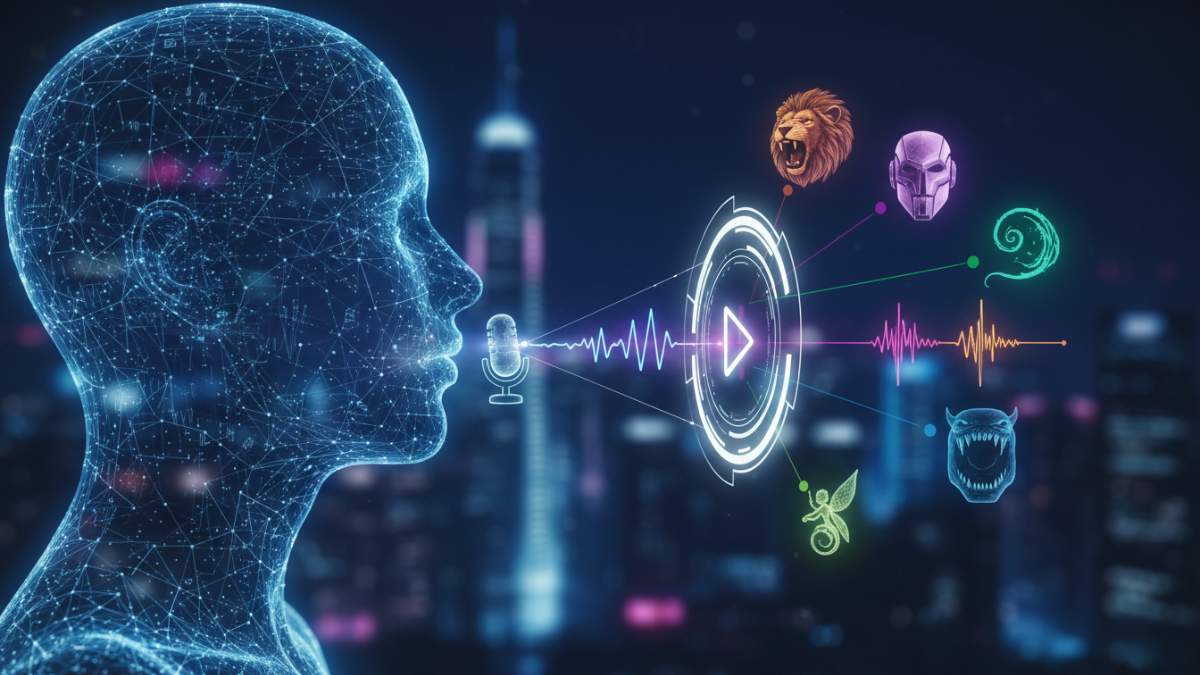
AI voice changers now turn your voice into anything in real time. Want to sound like a robot, a girl, a celebrity, or a monster? These tools work great with Discord, Twitch, OBS, Valorant, Fortnite, and more. No lag, easy setup, and many are completely free.
Here are 10 solid free options that gamers and streamers actually use in 2026.
1. Voicemod
Voicemod is the most popular real-time voice changer for gamers. It offers dozens of fun voices, soundboard effects, and low latency. The free version gives rotating voices daily plus a clean mic boost. Perfect for Discord, Twitch, and in-game chat.
Try it here: voicemod.net
2. Clownfish Voice Changer
Clownfish is completely free and works system-wide. It changes your voice for any app that uses your mic, including Discord, Skype, and games. Simple presets like robot, alien, or pitch shifts make it great for beginners.
Try it here: clownfish-translator.com/voicechanger
3. EaseUS VoiceWave
EaseUS VoiceWave delivers realistic AI voices with real-time performance. It includes 300+ voices (celebrities, characters, singers) and works smoothly on low-end PCs. Gamers love it for Valorant, CS2, Roblox, and streaming.
Try it here: Search “EaseUS VoiceWave” or visit multimedia.easeus.com/voice-changer
4. Voice.ai
Voice.ai uses advanced AI for natural-sounding voice changes. It has a big community library of voices and low latency. Free version lets you try many effects — ideal for live streaming and roleplay on Twitch or Discord.
Try it here: voice.ai
5. MorphVOX
MorphVOX offers free voice effects with good customization. Add pitch shifts, background sounds, and noise reduction. It integrates well with games and streaming software. The junior/free version covers most basic needs.
Try it here: Search “MorphVOX free” official site
6. iMyFone MagicMic
MagicMic provides real-time voice changing with many AI effects and soundboards. It works great for gaming and streaming with low delay. Free version includes solid presets for fun voices.
Try it here: imyfone.com/magicmic
7. W-Okada Voice Changer (RVC)
This open-source tool is fully free and powerful. It uses RVC AI tech for high-quality voice conversion. Tech-savvy gamers use it for custom voices. It runs locally with low latency once set up.
Try it here: github.com/w-okada/voice-changer
8. MyEdit (Online)
MyEdit is a free browser-based voice changer. Upload or record audio and apply AI effects quickly. Good for quick clips or testing voices before streaming. No install needed.
Try it here: Search “MyEdit voice changer” or visit cyberlink-related free tools
9. VoiceMeeter
VoiceMeeter is a free virtual audio mixer with voice effects. It gives pro-level control over your mic and sound routing. Streamers use it to mix voice changes with game audio cleanly.
Try it here: Official VB-Audio site (VoiceMeeter)
10. BareFox Voice Changer
BareFox is a lightweight real-time option popular in 2026 gaming videos. It focuses on low CPU usage and smooth performance during long streams or competitive games.
Try it here: Often bundled or searched as “BareFox voice changer” in 2026 guides
These tools keep getting better with AI improvements. Start with Voicemod or Clownfish if you want simple and free. For more realistic AI voices, try EaseUS VoiceWave or Voice.ai. Test a couple to see what fits your setup and games.
Always check the latest free limits on each site, as features can change.






 Follow on Google News