Apple’s AirDrop makes file sharing between an iPhone, iPad, and Mac feel effortless. But there’s one big problem — it only works inside Apple’s ecosystem.
For users with a mix of devices, that limitation quickly becomes frustrating. Sending files between Windows, Android, and Apple devices often means emailing yourself or using cloud storage as a middleman.
That’s where LocalSend comes in.
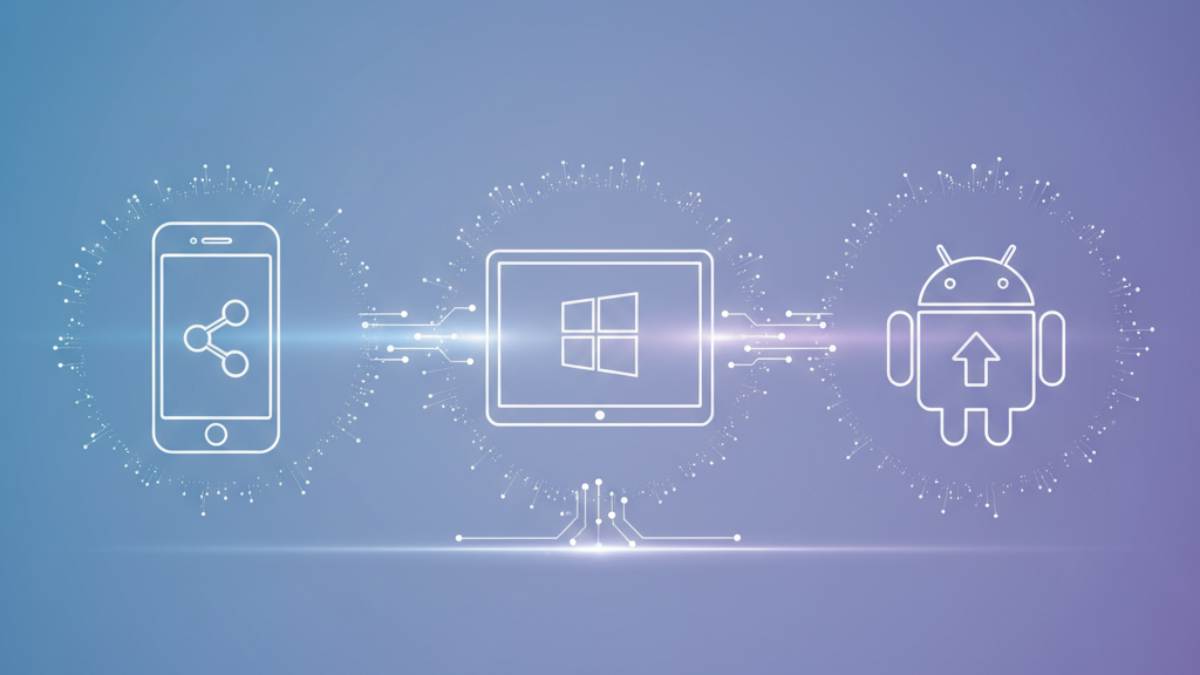
LocalSend is a free, open-source app that works across Windows, macOS, Linux, Android, and iOS. It allows devices on the same network to send files directly to each other. No accounts. No cloud. No syncing folders.
Once installed, the app automatically detects other LocalSend devices on the same Wi-Fi network. You pick a file, select a device, and accept the transfer. There’s no pairing process and no login required.
Unlike AirDrop, you don’t need to sign into an Apple account. You can send files from an Android phone to a Windows PC just as easily as from an iPhone to a Mac. You can also share folders, text, and even send files to multiple devices at once.
There are limits. LocalSend only works on the same local network. It does not support remote transfers unless you use other tools. That means you can’t send files from outside your home Wi-Fi.
Still, for people with mixed-device setups, it solves a major headache. If your home includes Apple, Windows, Android, and Linux devices, LocalSend may quietly replace AirDrop in your daily workflow.