

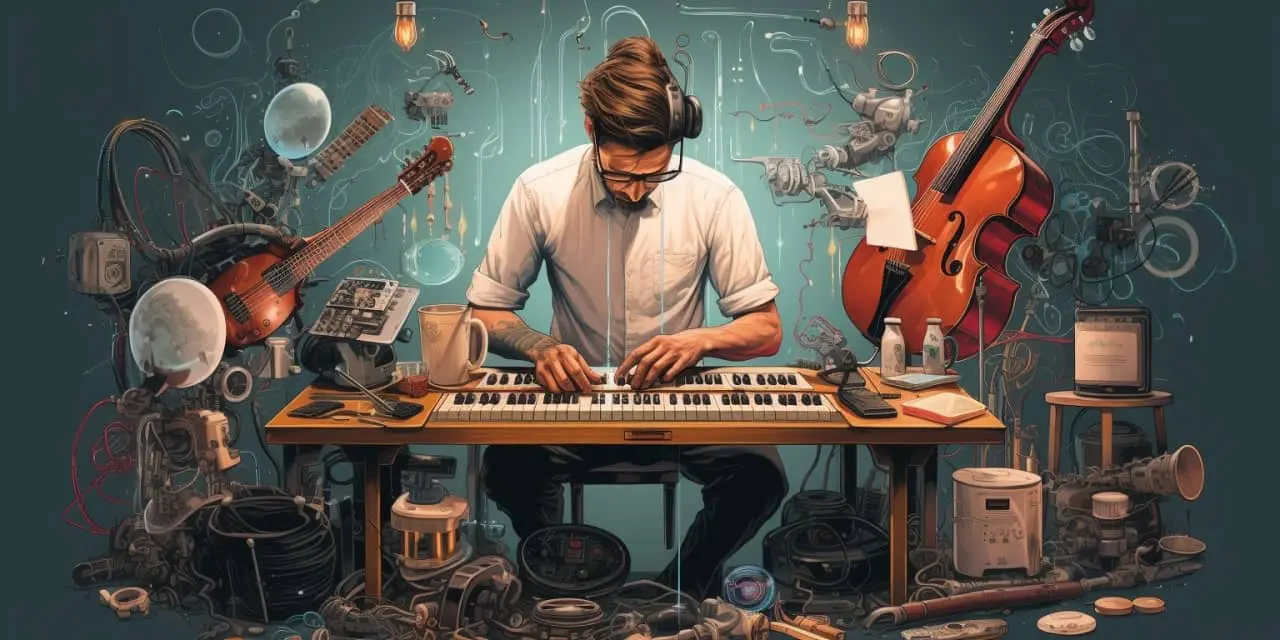
AI tools have changed how music is created, edited, and promoted. In 2026, you don’t need a full studio or marketing team to produce songs, design visuals, or promote your releases.
However, not all AI tools are built for the same purpose. Some generate full songs, others help with mixing, and some are designed for promotion and content creation.
This guide breaks down 15 AI tools musicians can actually use, grouped by real-world use cases — with clear explanations, limitations, and when to use each.
Quick Setup: A Practical AI Workflow for Musicians
If you’re starting out, this combination covers most needs:
- Music creation: Suno or Udio
- Editing & mastering: LANDR or iZotope tools
- Artwork & visuals: Canva or Adobe Firefly
- Promotion: Copy.ai or Buffer AI
This setup allows you to go from idea → finished track → promotion without paid software.
AI Tools for Music Creation (Song Generation)
1. Suno
Suno generates complete songs from text prompts, including vocals, lyrics, and instrumentation.
- Best for: quick demos, social media content, idea generation
- Not ideal for: final commercial releases without reviewing licensing
Visit: https://suno.ai
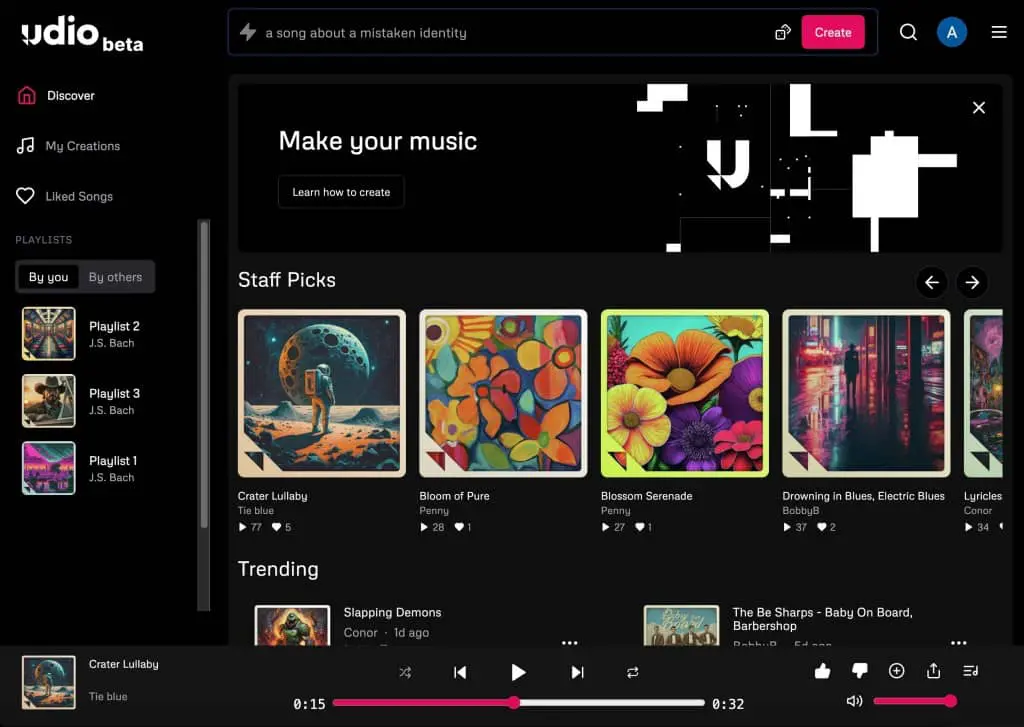
2. Udio
Udio focuses on higher-quality generation with more control over structure and sound.
- Best for: producers who want more control
- Limitation: slower workflow compared to Suno
Visit: https://udio.com
3. Soundraw
Soundraw creates royalty-free instrumental music tailored for content.
- Best for: YouTube, background music
- Limitation: no vocals
Visit: https://soundraw.io
4. Boomy
Boomy allows users to create songs and publish them directly to streaming platforms.
- Best for: beginners releasing music quickly
- Limitation: limited control over composition
Visit: https://boomy.com
5. AIVA
AIVA specializes in composing cinematic and orchestral music.
- Best for: film scoring, emotional compositions
- Limitation: less suited for modern pop or EDM
Visit: https://aiva.ai
AI Tools for Audio Editing & Production
6. LANDR
LANDR offers AI mastering and distribution tools.
- Best for: quick mastering without technical knowledge
- Limitation: less control than manual mastering
Visit: https://www.landr.com
7. iZotope Ozone (AI Mastering Assistant)
Ozone uses AI to suggest mastering settings based on your track.
- Best for: semi-professional mastering workflows
- Limitation: requires DAW knowledge
Visit: https://www.izotope.com
8. iZotope RX
RX helps clean audio (noise removal, repair, vocal clarity).
- Best for: fixing recordings
- Limitation: not a music creation tool
Visit: https://www.izotope.com
9. LALAL.AI
LALAL.AI separates vocals and instruments from songs.
- Best for: remixing, sampling (with proper rights)
- Legal note: only use audio you have rights to
Visit: https://www.lalal.ai
10. Moises.ai
Moises offers stem separation and practice tools.
- Best for: musicians learning or remixing
- Limitation: depends on input quality
Visit: https://moises.ai
AI Tools for Music Promotion & Marketing
11. Copy.ai
Copy.ai generates captions, bios, and promotional text.
- Best for: social media posts, release announcements
- Limitation: requires editing for authenticity
Visit: https://www.copy.ai
12. Jasper AI
Jasper is designed for longer-form marketing content.
- Best for: blogs, artist branding
- Limitation: overkill for simple posts
Visit: https://www.jasper.ai
13. Buffer AI Assistant
Buffer helps generate and schedule social media posts.
- Best for: consistent posting
- Limitation: depends on platform strategy
Visit: https://buffer.com
AI Tools for Artwork & Visual Content
14. Canva (AI Tools)
Canva includes AI image generation and design tools.
- Best for: cover art, social posts
- Limitation: less control than advanced tools
Visit: https://www.canva.com
15. Adobe Firefly
Firefly generates high-quality visuals and design assets.
- Best for: professional artwork and branding
- Limitation: requires Adobe ecosystem familiarity
Visit: https://www.adobe.com/firefly
How to Choose the Right AI Tools
1. Define your goal
- Making songs → Suno / Udio
- Editing audio → iZotope / LANDR
- Promotion → Copy.ai / Buffer
- Visuals → Canva / Firefly
2. Start simple
Avoid using too many tools at once. One tool per task is enough.
3. Check licensing before publishing
AI tools often allow commercial use only on paid plans.
Legal and Safety Considerations
- Only upload audio you own or have permission to use
- Avoid generating content that imitates real artists
- Review each platform’s commercial licensing terms
- Be cautious with voice cloning or identity-based tools
Final Thoughts
AI tools in 2026 are no longer experimental — they are practical tools that can speed up music production and promotion.
However, they are not replacements for creativity. The best results come from combining your ideas with AI assistance, not relying on automation alone.
For most musicians, a simple setup using 3–5 tools is more effective than trying every platform available.




Leave a comment